
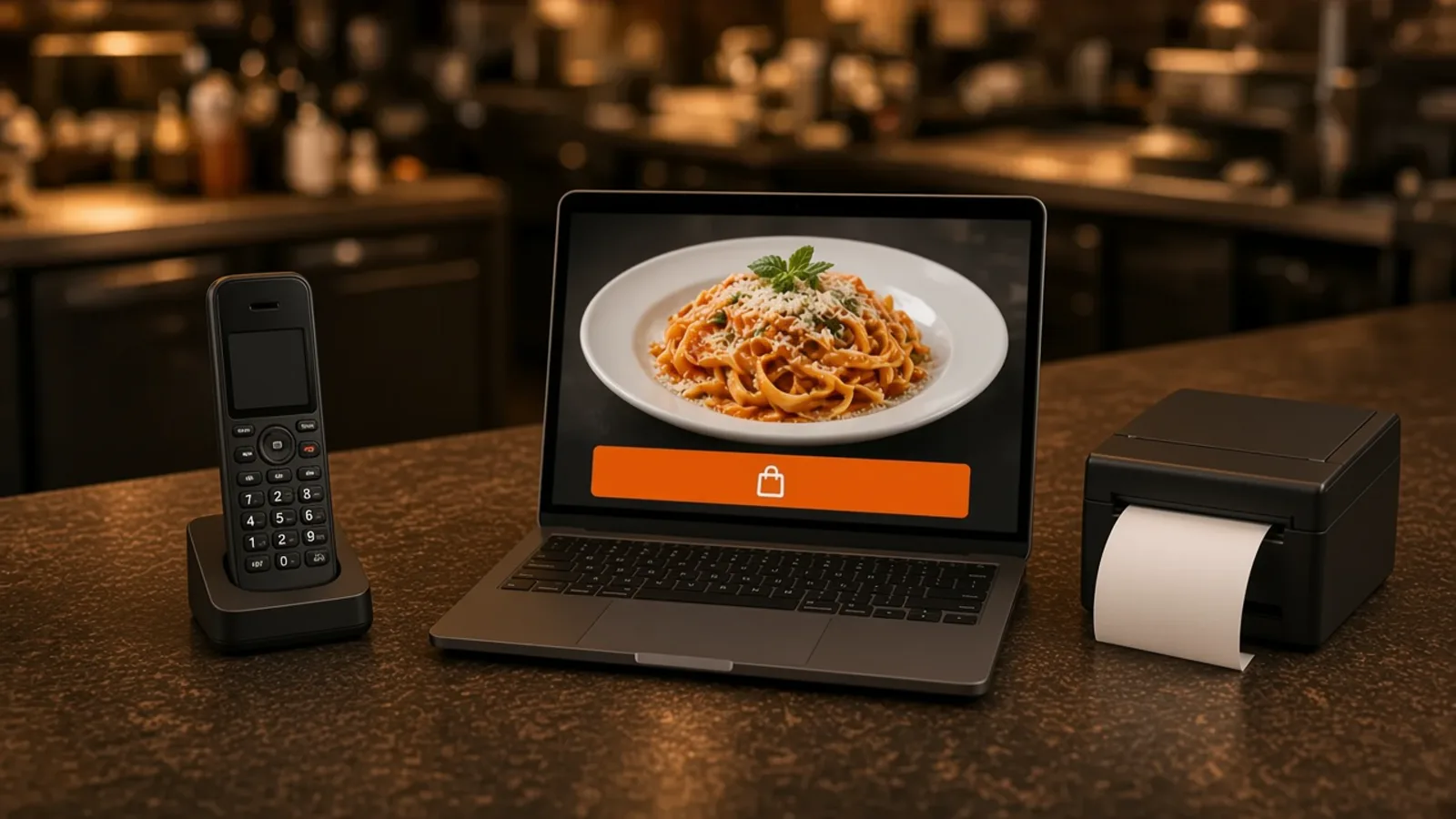
A Restaurant Ordering System Is One Ticket
A restaurant ordering system is three doors that should behave like one kitchen. A guest on the website, a guest on the phone, and a cook at the pass should share a ticket. If those are three languages, you have a pile.
This page is how an order arrives, gets confirmed, and prints. What the guest sees on your site is order food online. Choosing a site against a marketplace is online ordering for restaurants. A person, a call center, or an AI on the phone is restaurant phone ordering system. The icon someone installs is restaurant phone app. Opening checklists are a different job: restaurant task management app.
How a Web Order Arrives
A web order starts on your domain, on the phone the guest already has. They pick a category, a size or a topping, and the price sits on the choice that changes it. The cart shows a running subtotal. Pickup is for the guest who will walk in. Delivery is the zone, the radius, and the fee you set.
Ordering opens and closes with the hours you save. Hide a sold-out item in restaurant admin and the storefront updates. The website is on every plan. You do not need an app for this door. Accounts, saved orders, and loyalty points are included, and you set what the points are worth. The menu itself is online ordering.
How a Phone Order Arrives
A phone order starts when someone calls. Sky AI answers unlimited inbound calls, with no per-minute fee, and takes items, modifiers, and pickup or delivery. It is not in the signup wizard. After onboarding, open Admin, then Integrations, and turn it on when a test call is worth making.
The phone can only sell the menu you gave it. Fix missing modifiers on the site first, so the call and the website ask the same questions. If you are still choosing among a person, a call center, and an AI, that comparison is restaurant phone ordering system. Here the phone is the second door into the same ticket.
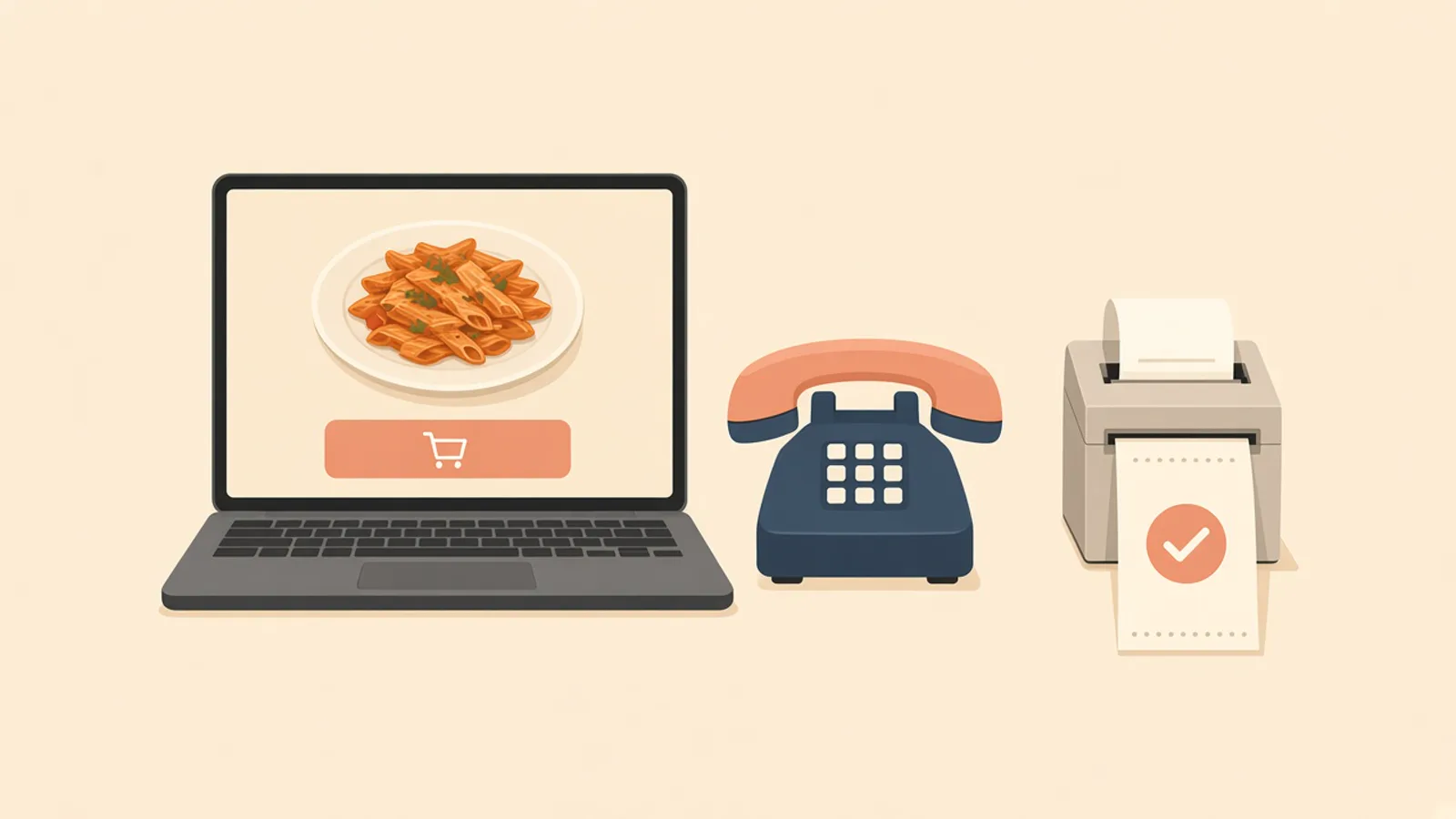
Confirmed Means the Guest Already Paid
Confirmation is payment. On the website, checkout can use a Stripe token, an Authorize.net account, or Electronic Payments. Apple Pay is on Growth and Growth Plus, through Authorize.net, and not on Standard. Cash on delivery can cover you while a merchant application is processing. Say so at the door if you use it.
On the phone, Sky AI confirms the ticket, then the guest pays on a keypad. Sky AI never hears the full card number. The kitchen should see the order after that payment, not from a voicemail. The branded iOS app is an extra door on Growth and Growth Plus after 3 months on Standard. There is no published Android app. What the icon includes is food order application.
The Kitchen Prints the Same Ticket
A restaurant ordering system fails in an inbox. The paid order has to show up where the cook looks, and it should print. Web orders and paid phone orders share one board in restaurant admin and one receipt printer.
Paper the Line Already Reads
Use the printer you have. If you need a print path, hardware is $500 once: a mini PC print server and a receipt printer. Admin runs in the browser on a tablet or computer you own. Place a test of the most annoying item, then read the paper at the pass. If a new cook would not fire it, fix the modifiers before you share the link. That printer test is restaurant order taking app.
Status After the Print
Staff move the order from new to preparing to ready to delivered, so the counter and the line agree. Ready should mean the bag is at the door. Do not keep a second status in a text thread. If the paper and the screen disagree, fix the screen and go back to one place.
What Stays Outside This System
This restaurant ordering system is web, phone, and the kitchen ticket. It is not an opening checklist. Mopping, temperature logs, and the lock stay on the list you already use. That split is restaurant task management app.
It does not dispatch drivers, run a fleet, track drivers, or offer geofencing. You set the zone. If a dish will not survive the ride, leave it on pickup. Marketplace apps can still introduce a stranger, and they often charge 15 to 30% of that sale. Your contract beats the range. The reorder belongs on your domain. The shift version of the login is MicroSky Food restaurant admin.
What the System Costs
Standard is $249 per month plus 5% of net sales. That plan is the website, admin, loyalty, the printer you already have, Google order links, and Sky AI. Growth is $499 per month plus 7% of net sales and adds a branded iOS app, a website redesign, app push, and monthly work on 5 keywords. Growth Plus is $999 per month plus 10% of net sales and adds email, SMS, and 10 keywords. Both require 3 months on Standard.
The other Standard choice is on pricing. A quiet month can feel the subscription first. A busy month can feel the percentage. Hardware is $500 once if you need the print server and a receipt printer. There is a 30-day free trial and no long-term contract.
Place One Paid Test Before You Share It
Start the 30-day free trial. The wizard covers your profile, menu, hours, delivery zones, and billing. A storefront can be set up in about 10 minutes. If you already have a site, onboarding can scan it for items and prices. Read every item, turn pickup on, and draw the zone to streets you already serve. How it works is the short version.
Pay for one web test and print it. After Sky AI is on, place one phone test and confirm it hits the same printer. Share the link only when both papers look like tickets you would hand a new cook. Restaurants on the platform are on clients. Questions go through contact. See a storefront in the live demo. Start 30 Day Free Trial. Call (888) 960-1359.