
What online ordering for restaurants has to do
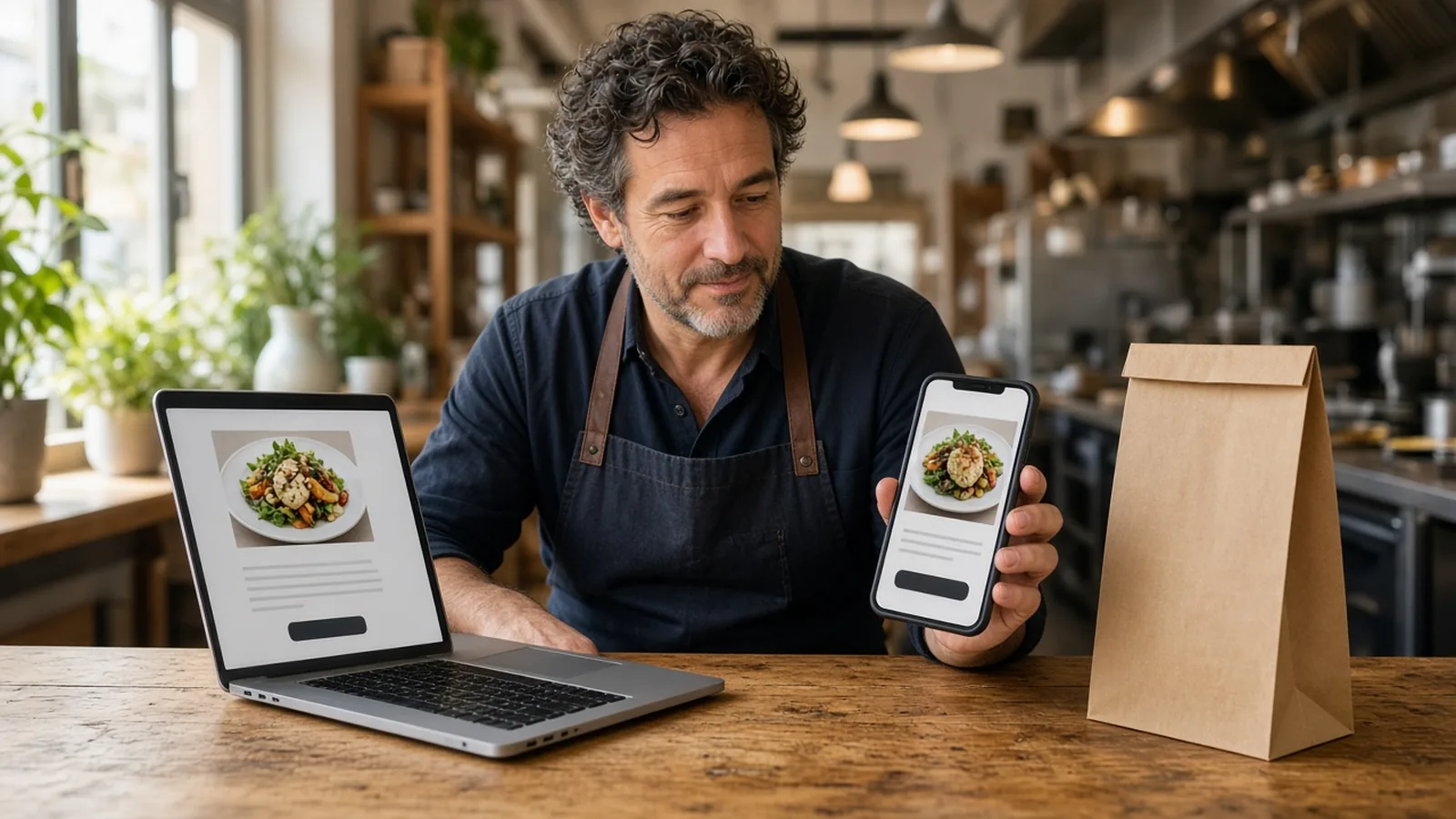
Owners who search online ordering for restaurants want the next meal without handing the guest to someone else's app. A person on a phone should see your name, choose the food, pay, and produce a ticket the kitchen will cook. A PDF is a reading assignment. A button that leaves your site is a referral.
This page is the buying decision: what the phrase covers, which options exist, what to look for, what it costs, and how a launch goes. The product surface is online ordering. Layout is restaurant website design. Zones, and the fact that there is no fleet, are online food ordering and delivery platform. Fee lines on the monthly report are restaurant profit and loss. How many items to publish is online ordering menu.
Your site, or a marketplace listing
A marketplace app can introduce a stranger. It also lists you beside other kitchens, keeps the reorder, and often charges 15 to 30% of the sale. Your contract beats that range. You do not have to turn those apps off on day one. You do need a door you own for the person who already knows your name.
Direct orders mean the checkout is on your domain. The account, the saved order, and loyalty points live on storefront purchases. You set the reward. A marketplace receipt does not build that list. The guest who reorders on Friday should not need someone else's app.
In plain language, the guest should see your brand. The longer identity question is white label online ordering. Here the question is whose name is on the checkout, and who keeps the next order.
What to look for before you start
Judge the offer by the ticket. The guest should land on your domain. The menu should carry the sizes, toppings, and modifiers the counter already asks, with a price on any choice that costs more. The cart should show a running subtotal. Hours should close the order when the kitchen is closed. Someone on the shift should be able to 86 an item without calling a vendor.
Ask whose card processor you keep. Bring a Stripe token, connect Authorize.net, or sign up with Electronic Payments. Apple Pay is available on Growth and Growth Plus plans, through Authorize.net, not on every plan. Cash on delivery can cover orders while a merchant application processes. Ask what prints. An email inbox will not survive a Friday. Use the printer you have, or the $500 package: a mini PC print server and a receipt printer. Admin runs in the browser on a tablet or computer you already own.
- Your domain on the checkout, with your photos and your prices.
- Pickup, and delivery only where you set a zone, a radius, and a fee.
- Hours that open and close the cart with the kitchen.
- A staff login that can 86 an item during the shift.
- A printer the cook will actually look at.
- A monthly price and a percentage you can say out loud.
What this platform does not sell
Some offers lead with cars, a map, or a tip screen. That is a different product. MicroSky Food does not dispatch drivers, run a delivery fleet, or offer geofencing. You set where you deliver and what it costs. Checkout does not add a tip prompt, so do not promise one. Loyalty points on storefront purchases are on every plan. A branded iOS app and its push notifications are on Growth and Growth Plus, after 3 months on Standard. Email and SMS are on Growth Plus. The website does not wait for an app install.
What online ordering for restaurants costs
Compare the monthly price, any percentage of net sales, hardware, and whether you can leave. On Standard, choose $249 per month plus 5% of net sales, or $499 per month flat. Growth is $499 per month plus 7% of net sales. Growth Plus is $999 per month plus 10% of net sales. Growth and Growth Plus require 3 months on Standard. There is a 30-day free trial and no long-term contract. The Standard choice is written on pricing.
Set the percentage beside a marketplace fee that often lands in a 15 to 30% band. The monthly plan is extra. A quiet shop can feel $249 or $499 before it feels a percentage. Write both. On a $40 order, 5% is $2 and 30% is $12. That sketch is arithmetic, not your margin. Which line each dollar occupies is restaurant profit and loss.
Do not buy Growth just to get a website. The ordering site, zones, accounts, loyalty, live orders, Google order links, and Sky AI phone ordering are on Standard. Growth adds the iOS app, a main website redesign, and monthly SEO for 5 keywords. Growth Plus adds email, SMS, push, and monthly SEO for 10 keywords. Start with the ticket. Upgrade when the extra channel is a real job.
How to launch on your own domain
Click Start 30 Day Free Trial and the guided onboarding wizard walks you through your restaurant profile, menu, hours, delivery zones, and billing. Most restaurants are set up the same day. The guided onboarding wizard takes most restaurants through profile, menu, and billing setup in under an hour. Photos and odd modifiers take the afternoon. How it works is the short version of that path.
Read every imported item. Place one paid test, print it, and refund it if the kitchen should not cook it. Tell a regular only after the ticket looks like something you would hand a new cook. Then put the link where the old PDF used to be, including the Google order link once the site deserves the tap.
Restaurants already on the platform are on the clients page. Questions go through contact. See a menu on a phone in the live demo. Start 30 Day Free Trial. Call (888) 960-1359.