
The app is the ticket, not the icon
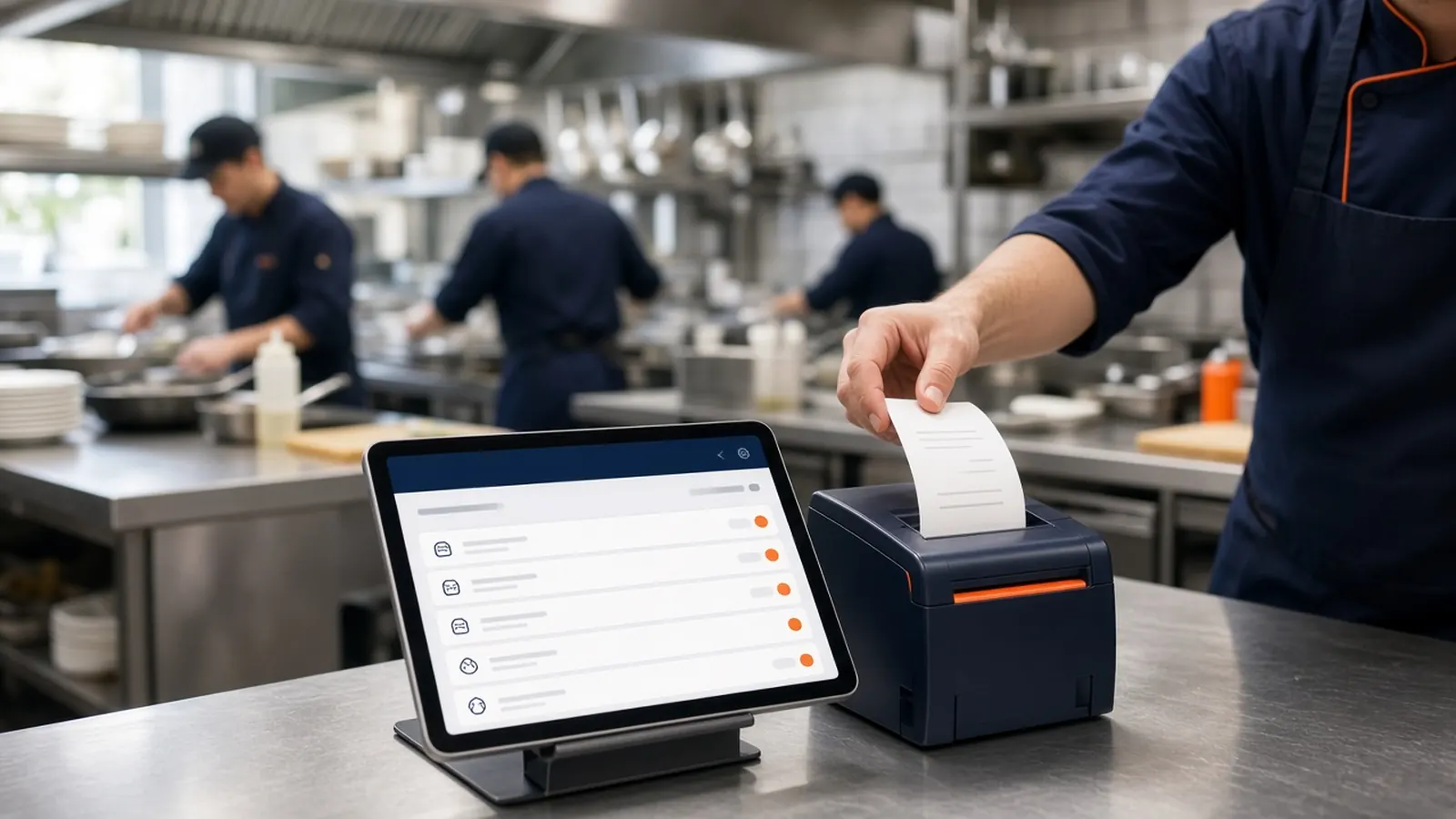
A restaurant order taking app is easy to demo and easy to get wrong. The guest-facing screen can look perfect while the kitchen receives a notification nobody hears. Judge the tool by the paper or the screen at the pass, in the words your cooks use. If that artifact is worse than a handwritten dup, the app is not taking the order. It is relocating the problem.
Owners shop for this when the phone pad, the website email, and a marketplace tablet have become three languages. You do not need a fourth language with a nicer font. You need the channels you control to share a ticket format.
Keep the scope on taking the order and getting it made. Inventory fantasies and staff scheduling can wait. The rush does not care about them at 7 p.m.
Setup that respects the printer
Put the admin on a device the line can see, or rely on the printer if that is what they trust. Many kitchens trust paper more than another glowing rectangle. MicroSky Food supports that: the order prints. The browser is there for status and for 86s, not as a demand that everyone stare at glass.
Run the cable, the network, or the print server before you advertise the link. A restaurant order taking app that cannot print during a test will not print during a party. The $500 package exists for shops that need the mini PC and the printer. Shops that already print tickets should try that path first.
Place a complicated test order: modifiers, a note, pickup versus delivery. Stand at the pass and read it cold. Adjust names until a new cook would plate it. Then, and only then, tell guests.
Ticket formats and the one board
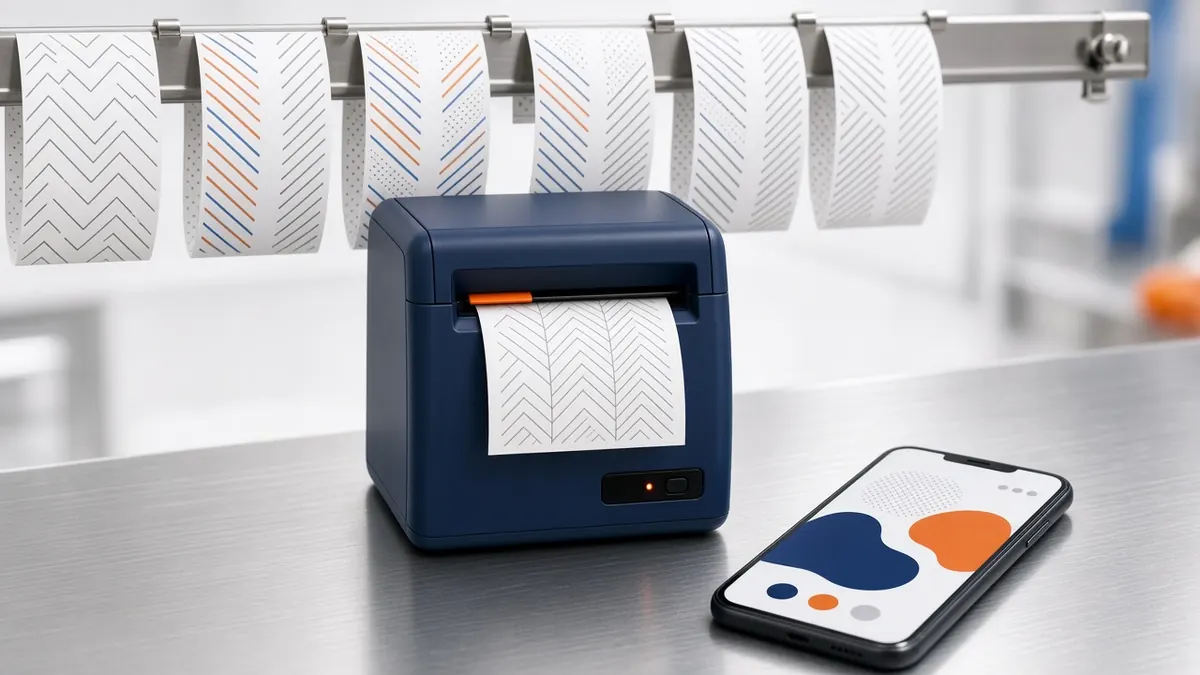
Agree on status words and use them. New, preparing, ready, delivered or out for delivery. If the website says one thing and the cook says another, pick the cook's words for the spoken call and keep the screen consistent. The board is a shared memory, not a second menu.
Phone and web should not be different species. A paid Sky AI ticket is supposed to print like a web ticket. That is the whole value of one restaurant order taking app instead of a phone pad plus a site. If they diverge, you are back to translation.
Marketplace tablets may still sit nearby. Label them so nobody confuses their chirp with yours. The goal is not pretending other channels vanished. The goal is that your channels are one pile.
- Test print before the public link.
- Modifiers as lines, not a paragraph.
- One status language.
- Phone tickets on the same printer after Sky AI is on.
- A device or a paper rail the pass already watches.
Who touches it during the rush
Decide the job. Someone hears or sees the new order. Someone cooks it. Someone marks it ready. Those can be the same person in a very small shop, and they still deserve a login that is not the entire company. Roles keep a server from editing prices while trying to bump a ticket.
Do not make the guest wait because the app needs a novel gesture. Accepting an order should be obvious. If training takes longer than a shift's pre-meal, the restaurant order taking app is too clever.
Refunds and 86s are the other two gestures. Teach them on purpose. A sold-out item left live is an operations failure the app will happily repeat.
Add the phone after the printer behaves
Website orders first. How it works gets you there. When those tickets are dull, enable Sky AI. The restaurant order taking app story now includes the inbound call, paid before it prints, without a per-minute meter.
Tell the staff the phone is no longer a pad. Listen to their first objection. It is usually a ticket that looked different. Fix the ticket, do not argue the concept.
You are done when a closer can point at one place and say that is the order. Everything else is extra.