
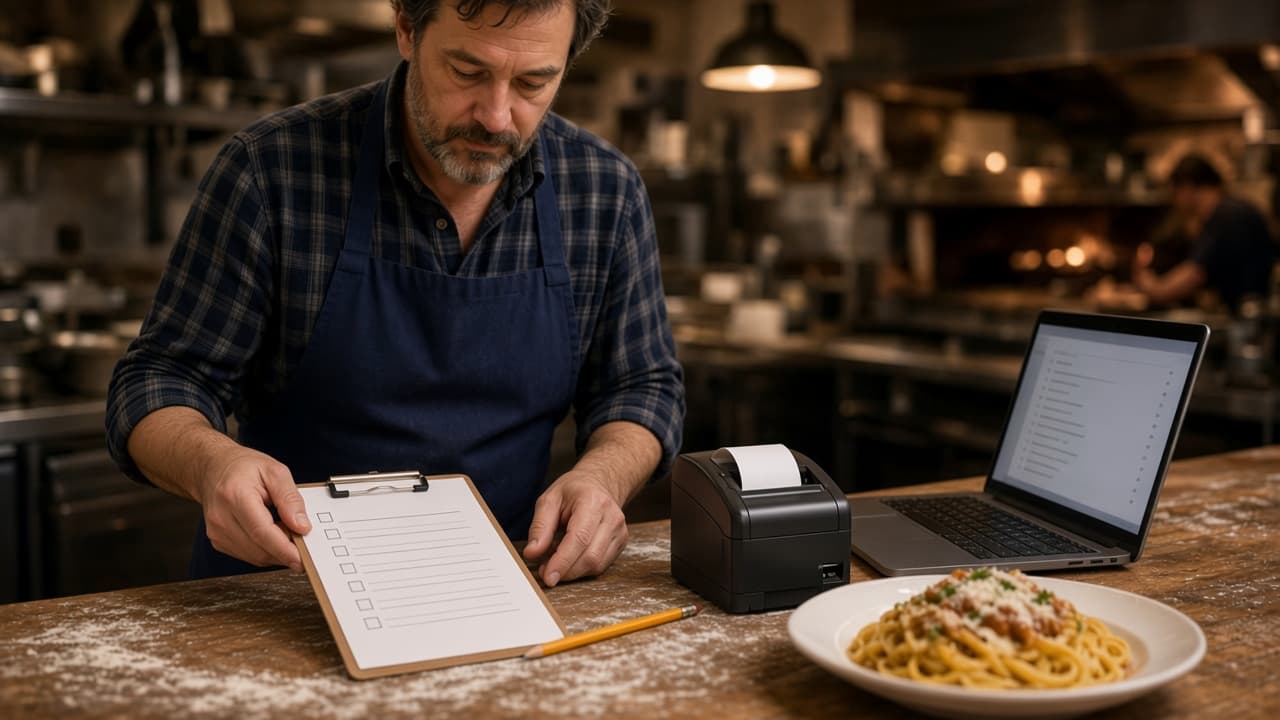
A restaurant task management app is a checklist for the building. It covers what the opener does before the first ticket and what the closer does after the last one. It is a useful category. It is not where you change the menu, close the cart, or read what sold.
This post is that split. The order side is restaurant admin. How a web order and a phone order become one printed ticket is the restaurant ordering system. Weekly numbers are restaurant analytics. A wider pass at the shift is how to improve restaurant operations.
What a Restaurant Task Management App Is For
Use it for work the kitchen can finish with the website turned off. Open the door. Stock the line. Wipe the lowboy. Mark it done so the next shift does not guess.
The generic jobs are an opening list, a closing list, a cleaning rotation, a prep list, a temperature check someone initials, and a note about who is on the shift. None of those is a price, an hour, or a paid ticket. If you already wrote them on paper, the app only has to hold that paper. It should not become a second menu.
Opening Duties Stay on the Checklist
The opener's list is the building before anyone can order. Lights, the line, the pans for plates you already sell, and the door. If the job can be done with ordering turned off, it stays on the opening list.
The Building Before the First Ticket
Walk the list in the order you walk the room. Front lock, lights, restrooms, the lowboy, the station that runs out first. Put a name on each half when two people open. A restaurant task management app earns its keep on that handoff. It does not earn it by also being the register.
Prep That Is Not a Menu Button
Sauce, dough, and the pan that runs out are prep. The checklist can say the sauce is done. It cannot take the item off the website. When the pan is empty, someone still hides it in admin or guests will order it. Ten jobs the opener actually finishes will beat a poster of forty.
Closing Duties Stay on the Checklist
Closing is the reverse walk. Break down the station, date what is left, take the trash, lock the door, and write the one thing the opener must see. That note is for the building. It is not a sales report.
If the closer can also change the menu, those are two jobs in two places. The checklist gets the lock. Restaurant admin gets the sold-out item and the hour you actually stopped cooking. Do not bury a price change in the closing note. The guest will still see yesterday's price.
Menu Edits Belong in Restaurant Admin
A price, a special, and an item you need to 86 are menu edits. Change them in admin and the storefront updates. A checkbox that says to update the specials does not update them.
Managers, kitchen, and counter can have different access, so the person who sees the empty pan does not need your password. If only you can log in, the menu stays wrong until you are free. What belongs on the menu in the first place is restaurant menu planning. Photos, sizes, and toppings stay on online ordering.
Hours Close the Cart, Not a Clipboard
Ordering opens and closes with the hours you post. If the kitchen stops at 9, the cart should stop at 9. A checklist line that says you close at 9 does not close the cart. The hours you save do.
Update those hours for a holiday or an early close. A social post the site cannot see will not stop a late order. Pickup and delivery zones live with the order, not on the mopping list. What the guest should be able to finish is order food online.
Orders and Reports Live on the Same Login
New orders show up when they are placed. Staff move each one from new to preparing to ready to delivered, so the kitchen and the counter share one ticket. That board is the order history that matters during service. A task called 'check the tablets' is how tickets get missed.
The Board During Service
During the rush, ask whether the order arrived, whether it was paid, and whether the cook can read it. The board, the payment, and the printer answer those. Marketplace tablets stay on those companies' apps. DoorDash, Uber Eats, and Grubhub often charge 15 to 30% of the sale, and your contract beats that range. Do not copy your own tickets onto a checklist so the shift feels organized.
The Report the Next Morning
The sales report shows orders, revenue, average ticket, and best-sellers for completed, paid storefront orders. Read the same weekday each week. That is the history of what sold, not an opening duty. The admin page also describes visitor-to-order conversion, top-converting items, checkout drop-off, page rankings, organic traffic, and Core Web Vitals. How to change one thing from that read is restaurant analytics. What this login is not is cloud based restaurant management software.
Staff Logins Are Not a Task List
A role is who may touch the order. A task is the job in the building. Give the closer a login that can 86 an item and move an order. Do not hand out your password because the checklist said to log in.
Managers, kitchen staff, and counter staff each get the access they need. That will not tell you who mopped. Keep mopping on the restaurant task management app, or on the paper you already trust. Admin runs in the browser on a tablet or computer you have. The register you use for tables can keep doing that work.
Phone Orders Are Not a Checklist Line
A ringing phone is an order or a question, not a box you tick at 4 p.m. Sky AI answers unlimited inbound calls, with no per-minute fee, takes pickup or delivery, and prints the paid ticket with web orders. Turn it on after onboarding, in Admin, then Integrations. It is not part of the signup wizard.
The caller pays on a keypad. Sky AI does not hear the full card number. If the phone cannot ask a modifier the site asks, fix the menu before you turn it on. Choosing among a person, a call center, and an AI is restaurant phone ordering system.
Run Both Tools on One Shift
Write the split on a card by the printer. Checklist: open, prep, clean, close, lock. Admin: menu, hours, live orders, the sales report, and who can log in. If a job produces a ticket the cook will fire, it is not a checklist job.
One person on a small crew can hold both. They still should not do both in the same app. Mark the list, then open admin only when the menu or the hours are wrong. Accounts, saved orders, and loyalty points on storefront purchases are on every plan. You set what the points are worth. That is not an opening task. The path from the guest to the printer is the restaurant ordering system.
What the Order Side Costs
The ordering site and restaurant admin are on every plan. Standard is $249 per month plus 5% of net sales. Growth is $499 per month plus 7% of net sales. Growth Plus is $999 per month plus 10% of net sales. Growth and Growth Plus require 3 months on Standard. The other Standard choice is on pricing. You do not need Growth to run admin or to keep a checklist beside it.
Growth adds a branded iOS app after those 3 months, a website redesign, app push, and monthly work on 5 keywords. Growth Plus adds email, SMS, and monthly work on 10 keywords. There is no published Android app. Apple Pay is on Growth and Growth Plus, through Authorize.net, and not on Standard. Hardware is $500 once if you need a mini PC print server and a receipt printer. There is a 30-day free trial and no long-term contract. A checklist, if you pay for one, is a separate bill. Set the ordering plan next to marketplace fees of 15 to 30%.
Try One Opening and One Closing
Tomorrow, run the opening list you already believe. Then check three things in admin: the hours, one item you might 86, and whether the closer has a login that is not yours. Change one of them if it is wrong. Do not redo the checklist and the menu on the same morning.
After close, mark the building jobs done and look at the board. If a paid order never became a ticket the cook could read, fix the print or the menu before you add another checkbox. Setup is how it works. The wizard covers your profile, menu, hours, delivery zones, and billing, and a storefront can be ready in about 10 minutes. Read every item first. Restaurants on the platform are on clients. Questions go through contact. See a storefront in the live demo. Start 30 Day Free Trial. Call (888) 960-1359.