
Order Food Online Should Open Your Door
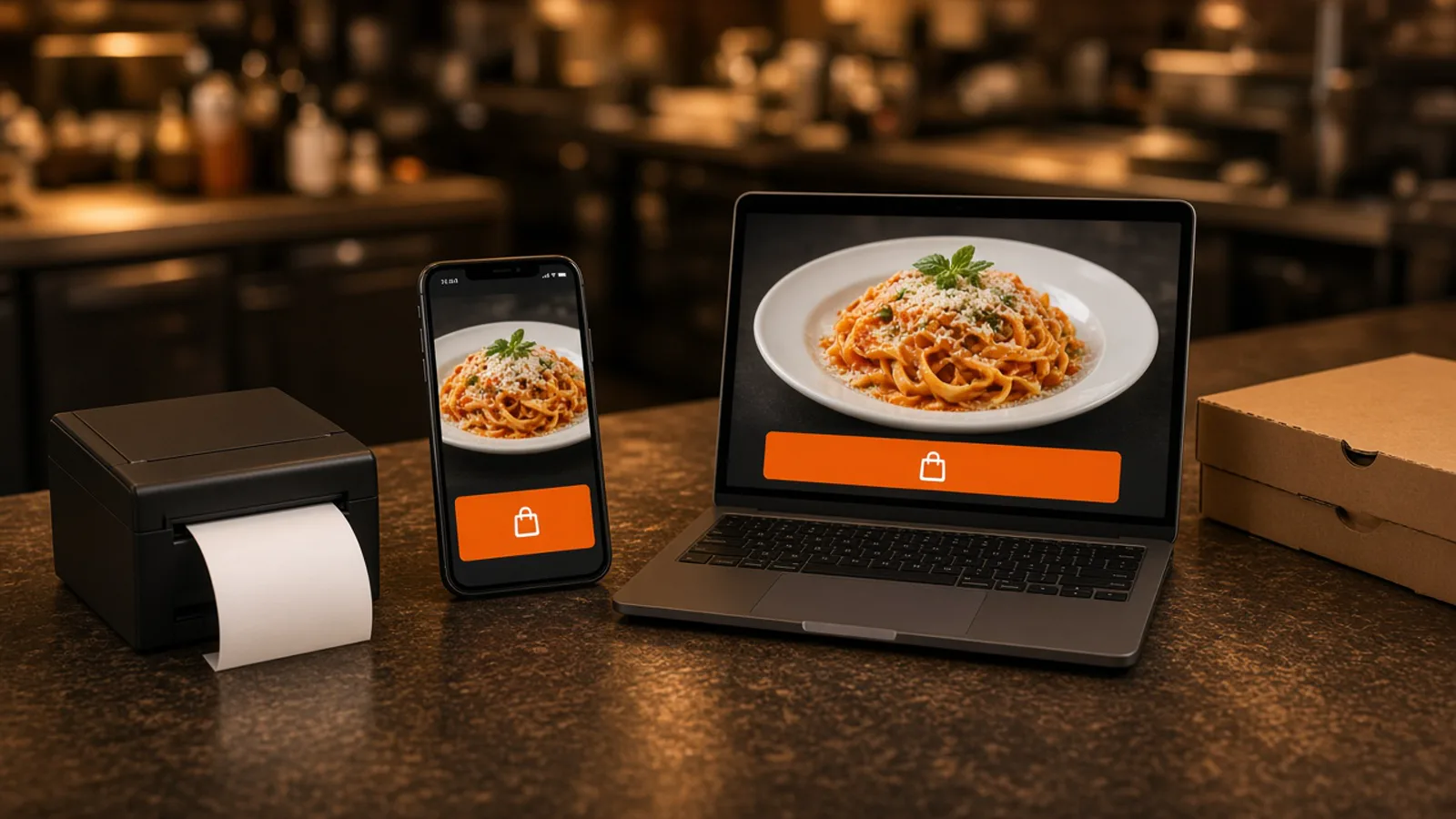
Owners who want guests to order food online are usually tired of sending regulars into someone else's app. The guest should see your name, choose the food, pay, and leave a ticket the kitchen will cook.
This page is that door on your domain. What belongs on the menu, and what to leave off, is covered in restaurant menu planning. How the buttons, photos, and modifiers should work is online ordering menu. What to compare before you sign is online ordering for restaurants. Who controls the menu, the guest list, and the price is online ordering platform for restaurants.
Your Name on the Checkout
DoorDash, Uber Eats, and Grubhub can introduce a stranger. They also list you beside other kitchens and often charge 15 to 30% of the sale. Your contract beats that range. Keep a door for the person who already knows your name.
When guests order food online on your site, the account, the saved order, and loyalty points stay on storefront purchases. You set the reward. A marketplace receipt does not build that list. On a $40 order, 5% is $2 and 30% is $12. The monthly plan sits on top of either figure. That is arithmetic, not your food cost.
A Menu a Guest Can Finish
The order fails when the site is a list of nouns. At the counter you ask size, temperature, toppings, and whether the sauce is on the side. The site has to ask the same questions or the ticket becomes a note the kitchen has to decode. Prices belong on the choice that changes them.
Categories should match how a hungry person scans. Pizza, salads, and drinks, or lunch and dinner. Search helps when the list is long. The cart shows a running subtotal so the guest sees the meal grow and can stop.
You can publish unlimited items and categories. Publish the plates the kitchen can repeat, not every plate you have cooked. How short to start is small restaurant menu. Change a price or hide an item in admin and the storefront updates.
Pickup, Delivery, and the Hours You Keep
Pickup is the path for the guest who will walk in. Delivery is only the streets you already serve. You set the zone, the radius, and the fee.
Ordering opens and closes with the hours you save. A cart that stays open after the oven is off is a promise you cannot keep. MicroSky Food does not dispatch drivers, run a fleet, track drivers, or offer geofencing. If a dish will not survive the ride, leave it off delivery and keep it on pickup.
Pay, Then Print Where the Cook Looks
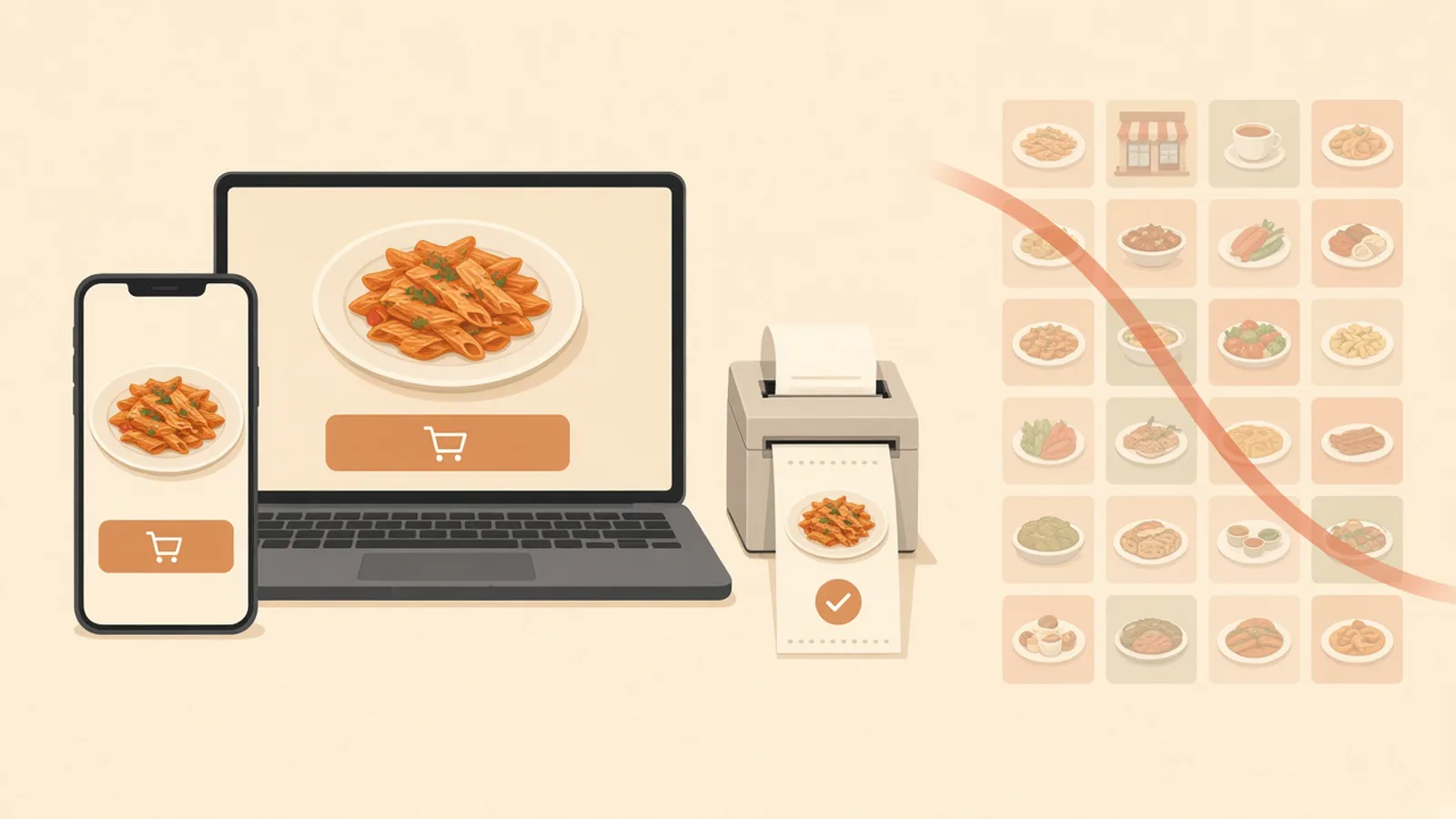
A page that only emails you a receipt will not survive a Friday. The paid order has to show up in restaurant admin when it is placed, and it should print where the cook already looks. Staff move it from new to preparing to ready to delivered.
Card checkout can use a Stripe token, an Authorize.net account, or Electronic Payments. Apple Pay is on Growth and Growth Plus, through Authorize.net. It is not on Standard. You can start with cash on delivery while a merchant application is processing. If you need a print path, hardware is $500 once: a mini PC print server and a receipt printer. Admin runs in the browser on a tablet or computer you already own.
The Second Order Is the Reason
The first order proves the ticket. The second order is why you wanted people to order food online from you. Accounts and saved orders are on every plan. Loyalty points accrue on storefront purchases, and you decide what they are worth.
Put the link on the box, the receipt, and the Google order link once a test ticket looks right. Email and SMS are on Growth Plus, at $999 per month plus 10% of net sales, after 3 months on Standard. Do not promise a text club on Standard. A note worth sending is a special you can cook, or a closure. The channel rules are on pricing.
The Website First, Then Phone and the iOS App
The website works on the phone the guest already has, with no install. Sky AI answers unlimited inbound calls, with no per-minute fee, and the paid ticket prints with web orders. Turn it on after onboarding, in Admin, then Integrations. It is not part of the signup wizard.
A branded native iOS app, with your logo, saved orders, and push, is on Growth and Growth Plus after 3 months on Standard. There is no published Android app. Other phones keep the website. The icon is an extra door. What that app includes is food order application.
What It Costs to Let Guests Order Food Online
On Standard, choose $249 per month plus 5% of net sales, or $499 per month flat. That plan is the website, admin, loyalty, printing, Google order links, and Sky AI. Growth is $499 per month plus 7% of net sales and adds the iOS app, a website redesign, app push, and SEO for 5 keywords a month. Growth Plus is $999 per month plus 10% of net sales and adds email, SMS, and 10 keywords. Both require 3 months on Standard.
A quiet month can feel the subscription first. A busy month can feel the percentage. Write both before you choose. There is a 30-day free trial and no long-term contract.
Take One Paid Test Before You Share the Link
Start the 30-day free trial. The wizard walks through your profile, menu, hours, delivery zones, and billing. A storefront can be set up in about 10 minutes. If you already have a site, onboarding can scan it to import menus and prices. Read every item, turn pickup on, and draw the zone to streets you already serve. How it works is the short version.
Pay for one test and print it. Then put the link where guests already look. The iOS app waits until Growth. Restaurants on the platform are on clients. Questions go through contact. See a storefront in the live demo. Start 30 Day Free Trial. Call (888) 960-1359.