
What a Food Order Application Has to Do
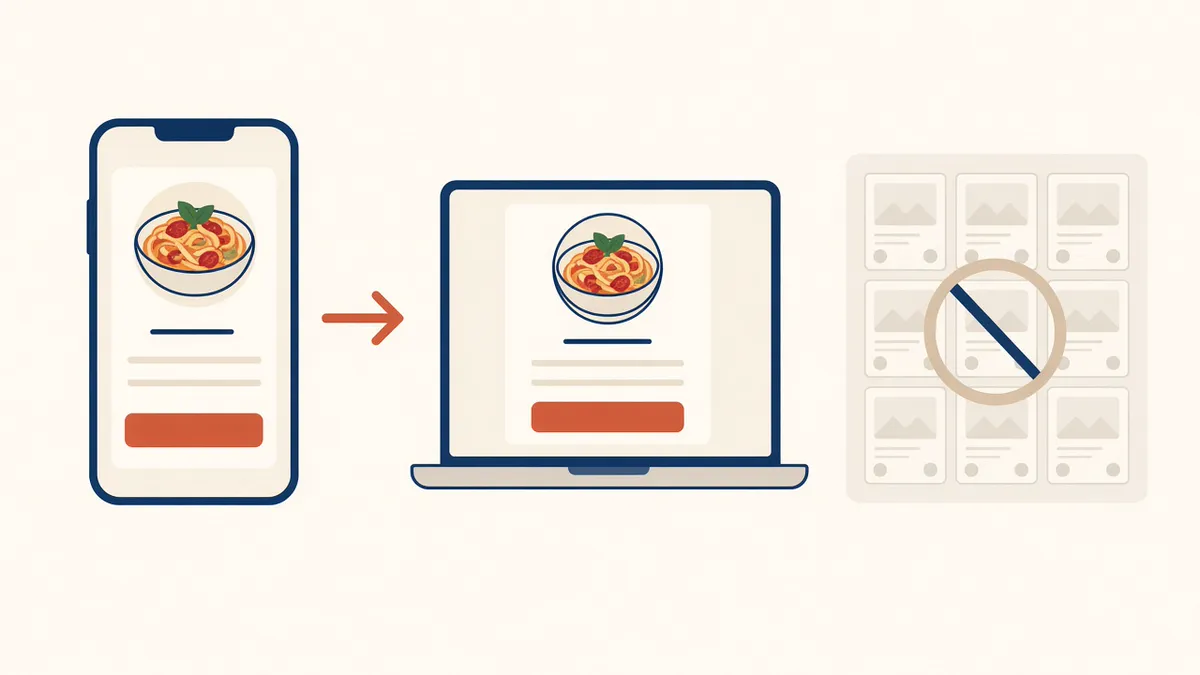
Owners who search for a food order application are usually trying to get off someone else's icon. The guest should see your name, choose the food, pay, and produce a ticket the kitchen will cook. A PDF is a reading assignment. A button that opens a marketplace is a referral.
This page is that guest-facing door: the branded website, and the branded iOS app once you qualify. Whose name is on the icon is white label restaurant app. A custom build versus a plan that includes the app is restaurant app development services. What the cook sees on paper is restaurant order taking app.
Your Name, Not a Marketplace Tile
DoorDash, Uber Eats, and Grubhub can introduce a stranger. They also list you beside other kitchens, keep the reorder, and often charge 15 to 30% of the sale. Your contract beats that range. You do not have to delete those apps on day one. You do need a door for the person who already knows your name.
A food order application you own keeps checkout on your domain. The account, the saved order, and loyalty points live on storefront purchases. You set the reward. A marketplace receipt does not build that list.
A $40 order at 5% is $2. The same order at 30% is $12. The monthly plan sits on top of either figure. That is arithmetic, not your food cost.
The Website Is the Application Most Guests Use
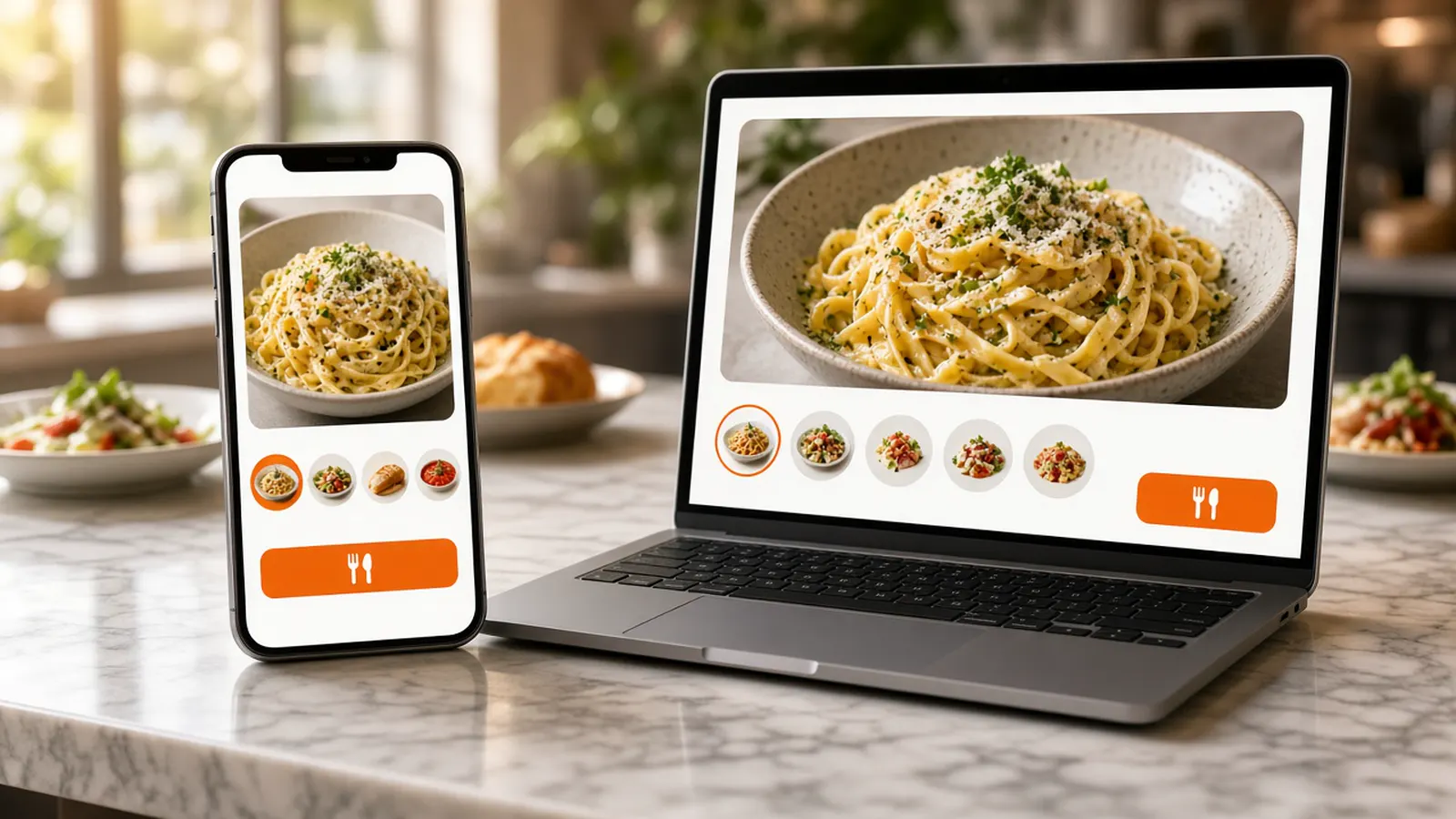
The first food order application is the site. It works on the phone the guest already has, with no install. Online ordering is that storefront: your photos, sizes, and toppings, a cart with a running subtotal, pickup, and delivery only where you drew a zone. Hours open and close it with the kitchen.
Someone on the shift needs a login in restaurant admin that is not the owner's password, so a sold-out item can come off during service. Admin runs in the browser on a tablet or computer you already own. Put the link on the box, the receipt, and the Google order link once a test ticket looks right.
The Branded iOS App on Growth and Growth Plus
Growth and Growth Plus add a native iOS app branded with your logo. Guests get the menu, saved orders, and push notifications. The app stays in sync with the storefront, so you are not keeping a second set of prices. MicroSky handles App Store submission, updates, and iOS compatibility.
You do not get it on day one. Growth and Growth Plus require 3 months on Standard. Use those months to prove the website, the printer, and the regulars. The icon is an extra door, not the only door. There is no published Android app. Other phones keep using the website.
If a salesperson is quoting a from-scratch build, compare that invoice with the included app on restaurant app development services. The icon's own checklist is white label restaurant app.
Apple Pay and Push Sit on the Later Plans
Apple Pay is available on Growth and Growth Plus, through Authorize.net. It is not on Standard. Card payments on every plan can use a Stripe token, your Authorize.net account, or Electronic Payments. Cash on delivery can cover orders while a merchant application is processing.
Push to people who installed the iOS app is on Growth. Growth Plus adds email, SMS, and push across the iOS app, SMS, and email. Do not promise a text club on Standard. A note worth sending is a special you can cook, or a closure.
The Ticket Is a Different Question
A handsome icon that emails you a receipt is not a food order application. The paid order has to show up in admin when it is placed, and it should print where the cook already looks. Staff move it from new to preparing to ready to delivered. That last mark is your crew, not a driver on a map.
If you need a print path, hardware is $500 once: a mini PC print server and a receipt printer. How to judge the paper is restaurant order taking app. How to read the week's orders is restaurant analytics.
What This Food Order Application Does Not Include
MicroSky Food does not dispatch drivers, run a fleet, track drivers, or offer geofencing. You set the zone, the radius, and the fee. If a dish will not survive the ride, leave it off delivery. The dining-room register can keep the room. This door is the website, and on Growth and Growth Plus the iOS app.
Phone orders are Sky AI, turned on after onboarding in Admin, then Integrations. Sky AI is not a second app the guest installs, and it is not part of the signup wizard. There is no per-minute fee.
What a Food Order Application Costs
On Standard, choose $249 per month plus 5% of net sales, or $499 per month flat. That plan is the website, admin, loyalty, printing, Google order links, and Sky AI. Growth is $499 per month plus 7% of net sales and adds the iOS app, a website redesign, app push, and SEO for 5 keywords a month. Growth Plus is $999 per month plus 10% of net sales and adds email, SMS, and 10 keywords. Both require 3 months on Standard.
A quiet month can feel the subscription first. A busy month can feel the percentage. Confirm both on pricing. There is a 30-day free trial and no long-term contract.
How to Take the First Order on Your Name
Start the 30-day free trial. The wizard walks through your profile, menu, hours, delivery zones, and billing. How it works is the short version. Read every item, turn pickup on, and draw the zone to streets you already serve.
Pay for one test and print it. Then put the link where guests already look. The iOS app waits until Growth. Restaurants on the platform are on clients. Questions go through contact. See a storefront in the live demo. Start 30 Day Free Trial. Call (888) 960-1359.