
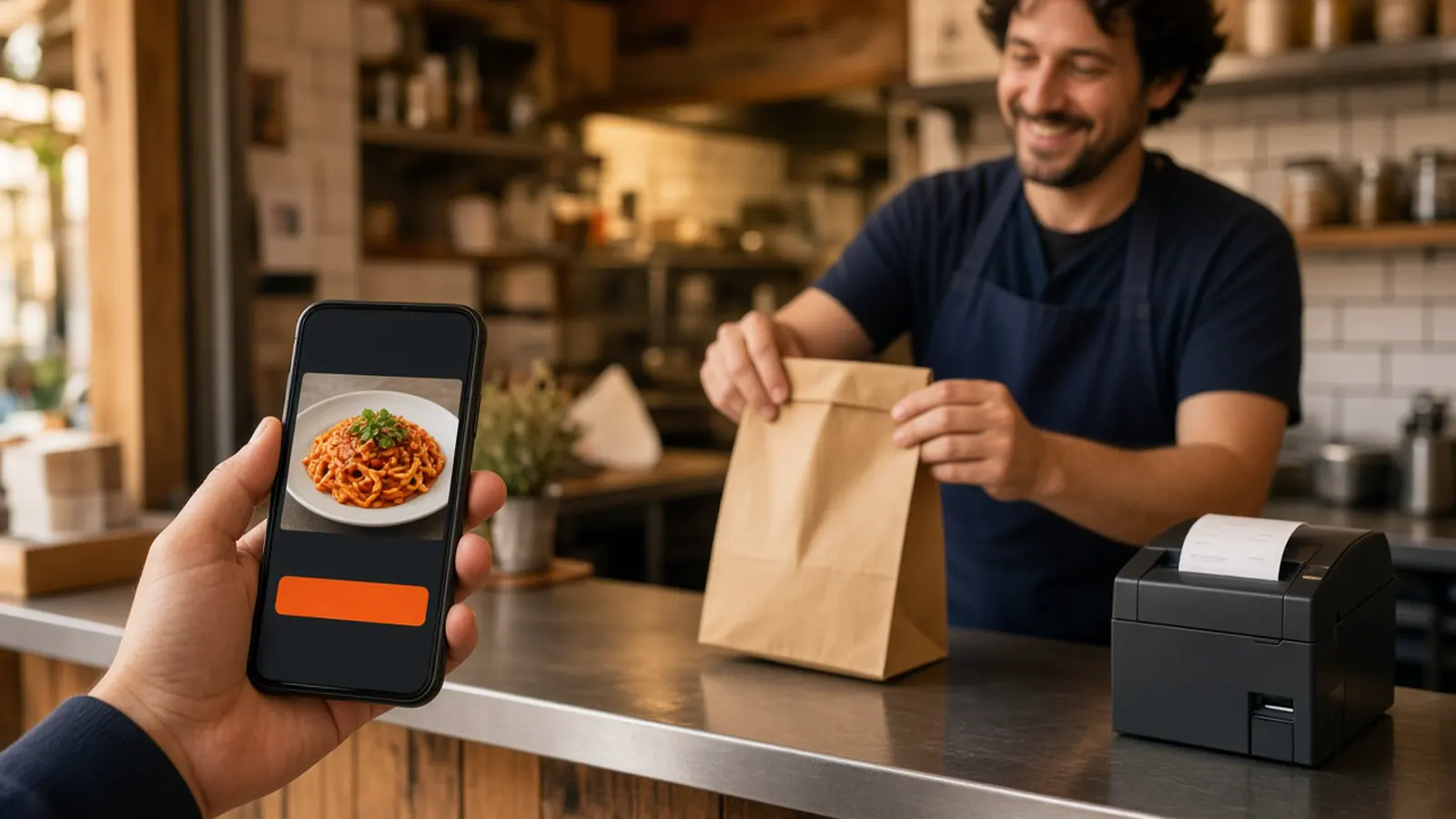
Restaurant order ahead is a bag that is ready
People who search for restaurant order ahead want the food started before they walk in. The job on this page is pickup timing: a guest orders on your site, sees when the bag should be ready, and arrives to collect it.
A phone-friendly menu with no app download is mobile ordering. How web orders and phone orders become one ticket is restaurant ordering system. A printed code is QR code ordering system. What to compare before you leave a marketplace is online ordering for restaurants. Stay here for the guest who orders before they arrive. The storefront is online ordering.
They order before they reach the door
Turn pickup on. The guest sees a ready time before they pay. If the pass is buried, do not promise a faster handoff than the kitchen can keep. That time is for this visit. It is not a date picker for next Tuesday, and there is no separate scheduler. A saved order lets them start from the usual plate next time.
Leave delivery off until someone can drive it. When you do deliver, you set the zone, the radius, and the fee. MicroSky Food does not dispatch drivers, run a fleet, track a driver, or draw a geofence. Order ahead, on this page, is the pickup that is ready when they arrive.
A shorter line starts before the door
The slow part of a counter line is the order, not the handoff. A guest who already chose the size, the modifiers, and the payment is a bag, not a conversation. The person at the window finds the name and hands it over.
That only works if the ticket is readable. Items, modifiers, and the name have to match the phone. Place one paid test and read the print before you tell regulars to order ahead. If the cook has to call the front to learn the topping, the line moved to the pass.
Fewer calls for the same pickup
A lot of those calls are the same plate. Sky AI can take that call after you turn it on in Admin, under Integrations. It answers unlimited inbound calls, with no per-minute fee. The guest names the items, the modifiers, and pickup or delivery. Sky AI confirms the ticket, then takes the card on a PCI-safe keypad. The paid ticket prints with website orders.
The person on the counter stays with the guests who are standing there. Sky AI does not quote a date for next week. Leave it off until a web ticket looks right. The walkthrough is Sky AI and how Sky AI phone ordering works.
Point the Google button at this checkout
Standard includes an order link on your Google Business Profile. The link should open this storefront, where the menu, the ready time, and the payment live. It is not a second checkout inside the listing. Confirm the button after setup. A listing can keep an old vendor if nobody changes it.
Ordering opens and closes with the hours you posted. A shop that locks the door at nine should not take a midnight order. When you close for a holiday, change the hours that day. A social post does not close the cart. How the listing button works is Google ordering.
The site first, then the iOS app for regulars
The ordering site is mobile-first on every plan. Guests open it from Google, a text, or a QR code, with no app download. Sizes, toppings, and modifiers use the words the kitchen already says. The cart shows a running subtotal. Saved orders make the second visit a reorder. Loyalty points on storefront purchases are on every plan. You set what the points are worth.
A branded native iOS app, with your logo, saved orders, and push, is on Growth and Growth Plus, after 3 months on Standard. There is no Android app. It uses the same menu as the site. What that app includes is the branded iOS app. The website remains the door for everyone else. How it works is the path from the trial to the first order.
The ticket prints, and admin shows the bag
A paid order shows up in restaurant admin and can print on the receipt printer you already have. If you have no print path, the hardware package is $500 once: a mini PC print server and a receipt printer. Admin runs in a browser on a computer you already own.
Mark the order ready when the bag is actually ready. The guest already saw a time. Do not tell them a shorter one at the window. Click a finished storefront on the live demo.
What restaurant order ahead will not do
It will not hold a table, run a kiosk, take a table-side order, or sell a gift card. It will not dispatch a driver or draw a geofence. It will not schedule a pickup for a Saturday weeks out. If a tray has to be ordered by Tuesday, write that window in the item description and have a person confirm it.
Apple Pay is on Growth and Growth Plus, through Authorize.net. Monthly organic SEO is on Growth and Growth Plus. Social, email, and text marketing are on Growth Plus only. You can still send your own ordering link without those campaigns.
What it costs, then one paid test
On pricing, Standard is $249 per month plus 5% of net sales on online orders. Growth is $499 per month plus 7%. Growth Plus is $999 per month plus 10%. Growth and Growth Plus require 3 months on Standard. The percentage applies to online orders. MicroSky Food takes no percentage of in-store sales. Marketplace apps often charge 15 to 30% of the sale. There is no long-term contract.
Pay for one test, read the ticket, then point the Google order link at this site. Restaurants already on the platform are on clients. Questions go through contact. Start 30 Day Free Trial. Call (888) 960-1359.