
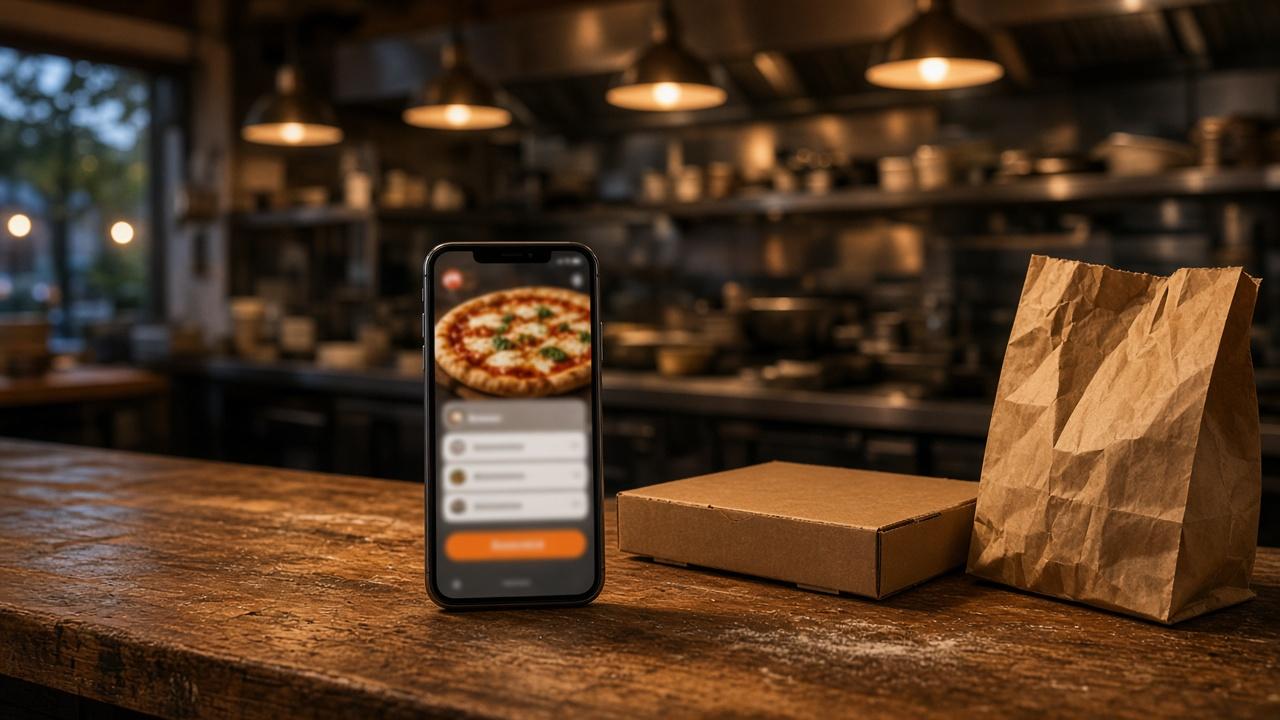
The MicroSky Food branded iOS app is a native iOS app with your restaurant's logo, on your customers' phones. Growth and Growth Plus include it. The online ordering feature page lists push notifications, saved orders, and full menu sync. MicroSky handles App Store submission, updates, and iOS compatibility. The app is not on Standard. Growth and Growth Plus require 3 months on Standard, and a 30-day free trial does not replace that wait.
Plan math is on pricing. The path to a live storefront is on how it works. Paid orders join restaurant admin. The site most guests still use is MicroSky Food online ordering. The icon beside that site is on food order application and restaurant phone app.
Who it helps when regulars want your icon
It helps an independent restaurant or pizzeria that wants its own icon, not a tile in a marketplace app. A guest who already knows your name can keep that name on the home screen. The website can already be taking orders. The app is an extra door for people who install it. Everyone else still uses the site.
It also helps an owner with a note for people who installed the app. The feature page calls those notes push notifications for promos and specials. Pricing lists them as push to iOS app customers. The push reaches installs. It misses a guest who ordered on the website and never downloaded the app.
How the app stays on your menu
The guest installs the app and sees your logo and your menu. Full menu sync means a price change, a special, or an item you 86 in Admin is the menu the app uses. Saved orders let a regular start from the usual order instead of rebuilding every topping. You are not keeping a second price list.
The website already has accounts, saved orders, and loyalty points on storefront purchases. The restaurant phone app guide says the iOS app uses that same account, those saved orders, and those points. You set what the points are worth. The app does not print a plastic card.
A paid order still has to land where the kitchen looks. New orders appear in restaurant admin and move from new to preparing to ready to delivered. That guide says an app order can print on the receipt printer you already use. Hardware is $500 once if you need a mini PC print server and a receipt printer. There is no second printer just for the app.
Push, and who keeps the app current
Push on Growth goes to people who installed the iOS app, for promos and specials. A useful note names a special the kitchen can cook, or a night you are closed. The feature pages do not describe a ping when a phone crosses a map boundary. Email and SMS campaigns to your list are on Growth Plus, which also lists push across the iOS app, SMS, and email. Standard does not include those campaigns or that app push.
Release notes version 1.0.0, dated 2026-09-01, says guests choose email and text updates, and can delete their account, from the app. Checkout explains the choice first. That line does not name the branded iOS app. The release notes have no version line for App Store submission. The online ordering page says MicroSky handles submission, updates, and iOS compatibility. Pricing lists that maintenance and App Store support on Growth, and Growth Plus includes everything in Growth.
A Friday reorder, a special, and a closure
Friday at a pizzeria. A regular opens the MicroSky Food branded iOS app, starts from a saved order, and checks the toppings because the menu is the one you edit in Admin. The link on the box still works for the friend who will not install anything. The kitchen should see one kind of ticket.
A weekday special. Push goes to people who installed the app and names the pie and the last day. The pie still has to be on the menu. 86 it in Admin and the storefront updates. Menu sync keeps the app on that menu. The push does not create the item, and it misses anyone who never installed the app.
A holiday close. A push can say you are closed, if that is true. The website still has to stop taking orders. Release notes version 1.2.0, dated 2026-09-20, lets you schedule a store closing before it starts. That control is separate from the push.
The website stays open for everyone else
The app does not replace the ordering site. Standard includes that site on your domain, with pickup, delivery zones, accounts, saved orders, and loyalty. How it works is the trial and the wizard for the profile, menu, hours, zones, and billing. Use the months on Standard to prove the menu and the printer before you ask for an install.
The feature pages describe a native iOS app. Published guides state there is no published Android app. Those guests keep the website. Apple Pay is on Growth and Growth Plus, through Authorize.net, at online checkout, and not on Standard. Cards on every plan can use Stripe, Authorize.net, or Electronic Payments. Sky AI is a different door: unlimited inbound calls, no per-minute fee, turned on in Admin, then Integrations. It is not this app, and it is on Standard too.
What it costs, and how you qualify
On Standard, choose $249 per month plus 5% commission on net sales, or $499 per month with no commission. Only that $499 per month Standard option has no commission. Commission applies to net online order sales through the storefront, after refunds and voids. Standard does not include the branded iOS app.
Growth is $499 per month plus 7% commission on net sales, after 3 months on Standard. It adds the branded native iOS app, push to iOS app customers, a main website redesign, and monthly organic SEO for 5 keywords, on top of everything in Standard. Growth Plus is $999 per month plus 10% commission on net sales, after those same 3 months. It adds email, SMS, push across the iOS app, SMS, and email, and monthly organic SEO for 10 keywords.
When you qualify, the storefront, menu, customer data, and loyalty carry over. The iOS app, the redesign, and SEO turn on with the upgrade. On Growth Plus, email, SMS, and cross-channel push turn on too. There is no long-term contract. An order on your app is still your ticket.