
MicroSky Food Google Business Profile ordering is the order link on your Google listing. Standard includes Google Business Profile integration in that form: order links on your Google listing. The link should open your branded storefront, where the menu, the cart, the hours, and the payment live. The Google ordering guide states the limit: this is not a second checkout inside the listing, and it is not a partnership badge beyond that published order-link feature.
The site the button should open is online ordering: your domain, your menu, and your cart. Plan math is on pricing. Search setup on that storefront is MicroSky Food SEO. The path to a live site is how it works. A paid order shows up in restaurant admin.
Who it helps when guests search your name
It helps an independent restaurant or pizzeria whose guests already know the name. They search that name, see the listing, and tap Order. On a phone, that tap is the decision, and they finish on whatever site the button opened. If it opens your menu, you can take payment, keep the account, and print the ticket. If it opens a marketplace or an old provider, the listing still looks like yours and the checkout belongs to someone else.
It also helps an owner who already has a branded site and still sends regulars through someone else's button. Point the listing at the kitchen you cook in. After setup, open it on a phone that is not logged into admin.
How the order link works
A guest searches the restaurant name, sees the listing, and taps Order. The published feature is the link on that listing. The tap should leave the listing and land on your storefront. Get the site taking a clean test order first, then set the listing's order link to that URL. Tap the button again from a private browser or a phone that is not logged into admin. A listing can keep an old provider if nobody changes it.
Google's own screens move over time. Find the control that decides where Order goes, and point it at your storefront once a test order looks right. If a setting is unclear, use the Google help for the current Business Profile. The Google ordering guide walks through that tap. Two order actions that go to different checkouts confuse the guest. One button, one kitchen. If the listing still prefers an old provider, remove or replace it.
If you have more than one shop, each listing needs its own order link to the menu that shop cooks. Put that URL on the box and in the bio, and tap it once a month from a phone that is logged out.
What the guest should land on
They should land on a menu that loads on a phone, shows prices, asks the real modifiers, and takes payment, under your name. Online ordering is that site: categories, sizes, toppings, a live cart, pickup, and delivery zones you set. The storefront opens and closes with your posted business hours. Keep the listing hours on the same clock, including holidays.
Card payments on that checkout are encrypted. Bring a Stripe token, an Authorize.net account, or Electronic Payments. Apple Pay is on Growth and Growth Plus, through Authorize.net, and it is not on Standard. Change a price, add a special, or 86 an item in admin, and the storefront updates. The listing button still opens that same site.
A name search, a branded checkout, a printed ticket
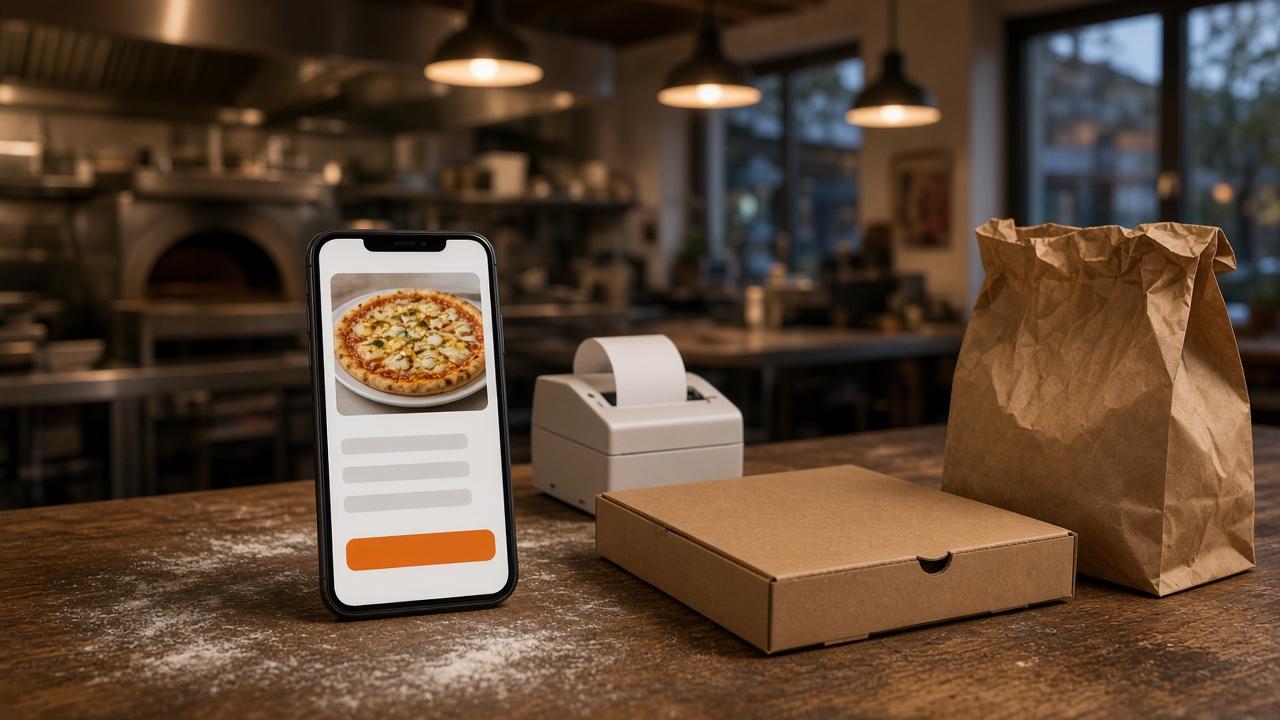
Thursday at a pizzeria. A guest searches the restaurant name, opens the listing, and taps Order. The page is the restaurant's own branded menu. They choose a size and toppings, then pickup or a delivery address inside the zone, and they pay on that storefront. The paid order appears in restaurant admin the moment it is placed and moves from new to preparing to ready to delivered.
The ticket prints on the receipt printer the kitchen already uses. Orders print the moment a customer places them. If you do not have a printer, the $500 one-time hardware package includes a mini PC print server and a receipt printer. Admin runs in the browser on a tablet or computer you already have.
A weekday special is a menu edit on that same site. Add the pie, or 86 it when the oven is done, and the storefront updates. The Google order link still opens this site.
Where Reports say an order came from
Release notes version 1.10.0, dated 2026-11-12, say you can see where each online order came from, such as a Facebook ad, Google search, or an email, on Reports and on the order. Those are the examples the notes give. They do not name the Google listing button as its own source. The order link is how a search for your name can open the storefront. The line is on the release notes.
What it costs, and how you start
The order link is on Standard, with the storefront. Choose $249 per month plus 5% commission on net sales, or $499 per month with no commission. Only that $499 per month Standard option has no commission. Commission on the $249 option applies to net online order sales through the storefront, after refunds and voids. DoorDash, Uber Eats, and Grubhub often charge 15 to 30% of the sale. Set the 5% on that $249 option, the 7% on Growth, and the 10% on Growth Plus beside that marketplace range.
Growth is $499 per month plus 7% commission on net sales, after 3 months on Standard. It includes everything in Standard, so the order link carries forward, and it adds a branded native iOS app, a main website redesign, and monthly organic SEO for 5 keywords. Growth Plus is $999 per month plus 10% commission on net sales, after those same 3 months. It includes everything in Growth, plus email marketing campaigns, SMS marketing campaigns, and monthly organic SEO for 10 keywords. You do not need Growth to put the order link on the listing.
A 30-day free trial does not replace those 3 months. Hardware is $500 once if you need a mini PC print server and a receipt printer. There is no long-term contract. Every plan starts with a 30-day free trial. Start 30 Day Free Trial. Call (888) 960-1359.