
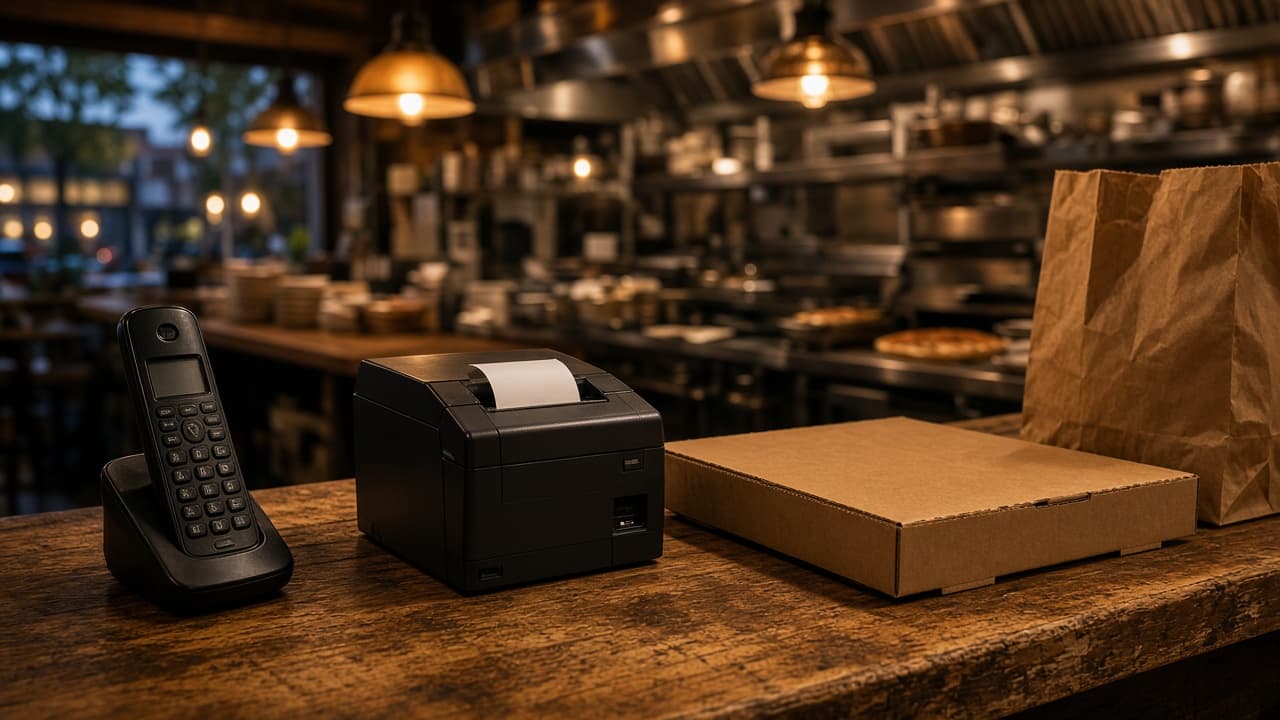
MicroSky Food Sky AI phone ordering answers the inbound line when the counter cannot. A guest orders conversationally: menu items, modifiers, pickup or delivery. Sky AI confirms the ticket before anyone pays, then takes the card on a PCI-safe secure keypad. The paid ticket lands in MicroSky Food, on the same live order board as a website order, and prints on the same kitchen flow and receipt printer.
This post is the shift version of that call. The feature list is on Sky AI. The path from the answered call to the keypad to the printed ticket is in how AI phone ordering works for restaurants. The board the ticket joins is restaurant admin. What the guest taps on the site is online ordering, with a longer walkthrough in MicroSky Food online ordering. Plan math is on pricing.
Who It Helps When the Phone Keeps Ringing
It helps an independent restaurant or pizzeria whose regulars still call the number on the door. The ordering site can already be live. The phone still rings for the guest who will not build a cart. The person on the station should not have to choose between the bag in front of them and the next ring.
It also helps the owner who is not standing on the line. Staff can run the shift from restaurant admin. Sky AI covers the inbound calls those people cannot pick up: lunch rush, after close, or when the line is slammed. Unlimited inbound. No per-minute fee.
How a Call Becomes a Paid Ticket
The guest calls the restaurant. Sky AI answers. They name the items, the modifiers, and whether the order is pickup or delivery. Sky AI confirms the ticket before anyone pays. That confirmation is the moment to change a topping, a size, or the handoff, while the order is still a conversation.
Inbound calls are unlimited, and there is no per-minute fee. A short order and a longer one with several modifiers are the same kind of call. Sky AI takes the order, confirms it, and moves to payment.
Card Payment on a Secure Keypad
Card payment is taken on the call on a PCI-safe secure keypad (Authorize.net style). The guest enters the card there. Sky AI never hears the full card number. The conversation stays on the order. The card stays on the keypad.
Phone orders are paid before they print. The kitchen sees a real ticket, not a maybe. An unpaid call does not become a ticket on the pass.
The Same Board and the Same Printer
The paid ticket lands in MicroSky Food. It is the same live order board as website orders. It prints on the same kitchen flow and the same receipt printer as a web order. The counter does not keep a phone pile and a web pile.
Guests who order on your site use online ordering. Phone orders join that board only after payment, so the printer and the pass treat both as paid work. The shift view of the board is MicroSky Food restaurant admin.
Lunch Rush, After Close, and a Usual Order
Lunch rush, with one person on the counter. The window has a line. A pickup bag is open. The phone rings. That person cannot take a full order, repeat the modifiers, and keep the line moving. Sky AI answers the inbound call, takes the menu items and modifiers, confirms the ticket, and collects the card. The paid ticket prints with the web orders already on the board. The person on the counter stays with the guests who are standing there.
After close. The dining room is dark and a guest still calls. Sky AI answers that inbound call the same way it answers at noon: confirm the order, take the card on the keypad, then print. Unlimited inbound, no per-minute fee. The kitchen sees a paid ticket.
Friday night, when the line is slammed. The pass is full and the phone rings again. Sky AI takes pickup or delivery from the conversation, including modifiers, and confirms the ticket before anyone pays. The paid ticket prints on the same receipt printer as a web order.
A regular calling in a usual order, with modifiers. They know the dish. They still need the size, the topping left off, or the side said so the ticket matches what they mean. Sky AI takes those modifiers in the conversation and confirms the ticket before payment.
Turn Sky AI On After Onboarding
Sky AI is not part of the signup wizard. After onboarding, the restaurant opens Admin, then Integrations, and enables it when ready. A web order can already be printing on the receipt printer. The phone uses that same menu and that same printer once the integration is on.
Place a call before a Friday night you plan to rely on it. Order an item with a modifier, pay on the keypad, and read the ticket next to a web ticket. The switch stays in Admin, under Integrations. You do not have to enable Sky AI on the first day to take website orders. The steps are on Sky AI and in how AI phone ordering works for restaurants.
What Sky AI Costs on Every Plan
Sky AI is listed in the Standard Plan: unlimited inbound AI phone ordering, with no per-minute fee. Growth and Growth Plus include everything in Standard, so Sky AI is on all three plans.
On Standard, choose $249 per month plus 5% commission on net sales, or $499 per month flat with no commission. Only that $499 per month Standard option has no commission. Growth is $499 per month plus 7% of net sales, after 3 months on Standard. Growth Plus is $999 per month plus 10% of net sales, after 3 months on Standard. A 30-day free trial does not skip those 3 months.
The hardware package is $500 once: a mini PC print server and a receipt printer. Phone orders print on the same receipt printer as a web order. Every plan starts with a 30-day free trial. There is no long-term contract. The full list is on pricing.
Third-party marketplaces often charge 15 to 30% of the order. MicroSky Food still has a monthly price. On Standard you choose 5% of net sales or the $499 per month option with no commission. Growth and Growth Plus add a percent of net sales. A paid phone order is still your ticket, on your board.
Start 30 Day Free Trial. Call (888) 960-1359 if you want a person on the line.