
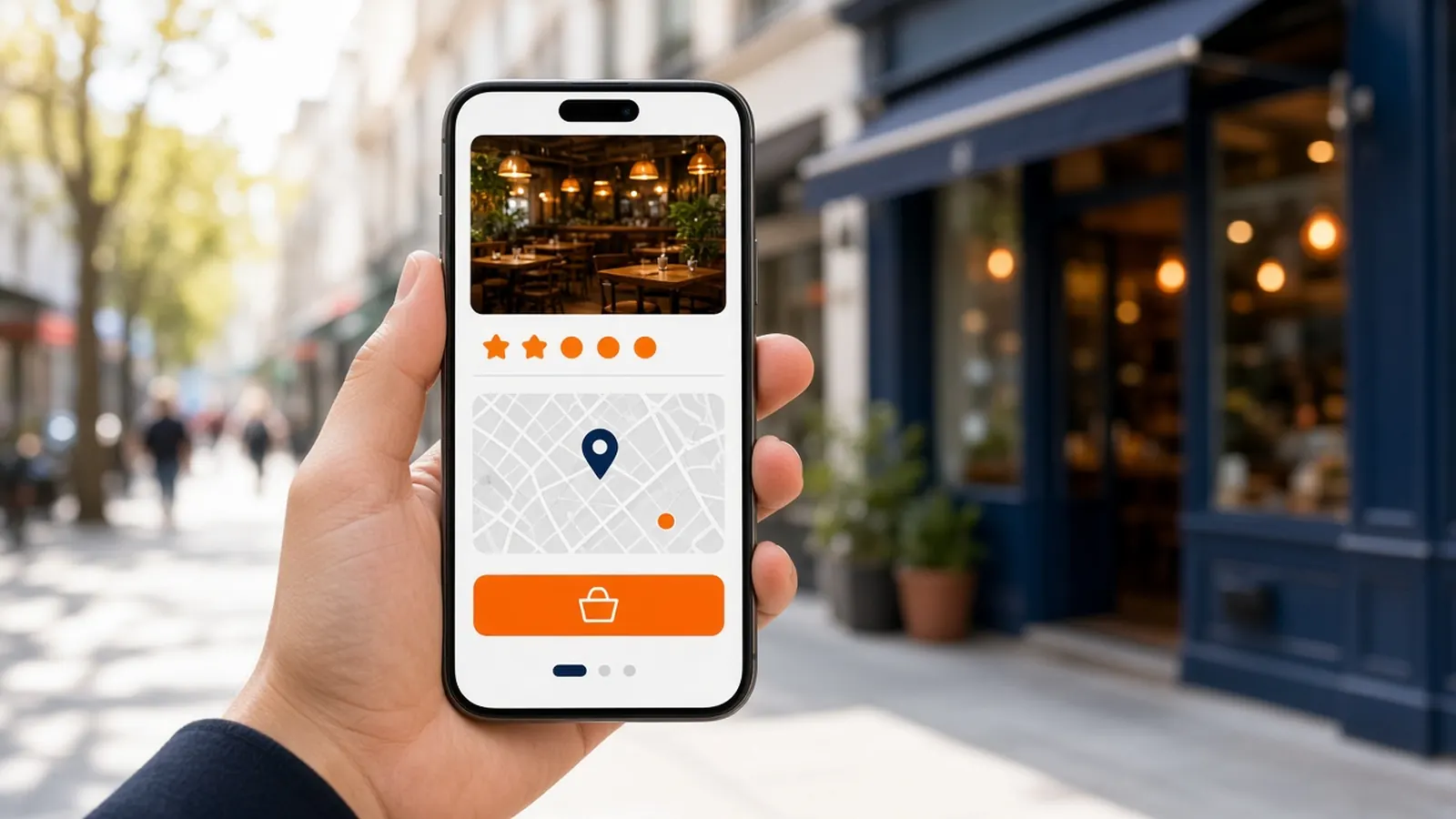
The button guests already tap
Google ordering is not a mystery product. A guest searches for food or for your name, sees the listing, and taps something that says they can order. On a phone, that tap is the whole decision. They are hungry, they are not going to compare your philosophy of first-party commerce, and they will finish on whatever site the button opened.
That is why the destination is the strategy. If the button opens your menu, you can take payment, keep the account, and print the ticket. If it opens a provider or a marketplace, you may still get the sale and you may also train the guest to live there. Google ordering is a doorway. Doorways have addresses.
Owners lose this by accident. A previous vendor, a marketplace rep, or an old setup left the button pointed at them. The listing looks like yours. The checkout is not. Check it from a phone that is not logged into your admin. Trust the guest view.
Two ways the order button gets filled
One way is an ordering provider connected to the listing, where the guest can complete food ordering in a flow associated with that provider. The provider's rules, fees, and guest record apply. Restaurants join these because the button looks official and the setup is handed to them. Read what you signed. The button is only as yours as the contract.
The other way is a link you place, often the website or a specific order URL, so the tap leaves Google and lands on you. This is the version that matches a branded storefront. It is less magical and more controllable. You can change the menu in the afternoon and the button still opens the truth.
Google's own interface moves over time. Do not memorize a screenshot from a blog as the law. The durable idea is: find the control that decides where Order goes, and make it your storefront once the storefront deserves the traffic. If a setting is unclear, use the Google help for the current Business Profile rather than a rumor.
What the guest should land on
They should land on a menu that loads on a phone, shows prices, asks the real modifiers, and takes payment. They should see your name. They should not have to create an account on a third brand to buy a meal they already decided to buy from you. Google ordering did its job when the tap feels continuous.
Hours have to agree. If Google says open and the site says closed, you will take a one-star for a contradiction. If both say open and the kitchen is dark, that is worse. Pick a clock and use it in both places. Holiday hours are part of the job, not a footnote.
The ticket on the other side is part of Google ordering even though Google never sees it. A beautiful button that prints a mess will make staff tell guests to call instead. Then you have paid, in attention, for a path your own team undoes.
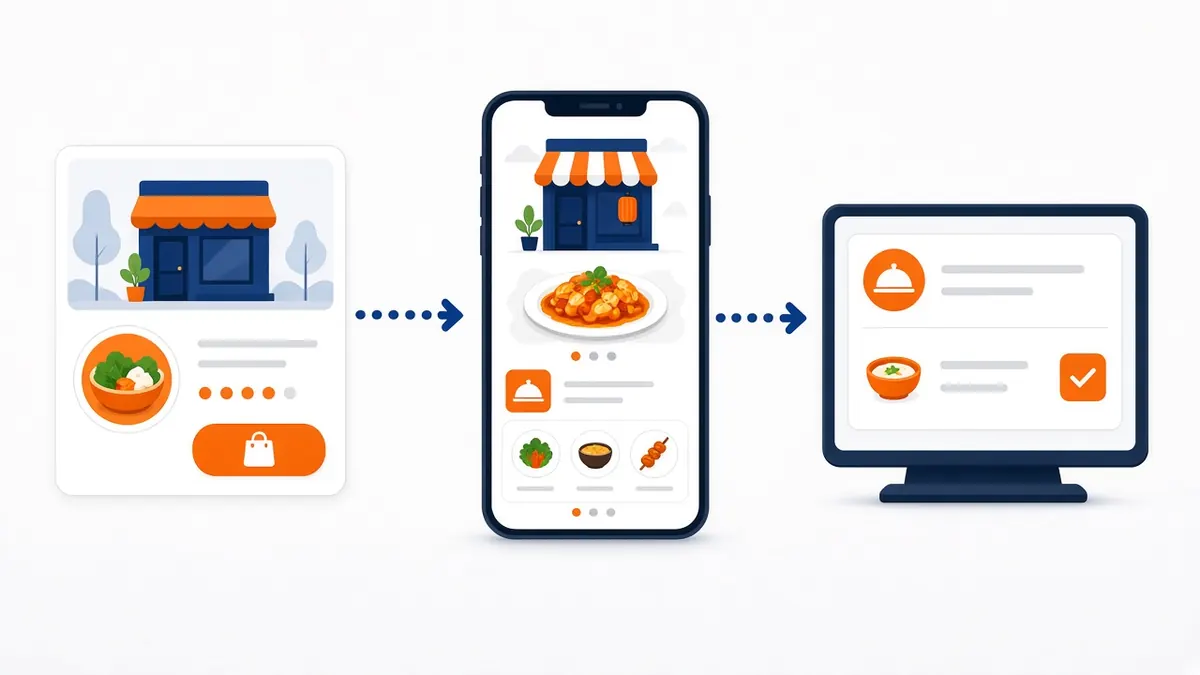
Point the button at your storefront
Get the site taking a clean test order first. Then set the listing's order link to that URL. MicroSky Food's published feature is exactly that integration: order links on the Google listing, on the Standard plan with the rest of the storefront. After it is set, open a private browser and tap the button. Do not trust the edit screen alone.
Remove or replace an old provider if the listing still prefers it. Two order actions that go to different checkouts will confuse the guest and the reports. One button, one kitchen.
Put the same URL in the bio, on the box, and in the counter script. Google ordering should not be the only place your link exists, but it is the one guests use when they search the name they already know. How it works is the site. The listing is the handoff.
- Confirm the guest-facing button from a phone.
- Note where it goes today.
- Finish a test ticket on your storefront.
- Set the order link to that storefront.
- Match hours on the listing and the site.
- Retire the old provider button if it still competes.
- Tap it again after you save.
Menu, photos, and the 2 a.m. tap
Google ordering guests often have not been in recently. The photos on the listing and the photos on the menu should be the same food. A stock platter teaches the wrong promise. You do not need a shoot. You need honesty.
86 items on the storefront when they are gone. The link is live. A listing that caches an old impression is annoying. A checkout that still sells the sold-out item is a remake. Restaurant menu discipline is Google discipline.
Decide the overnight policy on purpose. Hours-aware ordering can stop the site. If you want late orders, staff them. If you do not, close the door on both clocks. A 2 a.m. tap is not a moral victory. It is an order.
Groups, busy listings, and drift
If you have more than one shop, each listing needs its own order link to the menu that shop cooks. A single URL for every address is how the wrong kitchen gets the ticket. The group checklist lives in the companion guide. Do not assume a headquarters login fixed the button.
Drift comes back. A well-meaning manager reconnects a marketplace. A vendor you trialed leaves their link. Put a monthly tap-test on the calendar. Google ordering is not set-and-forget if more than one person can edit the profile.
Measure the doorway, not the folklore
You do not need a novel analytics stack to know if Google ordering works. Ask, for a week, how first-time and regular guests arrived, and watch whether your site's orders rose after the button moved. The admin can show you storefront sales. The listing can show you that people found you. Connect them with a question at the window if you have to.
If taps are high and orders are low, the menu or the hours are the problem. If nobody taps, the listing is incomplete or the button is easy to miss among other actions. Fix the surface before you buy ads into it.