
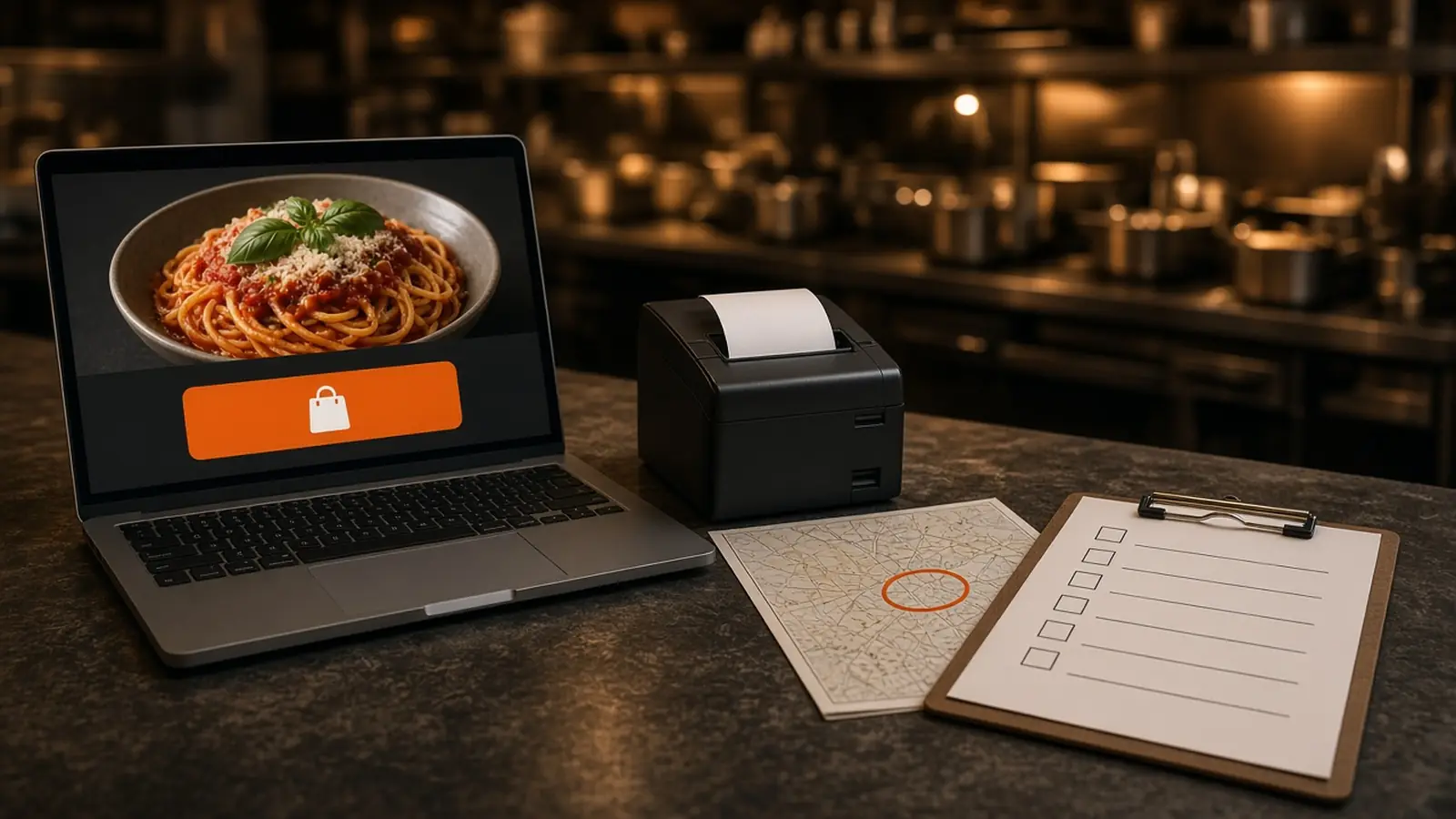
A Checklist, Not Another Buying Essay
An online ordering system for restaurants is a stack. The guest needs your name on the site. The menu needs the choices the counter already asks. Pickup and delivery need rules. The kitchen needs to see the order and hold a ticket. The shift needs a dashboard, and Monday needs a report.
This page is that checklist, covered by one onboarding wizard. Who controls the menu, the guest list, and the price is online ordering platform for restaurants. A broader buying pass is online ordering for restaurants. How a web order and a phone order arrive, get confirmed, and print is the restaurant ordering system. Whether you also need a fleet is food delivery dispatch software.
A Branded Site on Your Domain
The first box is the address in the browser. Checkout should run on your domain, with your photos and your prices. A button that leaves for someone else's app is a referral. Marketplaces often charge 15 to 30% of that sale. Your contract beats the range.
MicroSky Food puts the storefront on your domain. The first ticket does not wait on an app install. The page the guest uses is online ordering. The question in this box is simple: is the checkout yours?
A Menu Builder with Modifiers
The second box is a menu the guest can finish. Categories they can scan. Sizes, toppings, and modifiers, with a price on the choice that costs more. Photos you control, and a cart with a running subtotal. There is no item cap in the published plan.
A PDF will not do this, and a note field that turns every order into a riddle will not either. Ask the follow-up as a modifier, in the words the kitchen uses. Change a price or 86 an item in admin and the storefront updates. What to publish is restaurant menu planning. The buttons are online ordering menu.
Pickup and Delivery Settings
The third box is how the food leaves. Pickup is for the guest who walks in. Delivery is only where you set a zone, a radius, and a fee. Hours open and close both. A shop that locks the door at nine should not take a midnight order.
Turn pickup on, delivery on, or both. The radius and the fee are yours, for example free delivery within 4 miles if you already keep that distance. MicroSky Food does not dispatch drivers, run a fleet, track drivers, or offer geofencing. An address outside the zone should fail before payment. Orders placed now, inside those rules, are on demand food delivery platform.
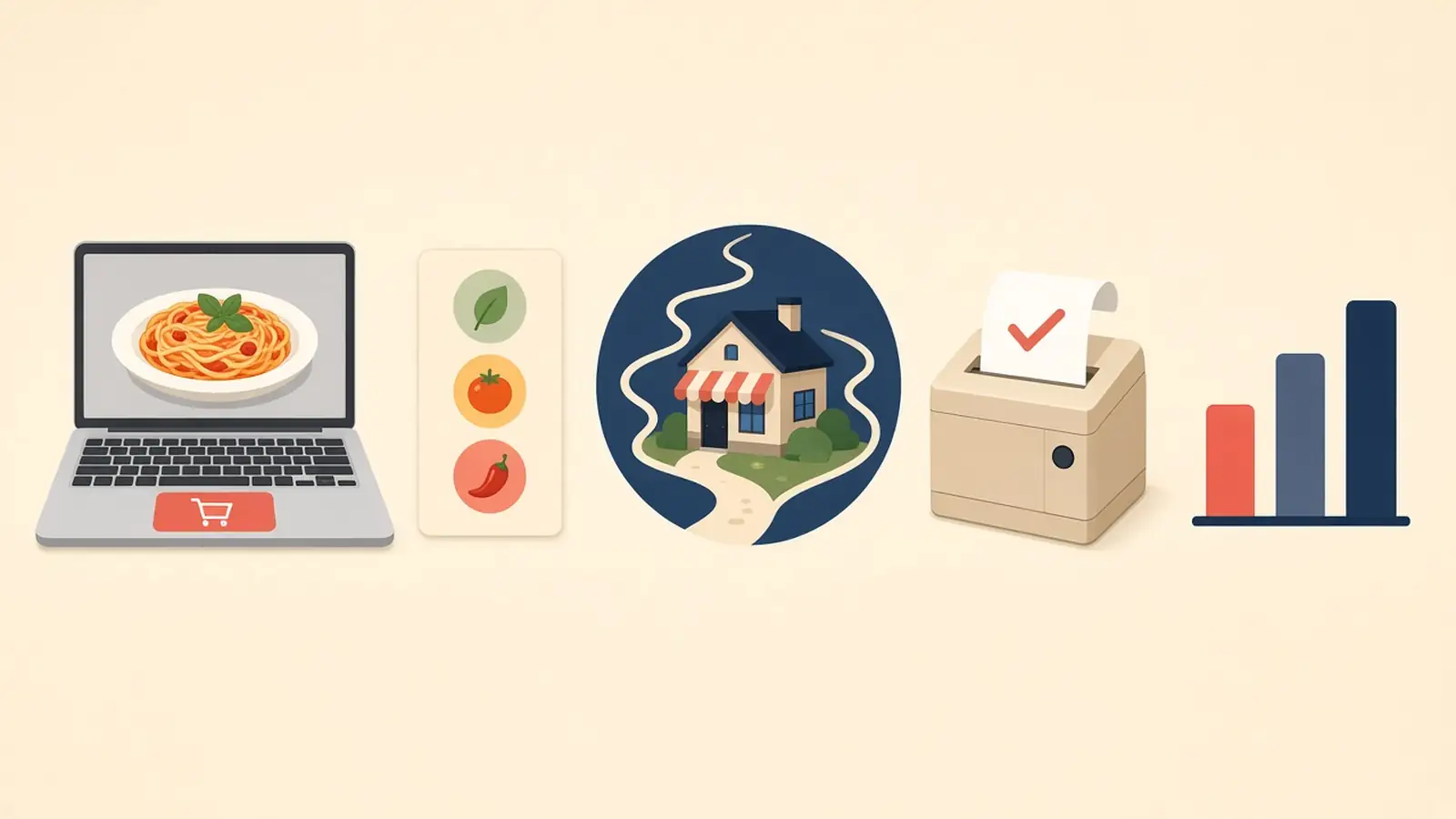
Order Alerts and Printing
The fourth box is the handoff. An online ordering system for restaurants fails when the only notice is an email nobody opens at 7 p.m. The shift has to see the order, and the cook needs a ticket.
The Board the Shift Is Watching
New orders appear in restaurant admin the moment they are placed. That live board is the alert. Staff move each order from new to preparing to ready to delivered. This is not a text to a driver and not a pin on a map.
Paper the Cook Can Fire
The same order should print on the receipt printer you already have. If you need a print path, hardware is $500 once: a mini PC print server and a receipt printer. Admin runs in the browser on a tablet or computer you own. Read one hard test at the pass. How web and phone orders share that printer is the restaurant ordering system.
An Admin Dashboard for the Shift
The fifth box is who can work the system during service. Managers, kitchen, and counter can have different access, so the person at the empty pan can 86 the item without your password. Hours and the live board live on the same login.
After onboarding, open Admin, then Integrations, to turn on Sky AI. It answers unlimited inbound calls, with no per-minute fee, and prints a paid phone ticket with web orders. It is not part of the signup wizard. The website does not wait for it.
Reports You Can Read on Monday
The sixth box is Monday. The sales report shows orders, revenue, average ticket, and best-sellers for completed, paid storefront orders. Read the same weekday and change one thing.
The admin page also describes visitor-to-order conversion, top-converting items, checkout drop-off, page rankings, organic traffic, and Core Web Vitals. How to use a week of numbers is restaurant analytics.
One Onboarding Wizard for the List
The guided onboarding wizard walks through your restaurant profile, menu, hours, delivery zones, and billing. A storefront can be set up in about 10 minutes. Most restaurants are set up the same day. If you already have a site, onboarding can scan it for items and prices. Read every item. How it works is the short version.
Bring a Stripe token, connect Authorize.net, or sign up with Electronic Payments. Apple Pay is on Growth and Growth Plus, through Authorize.net, and not on Standard. Cash on delivery can cover orders while a merchant application processes. You do not need a new point of sale to launch the site.
What the Checklist Costs
Standard is $249 per month plus 5% of net sales. That plan includes the branded website, the menu, pickup and delivery zones, admin, the sales report, loyalty points you define, Google order links, and Sky AI. Growth is $499 per month plus 7% of net sales and adds a branded iOS app, a website redesign, app push, and monthly work on 5 keywords. Growth Plus is $999 per month plus 10% of net sales and adds email, SMS, and 10 keywords. Both require 3 months on Standard. There is no published Android app.
The other Standard choice is on pricing. Hardware is $500 once if you need the print server and a receipt printer. There is a 30-day free trial and no long-term contract. Do not buy Growth just to get this checklist.
Walk the List Before You Share the Link
Start the 30-day free trial and tick the boxes. Your name on your domain. One modifier that changes the price. Pickup on. A zone that matches streets you already serve. One paid test on the board and on paper. A staff login that is not yours. Then confirm that test is on the sales report.
Share the link when the boxes are boring. Restaurants on the platform are on clients. Questions go through contact. See a storefront in the live demo. Start 30 Day Free Trial. Call (888) 960-1359.