
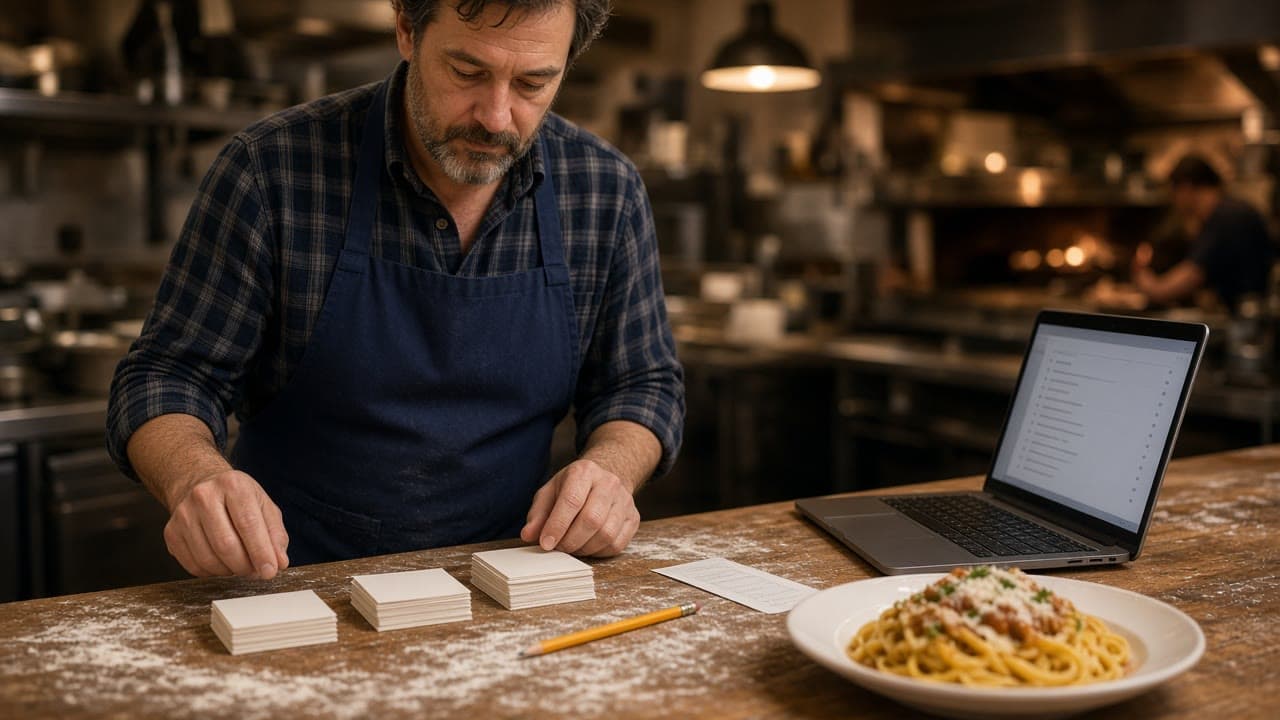
Restaurant menu planning is the work you do before a guest can order. You decide what the kitchen can cook on a busy night, how the choices are named, and which plates belong on the site. It is not a design trend. It is a list the line can repeat and a guest can finish without calling you.
If the list is already short, the layout questions are on small restaurant menu. How those items become photos and modifiers is online ordering menu. Keeping one version current after launch is restaurant menu management software. The door the guest uses is order food online.
Start with plates you can cook twice
Do not plan from a template of dozens of items you have never sold together. Write the plates you can send out when every station is full, using ingredients you already buy. A dish that needs a cook who only works Thursday is a Thursday dish, not a permanent button.
If two plates share a sauce and a station, keep both only when guests actually choose between them. Publish the plate people ask for. The plate you wish they asked for can wait. A smaller list you can 86 honestly will beat a long list that is wrong by 7 p.m.
Categories a hungry person can scan
Group the way the counter talks. Pizza, salads, sides, and drinks. Or lunch and dinner. Do not group by the distributor invoice or by a station name the guest has never heard. Search helps when the list is long. Search does not fix a category the guest cannot recognize.
The storefront can hold unlimited items and categories, with sizes, toppings, and modifiers. That capacity is not a quota. A first-timer should know where to start. A regular should find the usual plate without learning your prep list. Photos, descriptions, and prices stay under your control in online ordering.
Modifiers before you add another item
A size, a topping, a temperature, or a side is a modifier when the counter asks it as a follow-up. A new item is a new name on the menu. Put the extra price on the choice that costs more. A size that costs more and appears only at the end is how tickets get disputed.
Use the words already on the rail ticket. If the cooks say no onion, the button should say no onion. Keep free text for true exceptions. A comment box as the whole menu means every order is a riddle, and staff will retype it.
When a paper menu leaves a price off on purpose, the shorthand is covered in what MP means on a menu. Do not copy that blank onto the site. The guest is alone with the cart and needs a number.
What to leave off the first publish
Restaurant menu planning includes the no list. Leave off the dish you 86 every Friday. Leave off anything you cannot describe in one plain sentence: heat, portion, and what comes with it. You can add it after the first week is calm.
Photograph the food you serve. A stock photo of a burger you do not make is a complaint waiting for the handoff. You can add photos after launch. You should not launch with a picture of the wrong plate. A short description beats a paragraph the guest will not read.
Specials stay off the permanent list
A special is a plate you can feature without rewriting the standing menu. Ideas by daypart are on restaurant specials ideas. A short run with an end date is what LTO food is. Put the special where the guest will see it, and take it down when the ingredients are gone.
If the special is orderable, it belongs on the storefront. If it is only a note in a group text, the kitchen and the guest will not share a ticket. Do not let the special become a second menu nobody updates.
Plan one list for every door you own
The website, and later the branded iOS app, should show the same prices. Do not keep a counter price and a different online price unless you mean to. Guests will compare them on their phones while they stand at the register.
Point the Google order link at this menu once a test order looks right. Phone orders through Sky AI should use the same items. Sky AI answers unlimited inbound calls, with no per-minute fee, and the paid ticket prints with web orders. Turn it on after onboarding, in Admin, then Integrations. It is not part of the signup wizard. If the phone path cannot ask a modifier the site asks, fix the menu before you turn the phone on.
Decide who can 86 an item
Name the person on the shift who can hide a sold-out plate. That person needs a staff login in restaurant admin, not the owner's password. When the plate is gone, hide it. When it is back, show it. The storefront updates from that save.
Hours are part of the same plan. If the kitchen stops at 9, the cart should close at 9. Ordering follows the hours you save. A handsome menu that accepts orders you cannot cook is a planning miss, not a marketing win.
Read it on a phone, then change one thing
Before you send the link, order the way a guest would. Can you finish the most annoying item without a comment box? Does the subtotal match the counter? Does the printed ticket use words the cook already expects? Place one paid test and look at the paper.
Change one thing if the answer is no. Do not redo the categories, the prices, and the specials on the same day. Next week you will not know which change moved the orders. How to read those orders is restaurant analytics.
What it costs to publish the menu
The ordering site that holds this menu is on every plan. On Standard, choose $249 per month plus 5% of net sales, or $499 per month flat. Growth is $499 per month plus 7% of net sales. Growth Plus is $999 per month plus 10% of net sales. Growth and Growth Plus require 3 months on Standard. You do not need Growth to publish the menu.
Growth adds a branded iOS app after those 3 months, a website redesign, app push, and monthly work on 5 keywords. Growth Plus adds email, SMS, and monthly work on 10 keywords. There is no published Android app. Apple Pay is on Growth and Growth Plus, through Authorize.net. Hardware is $500 once if you need a mini PC print server and a receipt printer. There is a 30-day free trial and no long-term contract.
The wizard walks through your profile, menu, hours, delivery zones, and billing. A storefront can be set up in about 10 minutes. If you already have a site, onboarding can scan it to import menus and prices. Read every imported item before a guest sees it. Setup is how it works. Restaurants on the platform are on clients. Questions go through contact. See a menu on a phone in the live demo. Confirm both Standard choices on pricing. Start 30 Day Free Trial. Call (888) 960-1359.