
Food delivery dispatch software is a board for drivers. It answers who is on the road, which stop is next, and whether the bag is moving. That is a real category. It is not the same purchase as a website where a guest orders pickup, or delivery inside a zone you drew.
This post is that split, for an owner who is tired of a demo that opens on cars. MicroSky Food is the order: a branded site, pickup, and delivery zones you set, with a radius and a fee. It does not dispatch drivers, run a fleet, track drivers, or offer geofencing. How a paid order becomes a ticket is the restaurant ordering system. Orders placed now, on your site, are the on demand food delivery platform. The parts a system should include are the online ordering system for restaurants.
What Food Delivery Dispatch Software Does
Use the name for the fleet. A dispatcher, or the software standing in for one, takes orders that are already sold and hands them to people who drive. The screen is usually a list of stops and a map. The kitchen still has to cook. The guest still had to order somewhere else first.
That somewhere else might be your phone, your site, or a marketplace. Dispatch does not replace the menu. It starts after someone has committed to an address. If a vendor demo opens on cars and pins, you are looking at food delivery dispatch software, even when the slide also says ordering.
Assigning the Next Stop
The job is assignment. Which driver is free, which order is late, and which bag is still on the pass. A person can do that with a radio when you have two cars. Software earns its place when several drivers, several addresses, and a Friday stack up. The output is a stop, not a price change on the menu.
A Map Is Not a Zone
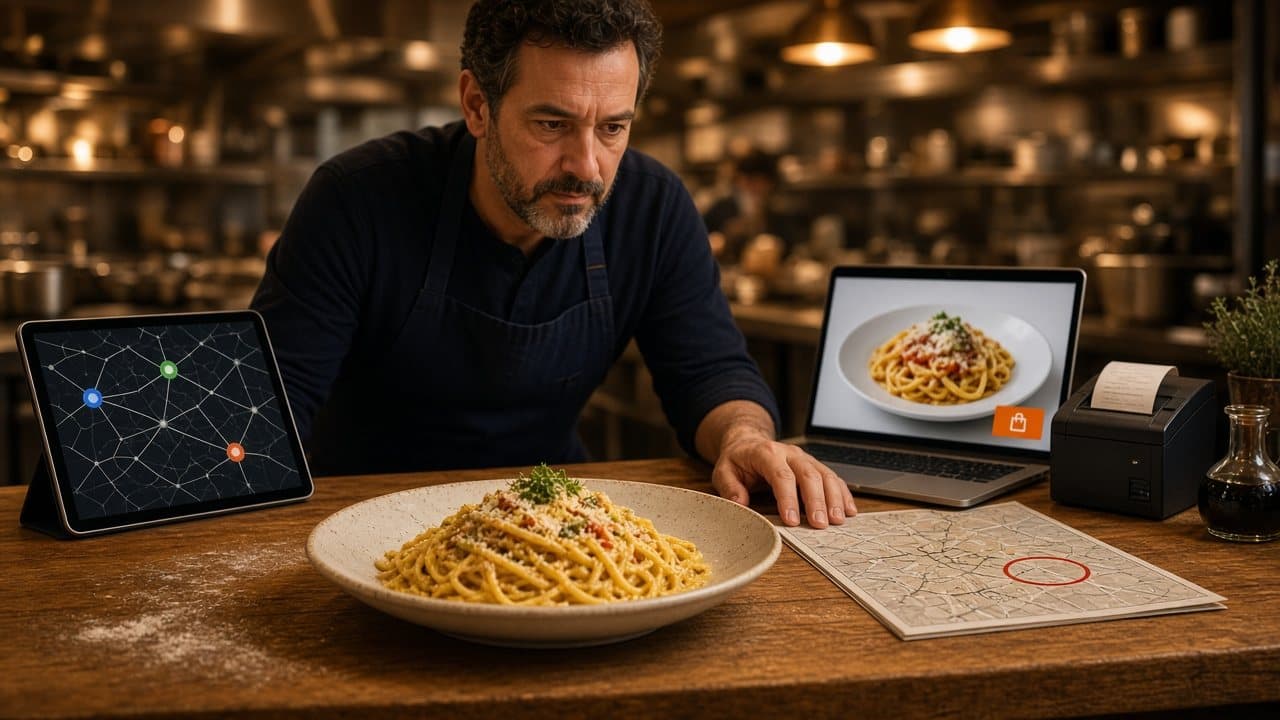
A live map follows cars. A delivery zone is a circle or a set of streets you are willing to serve, plus a fee. Those are different pictures. Driver tracking tells you where a person is. A zone tells the guest whether you will take the address before they pay. Do not buy a map because you only needed a yes or no on the address.
When You Actually Need a Fleet Tool
You need dispatch when delivery is a route, not a favor. You have more than one driver on the clock, stops pile up, and the person at the pass cannot remember who left with which bag. You also need it when you promise a tracking text you cannot send from a notebook. If that is the operation, budget for a dispatch product on purpose.
You can skip it when delivery is one car, the owner, or a short list of regular streets. In that shop the hard part is the order: the right modifiers, a paid ticket, and a clear rule for how far you go. A dispatch login will not fix a menu the kitchen cannot read. It will add a second screen beside the printer.
Pickup-First Ordering with Delivery Zones
Pickup-first means the default door is the guest who walks in. Delivery is a second choice, and only inside rules you wrote. Online restaurant delivery software, in the honest sense, is that door: the menu, the cart, the address check, and the ticket. It is not a promise that a stranger in a car will appear.
Start with pickup if the food travels badly, if you have no one to drive, or if the margin dies once a third party touches the sale. DoorDash, Uber Eats, and Grubhub often charge 15 to 30% of the sale. Your contract beats that range. A marketplace can still introduce someone who has never heard of you. It should not be the only way a neighbor orders the usual.
The Zone, the Radius, and the Fee
A zone is the map you are willing to stand behind. Set the radius to streets you already serve. Set the fee to what that trip costs you, or to free inside a short distance you can keep, for example free delivery within 4 miles if that is your rule. The guest should see the zone and the fee before they pay. If the address is outside, the cart should say so. That is a setting, not a driver.
The Ticket Still Has to Print
Dispatch cannot cook. The paid order has to show up where the line looks, and it should print. In restaurant admin, new orders appear the moment they are placed. Staff move each one from new to preparing to ready to delivered. Ready means the bag is at the door. Delivered, on this board, is a status a person marks. It is not a car on a map.
Online Restaurant Delivery Software Is the Storefront
People search online restaurant delivery software when they want guests to order delivery from them. Read the category before you read a ranking. A roundup can mix a marketplace listing, a dispatch board, and an ordering site, then score them as if they were one object. They are not. Ask what you are buying: a listing, a fleet, or a checkout on your domain.
The checkout that belongs to you is online ordering. Your name, your photos, your prices, sizes and toppings, a cart with a running subtotal, and hours that open and close the cart. Accounts, saved orders, and loyalty points on storefront purchases are on every plan. You set what the points are worth. A branded iOS app is not required for delivery zones, and it is not on Standard.
Pair a Fleet Tool, or Leave It Off
If you already pay for drivers and a dispatcher, keep that tool. Point it at orders from your own site when it can accept them. MicroSky Food will not replace that board, and it will not pretend to. The site's job ends at a paid order inside the zone you set, a pickup order, and a ticket the kitchen can fire.
If you do not have drivers, do not rent a dispatch product to look equipped. Offer pickup. Add delivery only on streets you can cover with the people you have. Tell the guest the fee. A zone you can keep beats a pin you cannot staff. The wider pass at orders placed now is on demand food delivery platform.
What MicroSky Food Will Not Pretend to Be
Say this plainly, because the category is easy to blur. MicroSky Food does not offer driver dispatch. It does not run a fleet. It does not track drivers. It does not offer geofencing. A staff status of delivered is not a GPS trail. If a demo you are watching leads with cars, that is a different category from the ordering site.
What it does offer is the order. Pickup and delivery with restaurant-set delivery zones, a radius, and a fee. The onboarding wizard covers your profile, menu, hours, delivery zones, and billing. Sky AI can take the same pickup or delivery choice by phone once you turn it on after onboarding, in Admin, then Integrations. It answers unlimited inbound calls, with no per-minute fee. The caller pays on a keypad. Sky AI does not hear the full card number. A phone order is still not a driver.
What the Ordering Side Costs
The ordering site and restaurant admin are on every plan. Standard is $249 per month plus 5% of net sales. Growth is $499 per month plus 7% of net sales. Growth Plus is $999 per month plus 10% of net sales. Growth and Growth Plus require 3 months on Standard. The other Standard choice is on pricing. You do not need Growth to set a zone or to skip dispatch.
Growth adds a branded iOS app after those 3 months, a website redesign, app push, and monthly work on 5 keywords. Growth Plus adds email, SMS, and monthly work on 10 keywords. There is no published Android app. Apple Pay is on Growth and Growth Plus, through Authorize.net, and not on Standard. Hardware is $500 once if you need a mini PC print server and a receipt printer. There is a 30-day free trial and no long-term contract. A dispatch product, if you buy one, is a separate bill.
Try Pickup Before You Buy a Map
Tomorrow, write the streets you will actually deliver, and the fee. If you cannot name the driver for a Friday, leave those streets on pickup. Then place one paid test on the site and read the ticket. If the zone rejects an address you do not serve, the setting is doing the job a map would only decorate.
Setup is how it works. Restaurants on the platform are on clients. Questions go through contact. See a storefront in the live demo. Start 30 Day Free Trial. Call (888) 960-1359.