
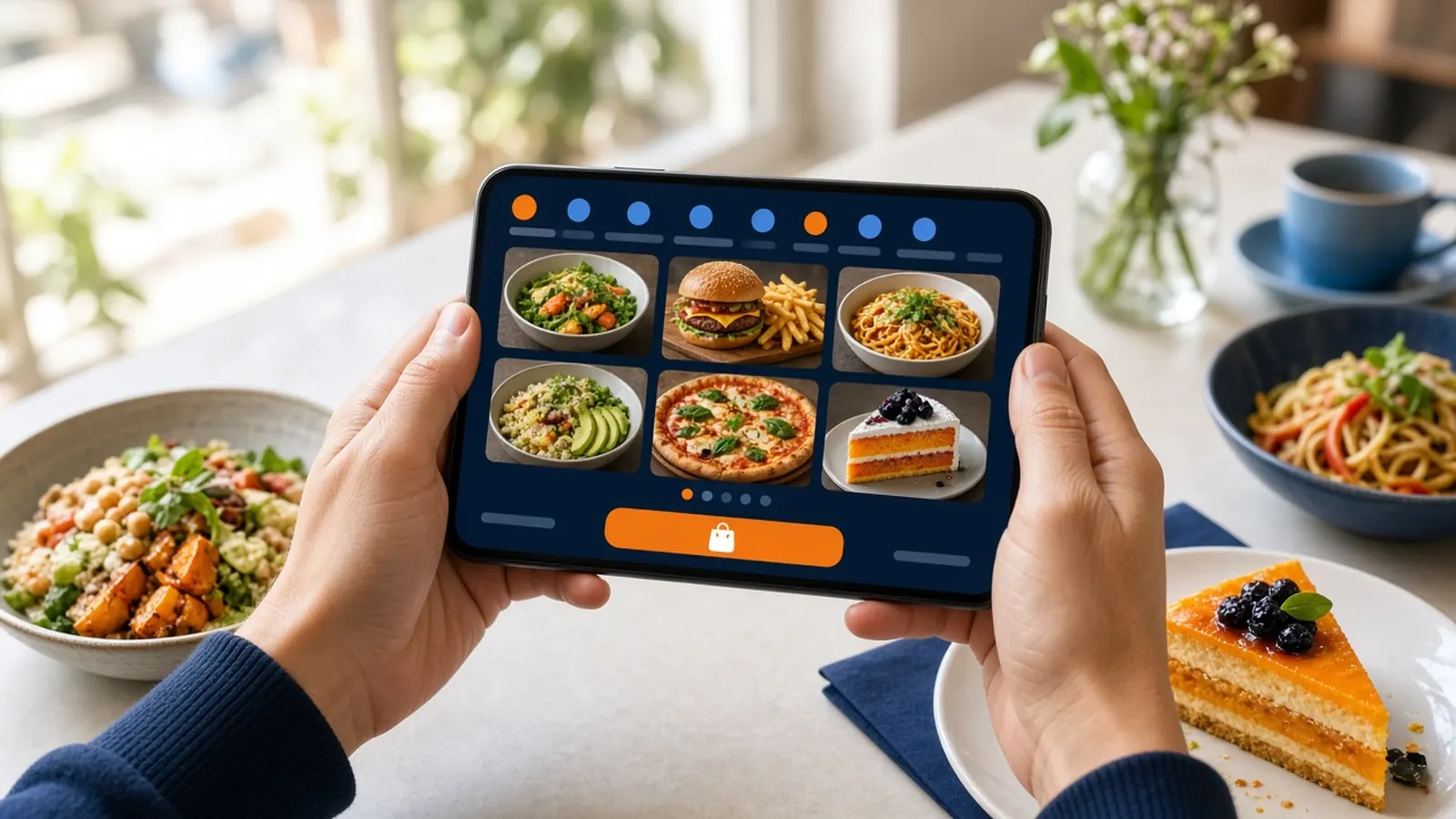
Build it the way the counter already talks
An online ordering menu fails when it is a list of nouns. At the counter you ask size, temperature, toppings, bread, and whether the sauce is on the side. The site has to ask the same questions or the ticket will be a note field the kitchen has to decode. Start from the questions, not from a design template.
Categories should match how a hungry person scans, not how your distributor invoices you. Pizza, salads, and drinks. Or breakfast and lunch. Search helps when the list is long. A guest who knows the name of the sandwich should not have to learn your internal stations.
Prices belong on the choice that changes them. A size that costs more is a priced modifier, not a surprise at checkout. The cart's running subtotal is there so the guest sees the meal grow. That is the moment they decide to add the side or to stop.
Photos, descriptions, and the upsell that is not a trick
Photograph the food you serve, in the light you have. A short description should answer what a first-timer cannot see: heat, portion, what comes with it. Skip poetry. The guest is deciding, not reading a magazine.
An upsell belongs where the counter would offer it. A side with the entree. A dipping sauce with the fries. An extra topping on the pie. Put it on the item as a modifier, priced in the open. A pop-up that blocks the menu is how carts get abandoned. A relevant add-on is how the ticket matches a good cashier.
Do not upsell an item you 86 every night. The online ordering menu has to trust the kitchen. If a special is gone, remove it. A photo of food you cannot make is a complaint waiting for the handoff.
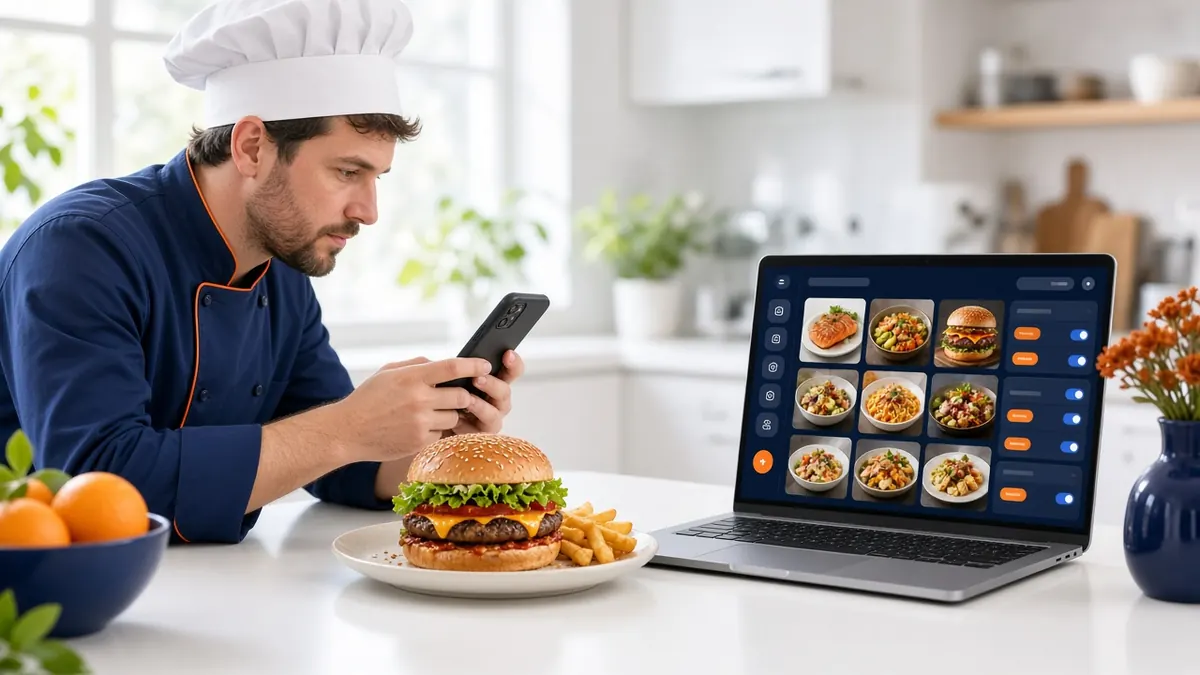
Modifiers that print clean
Every modifier should be a line the kitchen already understands. Use the words on the rail ticket. If the cooks say no onion, the button should say no onion, not a cute name. Half and half, temperatures, and sizes need to be choices, not a comment box, whenever the guest must not get them wrong.
Limit free-text to the true exceptions. A comment box as the whole menu means every order is a riddle. Staff will retype it. The guest will be charged wrong. Structured choices feel stricter to set up and kinder at 7 p.m.
Print a test ticket for the most annoying item you sell. If the cook can make it without calling the front, the online ordering menu is ready for that item. If not, fix the modifiers before you send the link to regulars. The pizza-specific version of this work is on the blog, so use that post when the menu is mostly pies.
- Categories a guest would say out loud.
- Priced sizes and toppings, not a flat item with a note.
- Your photos on the items that actually sell.
- Add-ons a cashier would offer, in the open.
- A test print of the most complicated plate.
Hours, sold out, and the menu after midnight
An online ordering menu that stays open after you close will take orders you cannot cook. Hours-aware ordering is the fix: the site follows the hours you posted. Set them. Update them when you close for a holiday. Do not rely on a social post the site cannot see.
86 items that are gone. Add a special by putting it on the menu, not by posting a photo with no way to pay. The promise of instant menu sync is only useful if someone in the building has the admin login and the habit.
Delivery zones belong next to the menu in the guest's mind. If you do not deliver past a certain distance, say so with the zone, not with a phone argument after they paid. Pickup should be an obvious path for the regular who is already in the car.
Launch the menu in a week, not a rebrand
Day one, import or enter the items you sell most. The onboarding wizard can scan an existing site for menu items, prices, and modifiers. Still read every item. Day two, photos for the top sellers and a test order. Day three, the complicated modifiers. How it works is the short version of setup. The menu is the long version, and it should still fit in a week of afternoons.
Do not wait for every legacy item from a binder you have not sold since last spring. A short, accurate online ordering menu beats a complete fiction. Add the slow sellers after the tickets look right.
Then put the link where the PDF used to be. If the PDF remains, make it obvious that the order button is the live menu. Two menus that disagree will lose to the guest's patience.