
Compare Who Controls the Order
An online ordering platform for restaurants is a choice about control. The guest still wants food. You are deciding who sets the menu they see, who keeps their name for the next order, and who sets the price that hits your account. A checklist of features, a live cart, and a phone line are different pages.
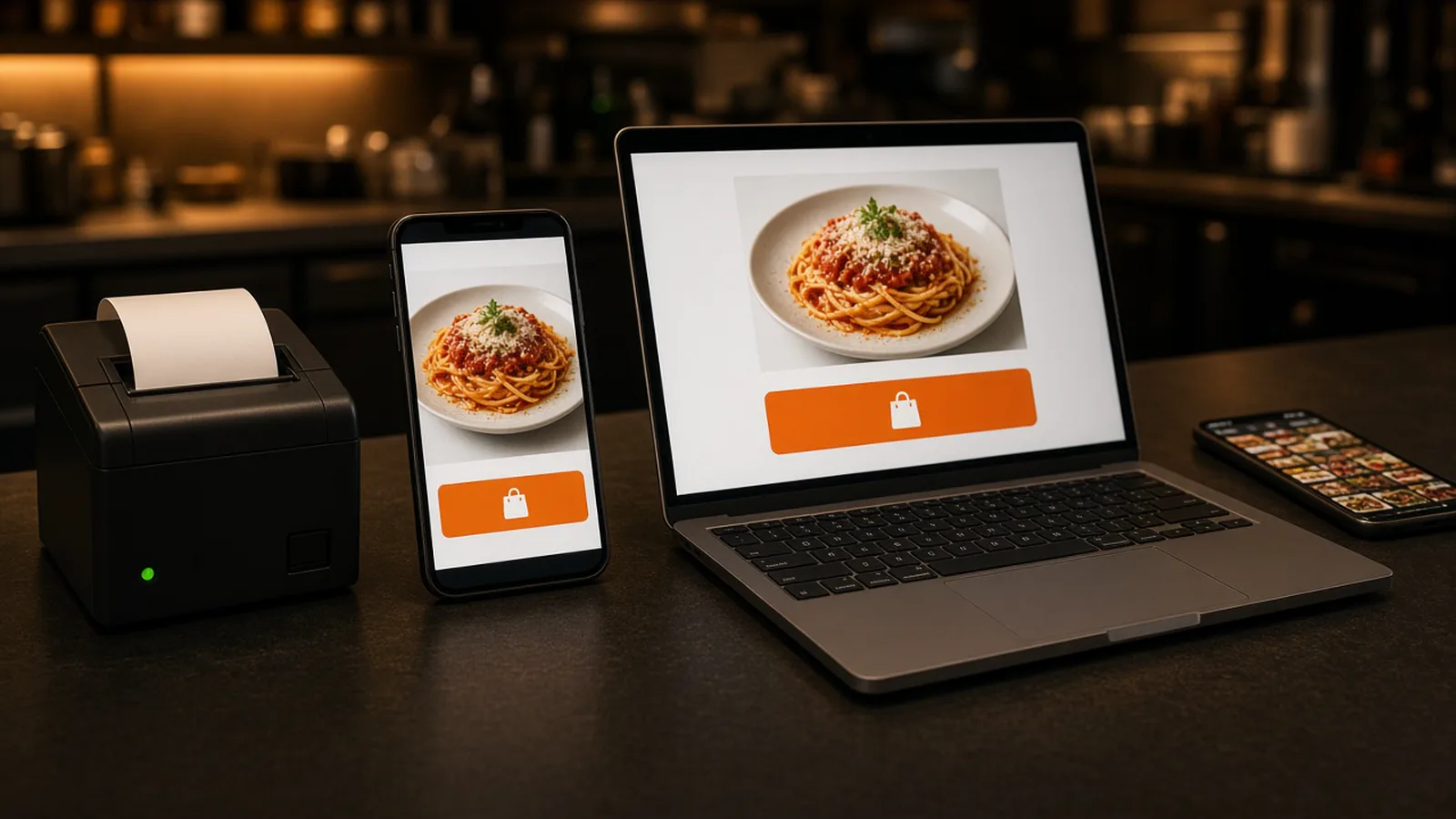
The parts a system should include are the online ordering system for restaurants. How a web order and a phone order arrive and print is the restaurant ordering system. The door a guest finishes on your domain is order food online. Orders placed now, with a live cart, are the on demand food delivery platform. Stay here for the comparison: your branded site against a marketplace listing.
Two Platforms, Two Checkouts
A marketplace listing puts you inside someone else's app, beside other kitchens. DoorDash, Uber Eats, and Grubhub can introduce a stranger who has never heard of you. They also often charge 15 to 30% of that sale. Your contract beats that range. The guest learns their app, not your name.
A branded site puts the checkout on your domain. Your photos, your menu, your prices. The guest who already knows you does not have to open a marketplace to order the usual. You do not have to turn those apps off on day one. You do need a door you own for the reorder. Whose name is on that door, in the longer sense, is white label online ordering. A wider buying pass is online ordering for restaurants.
Who Controls the Menu
On your online ordering platform for restaurants, the menu is the one the counter already speaks. Categories a guest can scan. Sizes, toppings, and modifiers, with a price on the choice that costs more. Photos and descriptions you choose. The cart shows a running subtotal. There is no item cap in the published plan. Change a price or 86 an item in restaurant admin and the storefront updates. You should not need a web person for a dish that is gone at 8 p.m.
A marketplace listing is their page. You do not choose the layout, and you do not own the next button the guest taps. If their form cannot ask the follow-up your kitchen needs, the ticket comes back as a note. That is a reason to keep the complicated plates on your site, where the modifier is a button, not a comment. What to publish is online ordering menu.
Who Controls the Customer Data
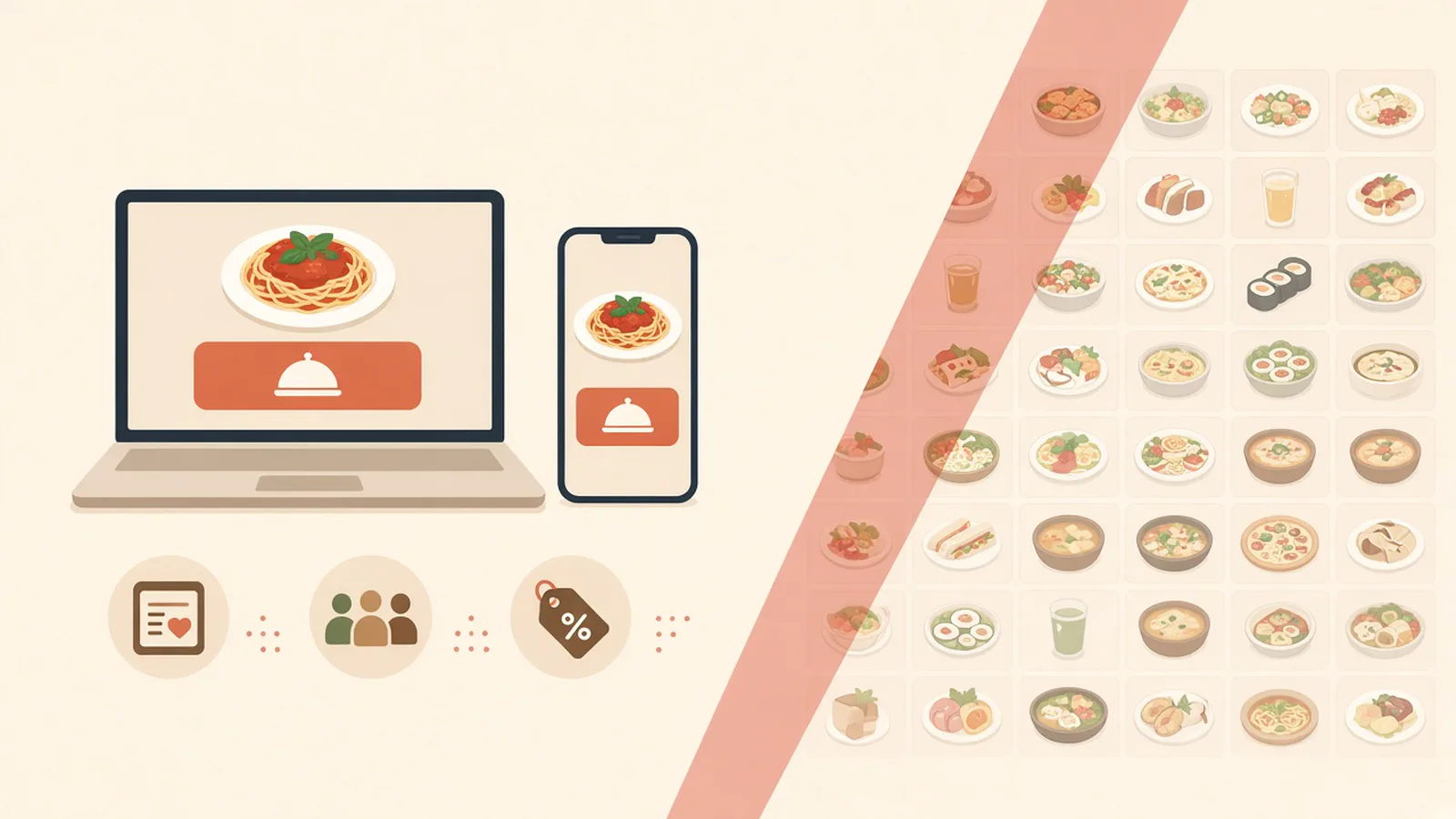
Control of the guest is the second column, and it is the one owners feel a month later. On your site, customers create accounts, save orders, and earn loyalty points on storefront purchases. You set the reward. The customer list stays yours. A marketplace receipt does not build that balance, and it does not hand you a list you can message.
Email and SMS campaigns to people who already ordered are on Growth Plus, at $999 per month plus 10% of net sales, after 3 months on Standard. Do not promise a text club on Standard. Growth can push to a branded iOS app after the same qualifier. The website, the accounts, and the points do not wait for that. The list is only as good as orders on your domain. Send the reorder there.
Who Controls the Price
You set the menu prices on your site. A size that costs more is a priced modifier, not a surprise at the end. A marketplace fee is a different number. Those apps often take 15 to 30% of the sale. On a $40 order, 5% is $2 and 30% is $12. The monthly plan sits on top of either figure. That sketch is arithmetic, not your margin. Which line each dollar occupies is restaurant profit and loss.
On Standard, choose $249 per month plus 5% of net sales, or $499 per month flat. Growth is $499 per month plus 7% of net sales. Growth Plus is $999 per month plus 10% of net sales. Growth and Growth Plus require 3 months on Standard. You do not control a marketplace's percentage. You control whether the next order uses your checkout. A quiet month can feel the subscription first. A busy month can feel the percentage. Write both before you choose. The lines are on pricing.
What You Still Do Not Control
Owning the checkout is not owning a fleet. MicroSky Food does not dispatch drivers, run a fleet, track drivers, or offer geofencing. You set the delivery zone, the radius, and the fee. Pickup is a separate path. If a dish will not survive the ride, leave it off delivery. A delivered status on the board is a person, not a car on a map.
Apple Pay is on Growth and Growth Plus, through Authorize.net, and not on Standard. Bring a Stripe token, connect Authorize.net, or sign up with Electronic Payments. A branded iOS app is not on Standard, and there is no published Android app. Other phones keep the website. Do not buy Growth just to own the menu, the list, and the prices. Those three are on the ordering site from the start.
Choose the Checkout, Then Place One Test
If the comparison is the marketplace listing against a site you brand, decide which reorder you want to keep. Strangers can still find you in an app. Regulars should have your domain. Start the 30-day free trial. The wizard walks through your profile, menu, hours, delivery zones, and billing. A storefront can be set up in about 10 minutes. Read every item. How it works is the short version.
Pay for one test and print it before you move a Google order link. Restaurants on the platform are on clients. Questions go through contact. See a storefront in the live demo. Start 30 Day Free Trial. Call (888) 960-1359.