
Two products share this name
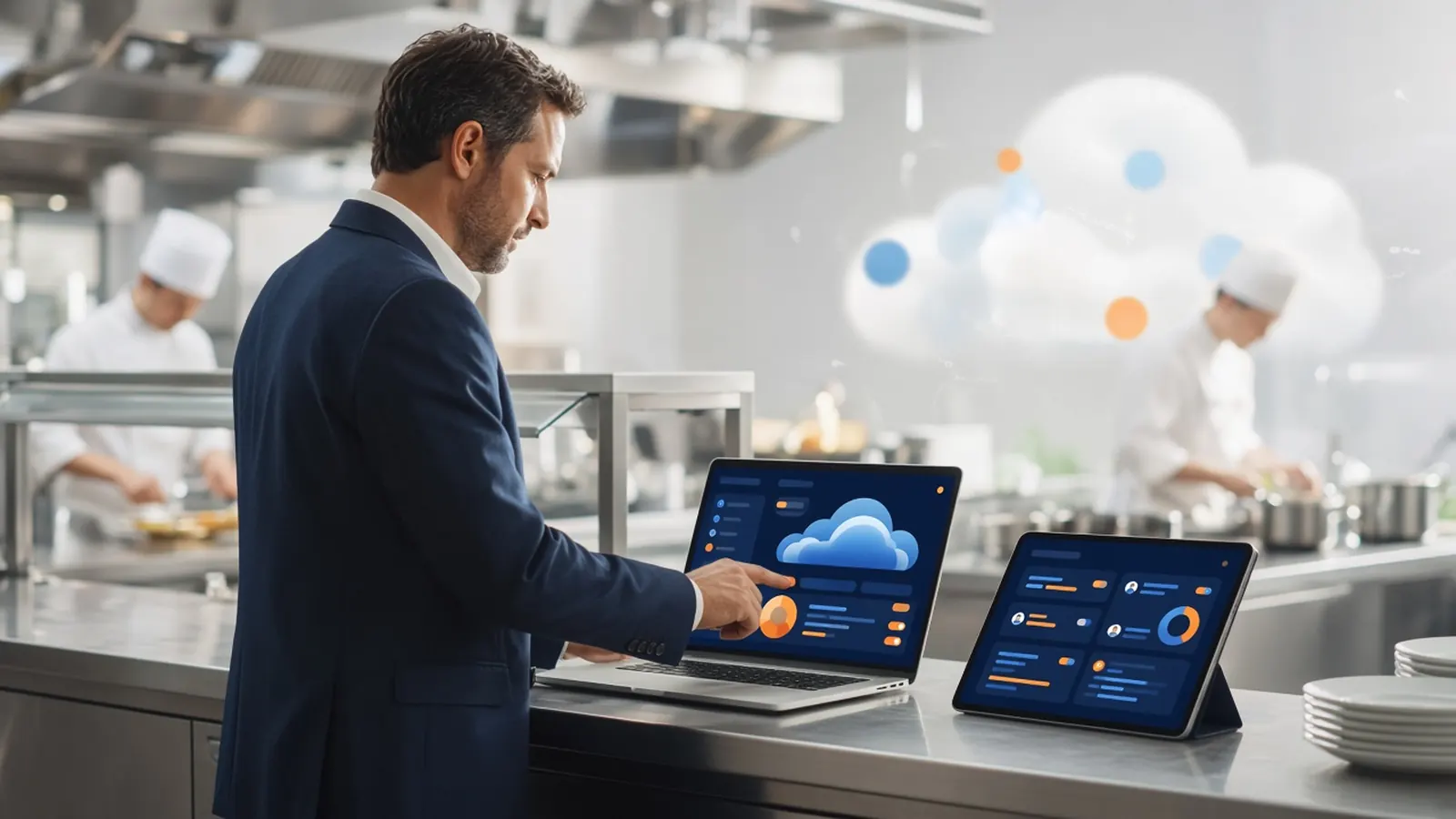
Cloud based restaurant management software is a wide label. One group of products wants to be the system of record for tables, cash drawers, payroll, and the website. Another group wants to be the command center for orders that start online or on the phone, plus the menu those orders use. Both can be cloud. They are not the same purchase.
The full suite is worth the weight when the rail is the problem. Handhelds, offline mode, and a single ticket for the whole building matter in that job. They are overhead when you searched this phrase because the website and the tablets by the door are a mess.
Name the building's real gap. If servers can already ring a meal, do not let a feature matrix talk you into replacing them. If guests cannot order on your domain, the cloud tool you need is the one that takes that order and shows it to the kitchen.
What ordering-first admin covers
Live orders, so the counter and the kitchen see the same status. A menu you can change without a web person, including 86ing an item that is gone. Staff logins that are not the owner on every device. A simple read on what sold. Those four cover a shocking amount of the week.
It also covers the unglamorous links: hours, delivery zones, loyalty rewards, and who can refund. Cloud based restaurant management software earns its keep when a closer can do those without a ticket to a vendor. If every change waits on email, the cloud is just someone else's computer.
Printing still has to be local. Cloud does not mean the ticket arrives as a text. It should hit the receipt printer the line already uses. Confirm that with a test before you cancel anything else.
When the lighter tool is enough
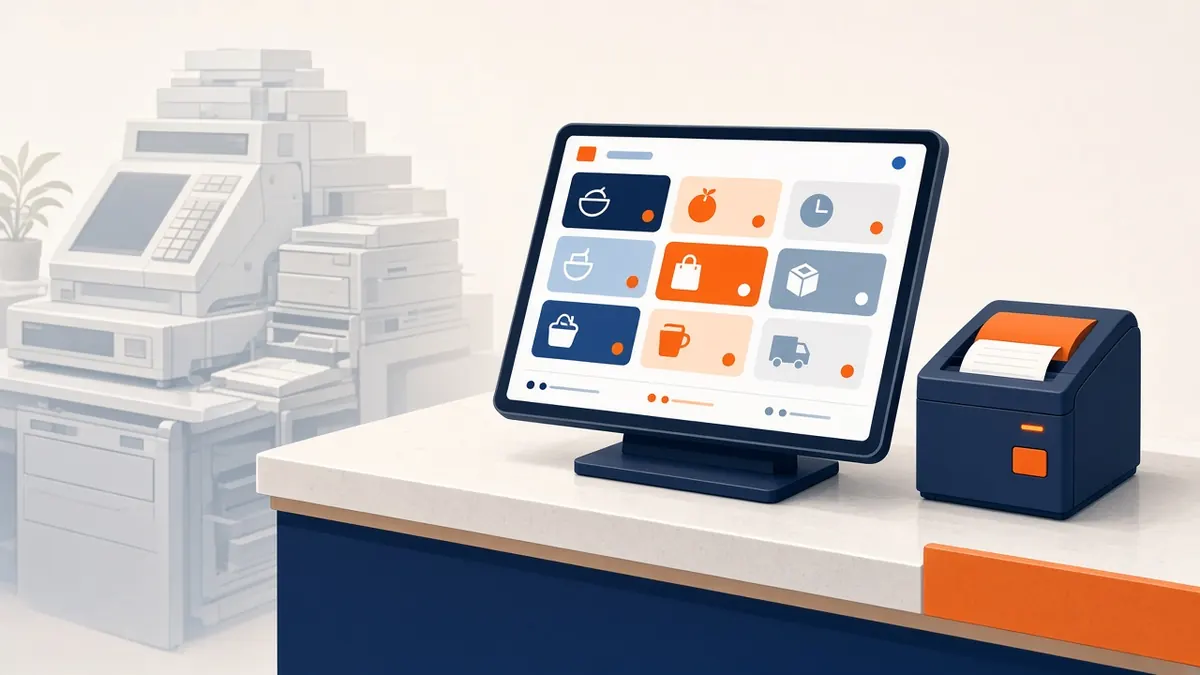
It is enough when in-room service is stable and the leak is online, phone, or a pile of marketplace tablets. One browser and one printer can absorb web orders and, when you turn it on, Sky AI phone orders. You are not syncing two religions. You are adding a door.
It is enough when you want the guest list and the menu on your side. The storefront accounts are yours. The admin is how you see the orders those accounts placed. A suite that holds the list inside a proprietary terminal is a different bet.
It is not enough when you need the POS jobs: table turns, a cash drawer procedure you do not have, or a kitchen display that replaces tickets for the whole room. Be honest if that is you. Buy the suite, and still ask whether the website has to come from the same contract.
- Live order status the pass can trust.
- Menu edits and 86s the same day.
- Separate staff logins.
- Sales you can read without a export project.
- A printer you already know.
How to trial it without disrupting service
Keep the register. Run the new admin beside it for the online orders only. How it works is the wizard: profile, menu, hours, zones, billing. Do not rip out the rail to find out if the browser is comfortable.
Give a manager a login and a cook a narrower one. Watch a shift. If they are calling you to 86 an item, the roles are wrong or the training was a shrug. Fix that before you add phone ordering.
Cloud based restaurant management software should make the building calmer. If it adds a device everyone has to watch, it failed the trial even if the feature list was long.
A fair comparison question
Ask any suite and any lighter admin the same thing: what do I stop doing on day 30? If the answer is a pile of tablets and a web person, you are looking at the right category. If the answer is your cash drawer and your servers' handhelds, you are looking at a POS project. Do not pay POS prices for the first answer.
Then compare support and exit. A cloud login you cannot leave, with a guest list you cannot keep, is a lease. MicroSky Food's plans are month to month after the trial structure, with no long-term contract. Confirm the current terms on the pricing page when you decide.
Choose the smaller tool when it covers the gap. Save the suite for a gap that is actually the whole operation.