
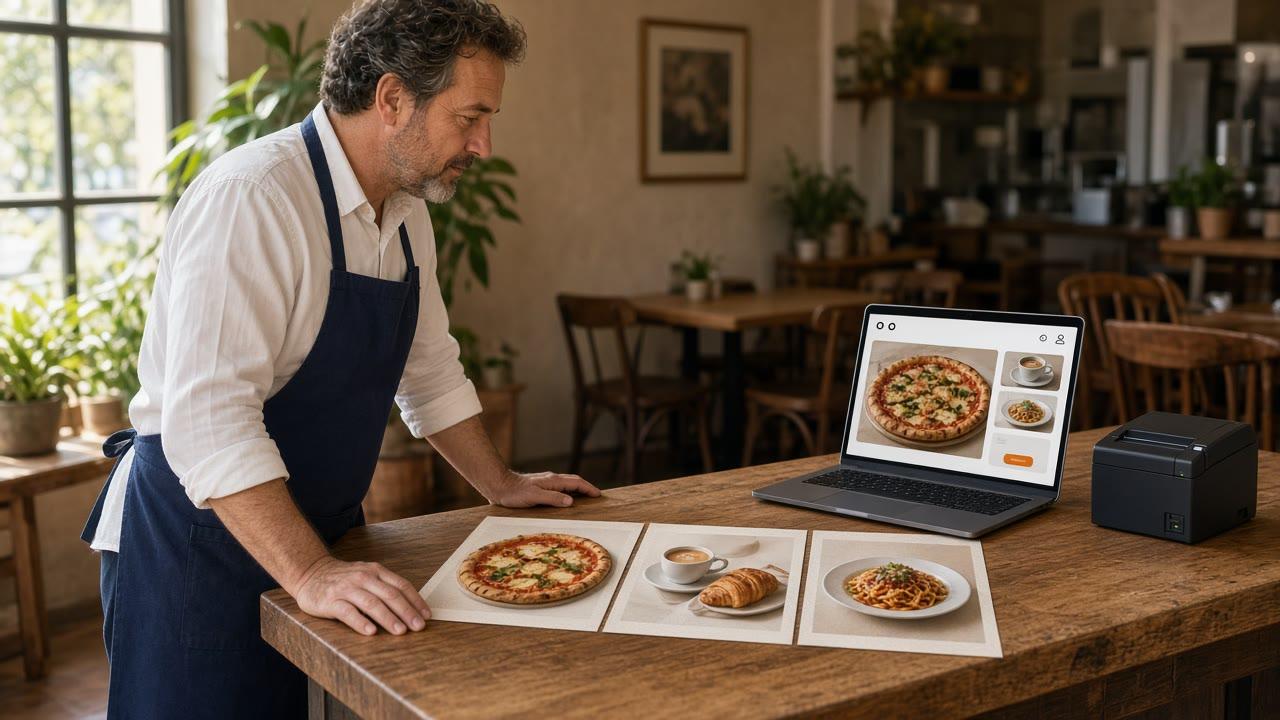
Restaurant menu examples are layouts you can copy in shape, not another shop's item list. The groups below follow the room: a pizzeria, a cafe, a family restaurant, a takeout counter, and a case or a sandwich board. Each one shows the categories that match how that counter already talks, and what has to stay true when the same menu is the one a guest orders online.
How many items to keep is small restaurant menu. What to decide before you publish is restaurant menu planning. How categories, photos, and the cart are built is online ordering menu. Who keeps that one list current after launch is restaurant menu management software. The look of the page around the list is restaurant website design. Stay here for the examples.
What a restaurant menu example is for
A useful example is a set of categories and a place for the follow-up question. It is not a font or a paragraph under every plate. Online, those groups become categories a guest can scan, and the follow-up becomes a modifier with a price when the choice costs more.
Read the example for the question the cashier already asks. A pizzeria asks size and toppings. A cafe asks size and milk. A family restaurant asks how the plate is cooked and which side. A takeout counter asks the combo and the drink. If the example has no place for that question, it will not survive online.
A pizzeria menu example
A pizzeria menu example is short at the top and specific on the pie. Categories that match the counter: pies, slices if you sell them by the slice, sides, a salad only if you make one, desserts, and drinks. The pie is one item. The size is a choice. Each topping is a choice. Half and half is a choice, the same way the phone already asks it.
What makes it work is that a regular can order the Friday pie without a tour of the kitchen. A guest who wants one slice is not forced through a large-pie builder. If the window does not sell slices, do not invent a slice category to look complete.
Sizes and toppings
Online, that example stays one menu. Online ordering covers sizes, toppings, and modifiers with a price on the choice that costs more. The cart shows a running subtotal before they pay. The ticket should read the size and each topping on its own line. The pie-specific ticket checklist is pizza online ordering software.
- Pies as items, with sizes and toppings as choices.
- Half and half as a choice, not a second menu.
- Sides and drinks in their own categories.
- A slice category only if the window sells slices.
- The same names on the board, the site, and the ticket.
A cafe menu example
A cafe menu example is built for a line that moves. Categories: coffee, other drinks, pastry, and a food category if you serve food after the morning rush. A drink is an item. Size, milk, and temperature are modifiers. A pastry is an item with almost no choices, or one choice if you warm it.
What makes it work is speed. The person who wants the usual latte should not scroll through sandwiches to find espresso. Put food where food belongs. If lunch is three sandwiches, those three are a category, not a paragraph under the espresso list.
Online, the same split still works. Accounts can save the usual drink and reorder it. Photos belong on the pastry and the sandwich people hesitate over, not on every milk option. How to shoot those few plates is restaurant food photography tips. A cafe that lives on the morning link is cafe online ordering. Stay here for the category split.
A family restaurant menu example
A family restaurant menu example is the folded card, turned into groups a guest can scan on a phone. Categories that match the room: starters, mains, sides or a shorter list for children if you have one, desserts, and drinks. The Sunday plate is an item with its own name. A temperature, a side, or a sauce that changes the plate is a modifier.
What makes it work is that a table and a takeout guest can find the same plate. The paper often uses a long description. Online, one plain sentence is enough, then the choices. Do not paste the whole card into a notes box and call it a menu. A set meal with one price is a different shape. That format is prix fixe menu. A catch whose number moves every morning is what is MP on a menu. Put today's number on the item. If the line cannot fire a dish on a Friday, leave it out of the example you publish.
A takeout counter menu example
A takeout counter menu example follows the call at the window. Categories in the order staff already speak: plates or combos, sides, and drinks. Names are the short names on the bag, not a recipe title. A combo is one item when the counter sells it as one thing, with a choice of side or drink if that is the question you ask. An add-on that costs more shows that price on the choice.
What makes it work is a ticket a new person can bag without a translation. If the rail says no onion, the button says no onion. A cute online name that the cook has to decode will miss the bag during the rush.
When a guest orders from the branded site, the order shows in restaurant admin the moment it is placed. The kitchen should see the words they already shout. A counter that is mostly pickup is online ordering system for takeaway.
A bakery case or a sandwich board
A bakery example uses categories for what people came for: bread, pastry, cakes, and a tray or a dozen if you sell them that way. A cake with a filling choice is an item plus modifiers, not a form stuffed into a notes field. The buying page for that case is bakery online ordering.
A sandwich or burger board is closer to the takeout example. The build is modifiers: bread, cheese, and the add-on that costs more. The signature sandwich is its own item so a regular does not rebuild it every time.
What stays when that menu goes online
The example that works on paper fails online when the follow-up becomes a blank note. Size, temperature, toppings, and the side are buttons. A note is for an allergy or a real exception. The button work is online ordering menu. These restaurant menu examples cover which groups belong on which kind of restaurant.
Hours still apply. Ordering opens and closes with the hours you post, so a closed kitchen does not take the late order the board still shows. Pickup can show a ready time. Delivery uses the zone, the radius, and the fee you set. MicroSky Food does not dispatch drivers. If a dish will not survive the ride, leave it off the example you publish for delivery. Pickup and delivery can share the menu. They do not have to include every plate.
Change a price, add a special, or 86 an item in restaurant admin and the storefront updates. The board and the phone should not disagree at 8 p.m. Staff roles decide who can make that change without the owner's password. Photos, descriptions, and prices stay yours.
Build the example in restaurant admin
The branded ordering menu is the guest side: your domain, your name, your categories, and a cart. You edit that menu in restaurant admin. The onboarding wizard walks through the profile, the menu, hours, delivery zones, and billing. If you already have a site, the wizard can scan it and import items, prices, modifiers, and images. Read every line before you publish. The steps are how it works.
Open a storefront in the live demo and look at categories on a phone before you copy an example onto your own domain. Restaurants already on the platform are on clients. Point the Google order link at this same menu once a test order looks right. On Growth and Growth Plus, after 3 months on Standard, the branded iOS app stays in sync with that storefront. There is no published Android app.
What it costs to publish the menu
On pricing, Standard is $249 per month plus 5% of net sales on online orders. Growth is $499 per month plus 7% of net sales on online orders. Growth Plus is $999 per month plus 10% of net sales on online orders, after 3 months on Standard. The percentage applies to online orders. MicroSky Food takes no percentage of in-store sales. DoorDash, Uber Eats, and Grubhub often charge 15 to 30% of the sale. A 30-day free trial does not replace those 3 months.
Hardware is $500 one time if you need a mini PC print server and a receipt printer. Printing to the receipt printer you already have is the default path. There is no long-term contract. Questions go through contact. Start a 30-day free trial. Call (888) 960-1359.