
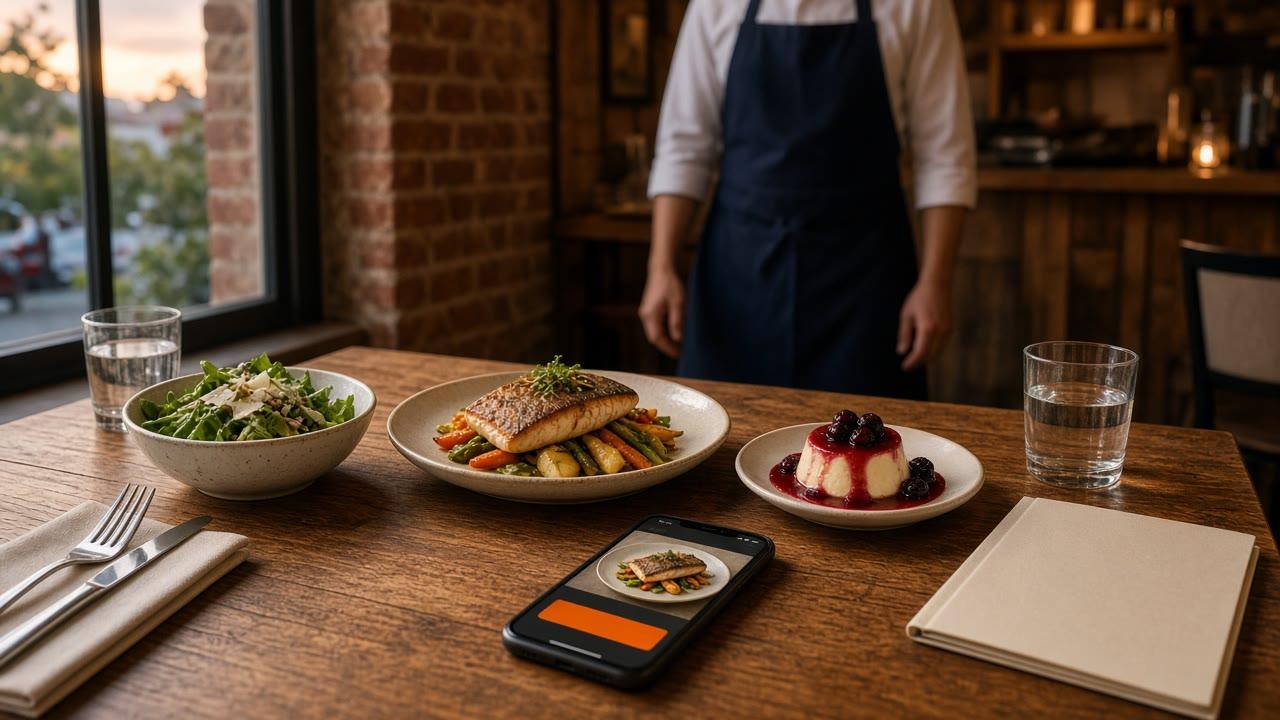
A prix fixe menu is one price for a set meal. The guest sees the courses and the total before they sit, or before they tap. On a website, the item has to name both. If the button does not, you have a poster, not a prix fixe menu.
A plate that disappears on a date is what is LTO food. A catch whose cost moves every morning is what is MP on a menu. Categories and photos are online ordering menu. Who may change the price is restaurant menu management software. Stay here for the set meal.
What a prix fixe menu is at the table
The meal is already composed: a first course, a main, and a dessert, or two courses, for one number the guest can repeat. The kitchen fires a short list. The guest gives up some browsing and gets a total that does not move while they read.
It is not a coupon, and it is not a market price. Market price means today's number is not locked. A prix fixe menu is the opposite. Do not call a changing lobster plate a set meal. If each standing item has its own price, that list is still a la carte. How short that list should be is small restaurant menu.
How to price a prix fixe menu
Price the meal you will fire. Write the courses, what is included, and what costs more, such as a pairing. If a server cannot say that in one sentence, the item description will not either.
Many independents start from food cost on the courses they will plate. For example, if those courses cost you $12 in food and you want food cost near 30%, the price lands near $40 before a drink. Your invoices will differ. That is a way to pick a number, not a promise about what guests will spend. You type the dollar amount. The site does not run the formula.
Post one price, not a range
A range such as "$32 to $48" still fails at checkout. The cart needs one number so the running subtotal is real. If two proteins cost the same, one price covers both. If the steak costs more, that choice is a priced modifier. The guest sees the difference before they pay.
Use the same total on the card, on the phone, and on the site. A prix fixe menu with three totals is how the counter argues with the receipt.
Keep the courses the line can fire
Use food you already prep. A set meal that needs a new station on Friday will slow the rail. Name the plates the way the cook says them. "Three courses" is not a portion. "Salad, the roast chicken, and the chocolate pot" is. If a course sells out, remove that choice.
When a prix fixe menu works
It works when the guest wants a decision already made and the kitchen wants fewer custom tickets. It does not work as a standing discount with no last day. Four uses cover most independents: a holiday, a date night, a slow night, and a set event. More named plates are restaurant specials ideas.
Holidays
Write the last service in the description. Put the courses in their own category if those hours should hide them when service ends. The clock does not know Sunday is the last Sunday. A person still removes the item. If the dining room is booking tables by phone and the site is selling pickup, say so. Pickup is pickup. There is no reservation book in this ordering product.
Date nights
Two people, a short list, a price per person. Say "per person" so a couple does not think one button feeds both of them. Keep modifiers to questions you already ask: temperature, a vegetarian main, or a pairing that costs more. Eight new choices is a new menu wearing a set price.
Slow nights
One named meal on Tuesday or Sunday, with a last seating, is a reason to come in. A sign that says 20% off everything trains people to wait. Hide that category when the night ends, or schedule a closing if the building is shut. A single item on the regular menu stays up until someone removes it or marks it unavailable. Name that person at lineup.
Events
A buyout or an office lunch can use the same shape: one meal, one price, the courses written down. Online, that is a menu item for pickup, or a price the host can read before they call. It is not a deposit, a contract, or an invoice. If the event is only for people who already booked, do not leave a public button anyone with the link can buy.
Offer the prix fixe menu as an item
The meal is a menu item with a price. A photo on a story is an ad. A PDF is a reading assignment. Neither prints a ticket. In restaurant admin you add a special, set the price, and the storefront updates. The same save takes it off.
Use a photo of the real plates. Write the courses, what is included, and the last service if it ends. Required choices show before optional ones. Those buttons live on online ordering.
Choices are modifiers, not a second menu
There is no separate combo builder and no bundle tool. Publish the prix fixe menu as its own item at one price. If the guest must pick the main, put that pick on the item as a modifier, with a price when the choice costs more. The cart shows a running subtotal. Use the words on the rail. If the cooks say roast chicken, the button should not say protein two.
Hours, a category, and the manual stop
Ordering opens and closes with the hours you posted. You can schedule a closing, and you can hide a category when its hours end. That is how a dinner-only prix fixe menu leaves before late night. Hours do not delete the item on the last calendar day. The closer needs a staff login that can edit the menu. How it works is where that login sits.
What the guest and the kitchen should see
Read the item on a phone that is not logged into admin. Click a storefront first on the live demo, then check your own site. Place one paid test and read the print. The ticket should show the item, each choice on its own line, and a name. If the cook has to call the front to learn the main, the modifiers are wrong.
- One dollar amount on the item, not a range.
- Courses named the way the kitchen says them.
- A priced choice only when the price changes.
- The last service in the description when the meal ends.
- Sold-out courses removed.
- Hours that match the door.
Tell people who already eat with you
The item, the window, and the host stand should use one sentence: the courses, the price, and the last night. Email and SMS to guests who already order from you are on Growth Plus, at $999 per month plus 10% of net sales on online orders, after 3 months on Standard. Push to a branded iOS app is on Growth and Growth Plus, after those 3 months. There is no published Android app. You can still run the meal without a text.
DoorDash, Uber Eats, and Grubhub often charge 15 to 30% of the sale. The guest who already knows you should be able to buy the prix fixe menu on your domain.
What it costs to sell that meal on your site
On pricing, Standard is $249 per month plus 5% of net sales on online orders, or $499 per month flat. Only that flat Standard option leaves off the percentage. Growth is $499 per month plus 7% of net sales on online orders. Growth Plus is $999 per month plus 10%, after 3 months on Standard. A 30-day free trial does not replace those 3 months. The percentage applies to online orders. MicroSky Food takes no percentage of in-store sales.
Hardware, if you need a print path, is a $500 one-time package: a mini PC print server and a receipt printer. There is no long-term contract. Cards run through Stripe, Authorize.net, or Electronic Payments. Apple Pay is on Growth and Growth Plus, through Authorize.net. Monthly organic SEO is on Growth and Growth Plus. Social, email, and text marketing are on Growth Plus only.
What a prix fixe menu will not fix
It will not repair a menu that is already too long, a wrong price on the standing items, or a room you cannot turn. It will not dispatch drivers. Delivery stays the zone, radius, and fee you configure. If nobody can add the item and take it down, the offer is a card in a drawer.
Restaurants already on the platform are on the clients page. Questions go through contact. Start 30 Day Free Trial. Call (888) 960-1359.