
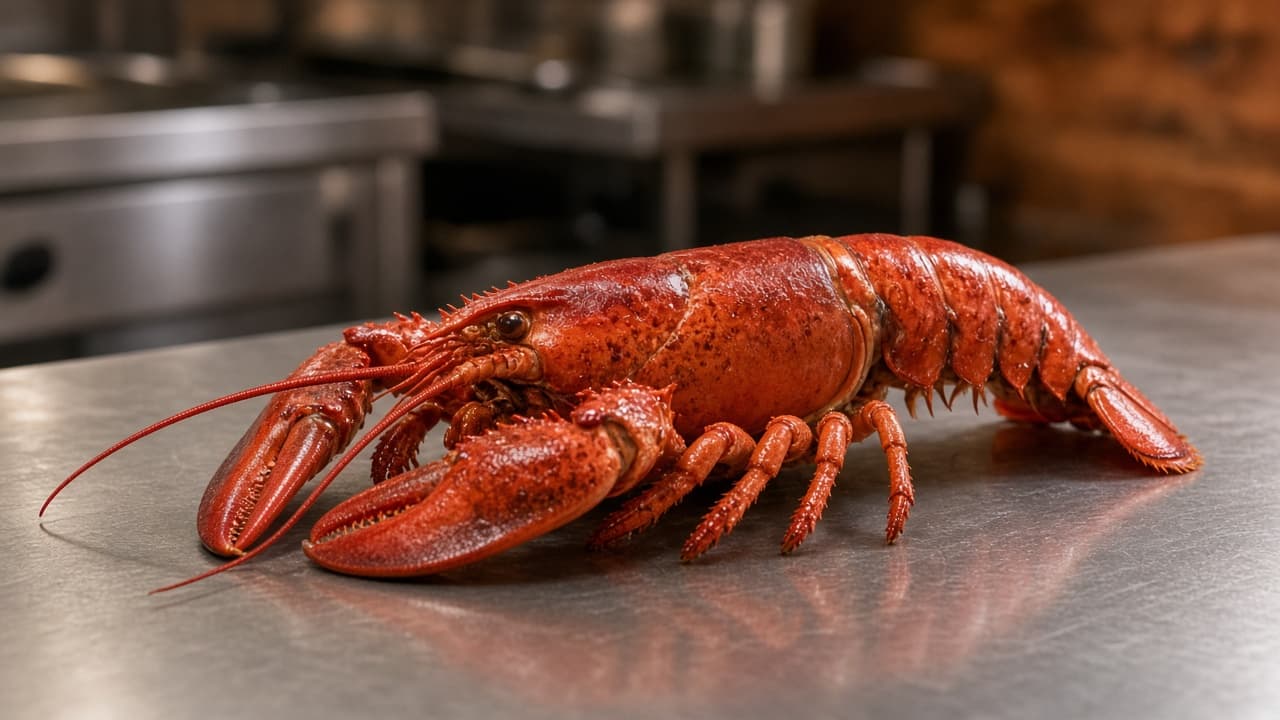
What is MP on a menu? It is short for market price. The kitchen prices that plate from what the fish, lobster, or oysters cost this morning, not from a number locked in when the menu was printed.
On paper, a server can say the number before the guest orders. On a website, the guest is alone. If the button still says MP, they cannot tell what they will pay. This post is about that item: seafood, a catch of the day, or any plate whose cost moves. Categories, photos, and the other choices are in how to set up the menu guests order from. Use that page for the whole menu. Use this one when the price changes with the market.
What is MP on a menu when a guest asks
Market price means you have not locked the selling price to a printed card. The cost of the raw item moves, so the plate moves with it. Lobster, oysters, crab, a whole fish, and sometimes a special cut of meat are the usual cases. A fried clam plate you buy at a stable price is not MP. Calling a stable item MP because the card is stale trains guests to distrust the prices that are real.
The letters leave out today's number, the size that number buys, and whether sides are included. A server says those in one sentence. Your site has to show them on the item before checkout. For example, the one pound lobster is one price tonight, with fries, and the larger one is higher. MP alone means you have not looked at the invoice yet.
Why the letters MP fail on a website
A guest on a phone cannot wave a server over. If the price is the letters MP, they leave, they feel tricked when the receipt is higher than they pictured, or they call and pull someone off the line.
Third-party marketplaces have the same hole, and they often charge 15 to 30% of the sale. A surprise on your own site is still a surprise. You can change your menu before the rush. Online ordering is built for items with prices, sizes, and descriptions you control. A market item is the one whose number you update more often.
Set today's price before anyone can order it
Pick the selling price from this morning's invoice, not from last month's card. Many independents start from food cost. For example, if the lobster cost you $18 and you want food cost near 30%, the plate lands near $60 before a side. Your invoice will differ. Write your number down, then put that number on the item.
In restaurant admin you change a price, add a special, or 86 an item, and the storefront updates. There is no market price switch. Type today's dollar amount before ordering opens, or take the item off until the number is in. The site does not calculate a formula for you. It publishes the price you enter.
Post one number, not a range
A range such as "$32 to $48" looks honest and still fails at checkout. The guest does not know which end they will pay, and the cart needs one number so the running subtotal is real. Post the price for the size you are selling today. If the boat brings two sizes, those are two priced choices, not a shrug.
If cost jumps in the afternoon, change the price in admin before the next order. Do not promise a new price on an order that already went through.
Price the size, not a guess
A one pound lobster and a larger one are different items to the guest. Sizes, toppings, and other modifiers can carry their own prices. Put each size you are selling on the item. The cart shows a running subtotal, so the guest sees the size they picked before they pay.
Name the size the way the cook says it. A weight is clearer than small and large. If a size is gone, take that choice off. Do not leave a button for a lobster you already sold.
Say what today's price includes
The description is where you answer the question a server would answer. Photos, descriptions, and prices are yours to edit. Use a plain sentence, and swap in your number and your sides. "Today's price: $38 for about 1 lb, with fries and coleslaw. We change this number when our cost changes." That is enough. Skip a paragraph about the dock.
If butter or a second side costs more, make it a priced modifier, not a surprise on the receipt. Put a photo of the plate you serve on the item. A picture from another restaurant makes the weight look like a promise you did not make.
When you do not have a number yet
Some mornings the invoice is late. Some nights the last lobster sells at 7. Leaving the letters MP on the site is how you take an order you cannot price or cannot cook.
Turn the item off until the price is real
86 the item in admin and the storefront stops offering it, the same way you pull a special that is gone. The person who can see the empty pan needs a staff login that can edit the menu, not the owner's password. If they have to text you, the item stays orderable and you comp it later. How it works covers that login.
When the number is ready, turn the item back on at the new price. Add it as a special if it is not a standing menu item. Either way, the guest should see a dollar amount. They should not see MP.
Call only for the plate you did not post
A phone quote is the backup, not the menu. Use it for a size you did not put online, or for a fish you will weigh in front of the guest. Say so in the description, then publish a normal price for the sizes you do sell online.
Someone has to answer that phone. Sky AI takes a paid pickup or delivery order from the menu you already published and prints it with your web orders. It does not look up a dock price. Enter today's number, or 86 the item, before you count on the phone. Turn it on in Admin under Integrations after onboarding, and leave it off until a web ticket looks right.
What the guest should see before they pay
Read the item the way a first-timer would, on a phone. You can do that on the live demo to see how a priced item, a size, and a description sit on a storefront. Then do the same check on your own site before dinner.
Place one paid test order and read the ticket at the pass. It should show the item, the size, and modifiers on their own lines. If the cook has to call the front to learn which lobster, the menu is not finished. Fix the choices before you share the link.
- The item shows a dollar amount, not the letters MP.
- Each size you are selling has its own price.
- The description names the weight and what comes with it.
- A choice that costs more, such as drawn butter, shows that price.
- Sold-out sizes are removed, not left for the kitchen to decline.
- Hours match the door, so the item is not orderable after you close.
Give the daily price a name on the prep list
Make one person the owner of market items for the day. They read the invoice, set the price, and 86 what you do not have, before you unlock the door and again if a size sells out. Write that name on the prep list.
Keep a one-line note in the office: what you paid, what you charge, and the size. The guest never sees it. Keep the dining-room register you already use. Restaurants already taking orders on MicroSky Food are on the clients page. The price on the site should be the price you would say out loud, whether or not the paper menu still says MP.
What it costs to sell that item on your site
Standard is $249 per month plus 5% of net sales. Growth is $499 per month plus 7% of net sales, after 3 months on Standard, with a branded iOS app, a website redesign, and monthly organic SEO. Growth Plus is $999 per month plus 10% of net sales, after those same 3 months, with email, SMS, and push. See pricing. Third-party marketplaces often charge 15 to 30%.
Hardware is a $500 one-time package: a mini PC print server and a receipt printer. Skip it if the kitchen already trusts a printer. Admin runs in the browser on a tablet or computer you have. A tablet can be provided if you need one. Every plan starts with a 30-day free trial, and there is no long-term contract. Cards run through Stripe, Authorize.net, or Electronic Payments. Cash on delivery can cover you while a merchant application is processing.
Questions about a market item, a printer, or the trial go through contact. Start a 30-day free trial at food-onboard.microskyfood.com. Call (888) 960-1359.