
Cafe Online Ordering Is the Usual Drink on Your Site
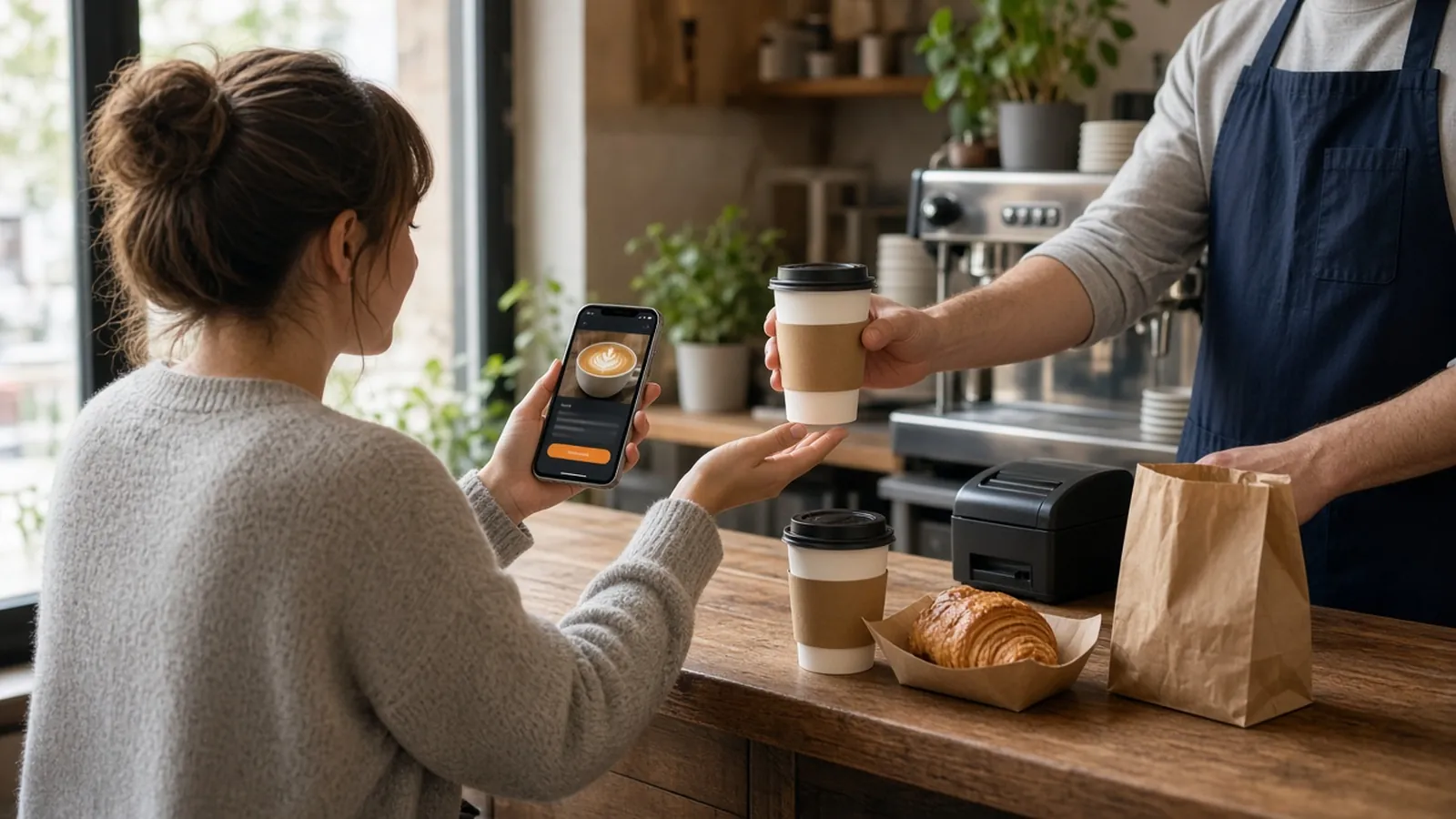
Owners who search for cafe online ordering are often shown a marketplace list or a tablet that knows the table. MicroSky Food is the narrower job: your drinks and a checkout on your domain, for a guest who wants the cup waiting or sent to an office you can reach.
The morning reward is a cafe loyalty program. Raising the ticket, including the one line a server says, is how to increase average order value. Stay here for getting the order onto your site. The storefront is online ordering.
Pickup for the Commute, Delivery Only Where You Drive
Turn on pickup, delivery, or both. Pickup shows a ready time before the guest pays. If the line is buried, do not invent a faster time at the handoff. Delivery uses the zone, the radius, and the fee you set, for example no charge inside 4 miles, and you can set a delivery minimum. Confirm that number on a test order.
MicroSky Food does not dispatch drivers, run a fleet, track drivers, or offer geofencing. If you do not drive past the highway, the zone stops before the highway. Ordering opens and closes with the hours you post, and you can schedule a closing so a guest cannot pay for a drink you will not pull.
Order Ahead Means a Ready Time, Not Next Tuesday
The published path is a pickup order with a ready time, not a date picker for next Tuesday. There is no separate scheduler. A saved order turns the usual drink into a button the next morning. Build it once, with the modifiers, and the commute is a tap.
Milk, Size, and the Extra Shot
The bar already asks size, milk, and whether the shot is extra. Sizes and modifiers can carry their own prices. A large, or oat milk, that costs more is a priced choice. The cart shows a running subtotal while the guest is still building the cup.
If the barista writes oat, the button says oat. Decaf and extra hot belong as choices when getting them wrong makes a remake. A comment box as the whole drink means every ticket is a sentence. How to build those buttons is online ordering menu. 86 a pastry when the tray is empty. The storefront updates.
- Size and milk as buttons, priced when the price changes.
- The same words the barista writes on the cup.
- A saved order for the drink regulars already name.
- 86 the pastry when the tray is empty.
A Pastry on the Drink Stays a Menu Choice
A croissant with the latte can be a modifier or its own item, with the price on that choice. The published storefront does not describe a popup. Combos and a server script live on the average order value post. This page does not repeat them.
Loyalty for Regulars, Without a Speech at the Machine
Loyalty points accrue on storefront purchases. You set the reward. A free drink after a rhythm you can say out loud fits better than a tier chart. Points do not accrue on a marketplace receipt. The loyalty guide is the stamp, the one sentence, and the rush. Offer the site to people who want the drink waiting. Do not stop the line to scold a cash order.
The App, the Text, and the Google Button
You do not need an app to start. The site is mobile-first on every plan. A branded iOS app, with push, saved orders, and the same menu, is on Growth and Growth Plus after 3 months on Standard. There is no published Android app. Push is not a text.
Email and SMS are on Growth Plus, at $999 per month plus 10% of net sales, after those 3 months. Until then, the window, the cup, and the link are the send. Standard includes order links on your Google listing. The button should open this storefront. The limit is on Google ordering.
The Ticket Has to Match the Bar
New orders appear in restaurant admin and move from new to preparing to ready to delivered. Ready means the cup is on the shelf. The ticket can print on the receipt printer you already use: item, size, each modifier on its own line, and a name. Hardware, if you need it, is a mini PC print server and a receipt printer.
Give the opener a login that can 86 a pastry. Sky AI can take the same modifiers by phone after you enable it in Admin, under Integrations, with no per-minute fee. Place one paid test and read it at the machine. The live demo is a storefront you can click first.
What Cafe Online Ordering Will Not Do
It will not know which table scanned a code. There is no table tab, kiosk, gift card, or reservation book. It will not send a driver, and it will not replace the rail for every walk-in. DoorDash, Uber Eats, and Grubhub often charge 15 to 30% of the sale. A link that opens one of those apps is a marketplace in fact.
What the Site Costs Before the Morning Rush
On pricing, Standard is $249 per month plus 5% of net sales, or $499 per month flat. Only that $499 per month Standard option leaves off the percentage of net sales. Growth is $499 per month plus 7% of net sales. Growth Plus is $999 per month plus 10% of net sales, after 3 months on Standard. A 30-day free trial does not replace those 3 months. There is no long-term contract. Hardware is $500 one time if you need a mini PC print server and a receipt printer.
Open With One Morning Drink
Start the 30-day free trial. The wizard covers your profile, menu, hours, delivery zones, and billing, and a storefront can be up in about 10 minutes. Publish the drinks you already call out, turn pickup on, and draw a zone only if someone can drive it. Cafes on the platform are on clients. Questions go through contact. Setup is how it works. Start 30 Day Free Trial. Call (888) 960-1359.