
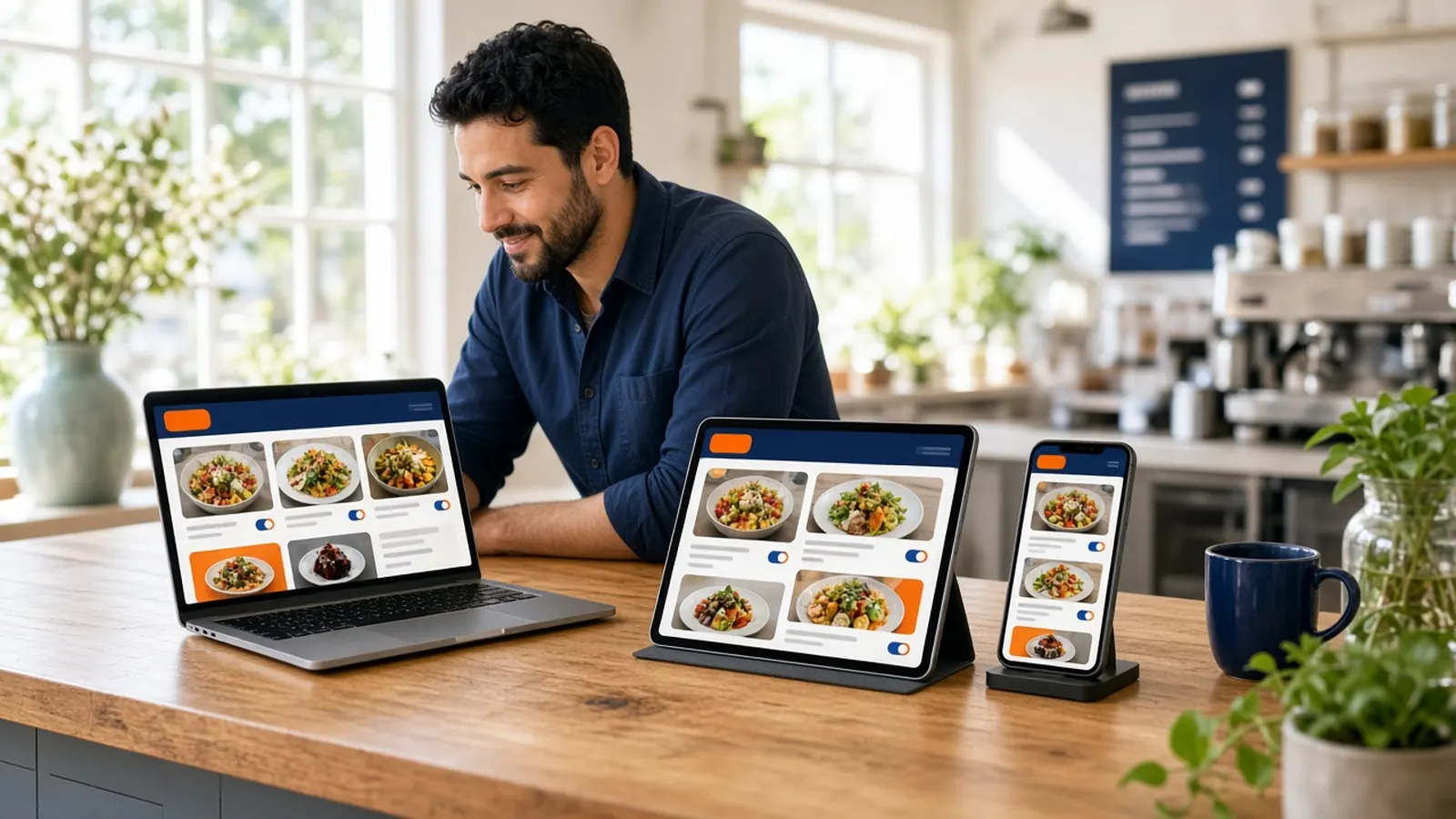
One menu, several doors
Restaurant menu management software matters because the menu escaped the printed card. It is on your site, maybe on an app, on a marketplace, on a PDF, and in a Google listing a guest reads in the car. If those disagree, the guest orders something you no longer sell, or they order it at the wrong price. The kitchen pays for the disagreement.
Pick a system of record. For orders you want on your domain, that record should be the admin that feeds the storefront. Everything else is a pointer or a copy. Copies rot. Pointers, like an order link, stay honest because they open the live menu.
Marketplaces may still have their own item list. Treat that as a separate contract you audit, not as the master. If you change a price, write down which doors you touched. The goal is fewer doors that can drift.
Modifiers, 86s, and the clock
Modifiers are the menu. A burger without temperature, a pizza without toppings, a coffee without the milk choice, is a different item than the one you sell. Restaurant menu management software that flattens those into a notes field will create tickets the line has to translate. Price the choices that change the price.
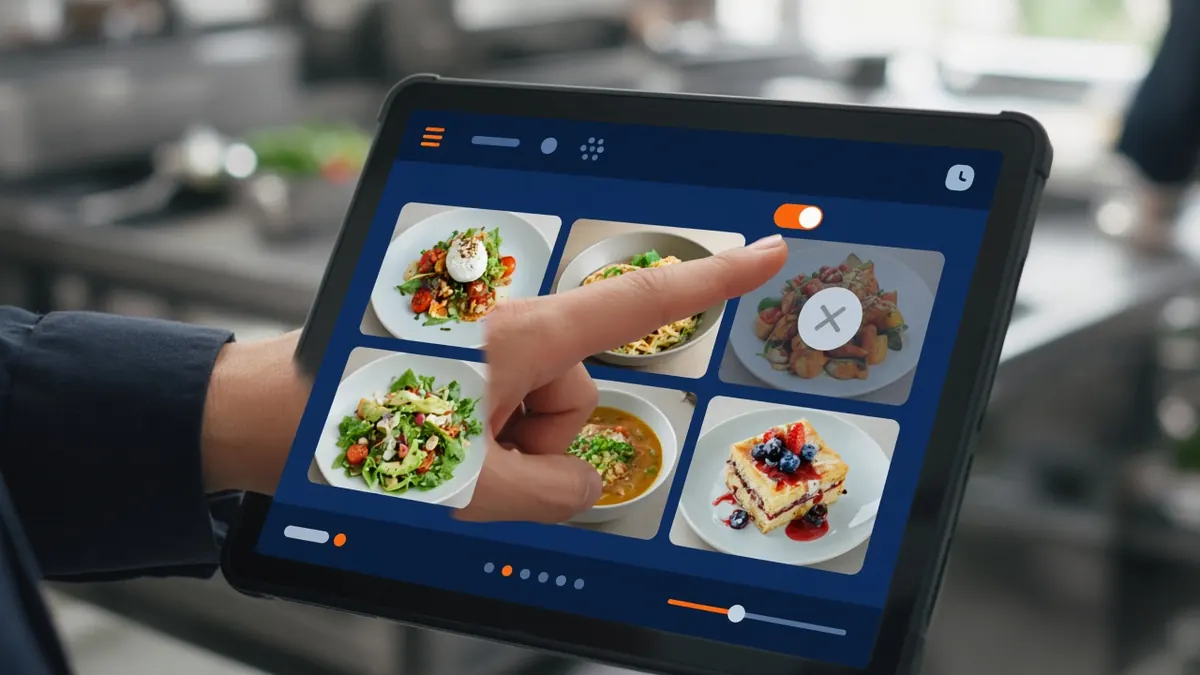
86ing is a daily act, not a project. The person on the station needs a way to mark the item unavailable and see the storefront catch up. If the path is an email to you, the item will stay orderable and you will comp it later. Give that person a role.
Schedules are the hours and the specials that are not forever. Hours-aware ordering closes the shop when you close. A special should be added when you mean it and removed when the pan is done. A menu that keeps last month's special is how guests learn not to trust the list.
The app and the listing
If you later add the branded iOS app on Growth, it should not be a second menu you retype. Menu sync is the point. Until you are on that plan, the website is the menu. Do not promise an app menu you do not have.
On Google, put the order link on the Business Profile so the button opens your storefront. Update the listing's hours when you update the site's hours. Restaurant menu management software does not excuse a listing that says you are open when the site is closed. Those two clocks are both public.
Photos should be the same food. A listing photo, a site photo, and a plate that does not match is a small lie that shows up in reviews. You do not need a studio. You need one honest picture used on purpose.
- Admin is the master for your domain.
- Priced modifiers for real choices.
- A role that can 86 without the owner.
- Hours on the site and on the listing.
- An order link, not a second unofficial menu.
A weekly menu pass
Once a week, a manager scrolls the live menu against what the kitchen can cook next week. Remove what is gone. Check three prices against the invoice that changed. Place a test order on the most edited item. Restaurant menu management software is only as current as this pass.
Do it at a calm hour. A pass during the rush becomes a shrug. Ten quiet minutes beats a monthly rebuild.
Write down marketplace items that you did not change on purpose. Drift there is common. Fix it or accept that those guests see a different shop.
Keep the tool smaller than the binder
You do not need a menu platform that also wants your recipes, your photoshoot calendar, and your nutrition lab on day one. You need prices, choices, availability, and a storefront that updates. How it works gets that storefront up. The weekly pass keeps it true.
If a vendor's restaurant menu management software cannot 86 an item from a tablet in the building, it is a publishing tool, not an operating tool. Ask to see that click during the trial.
The menu is a promise. Software's job is to make the promise the same everywhere you control, and to make it easy to withdraw when the promise runs out.