
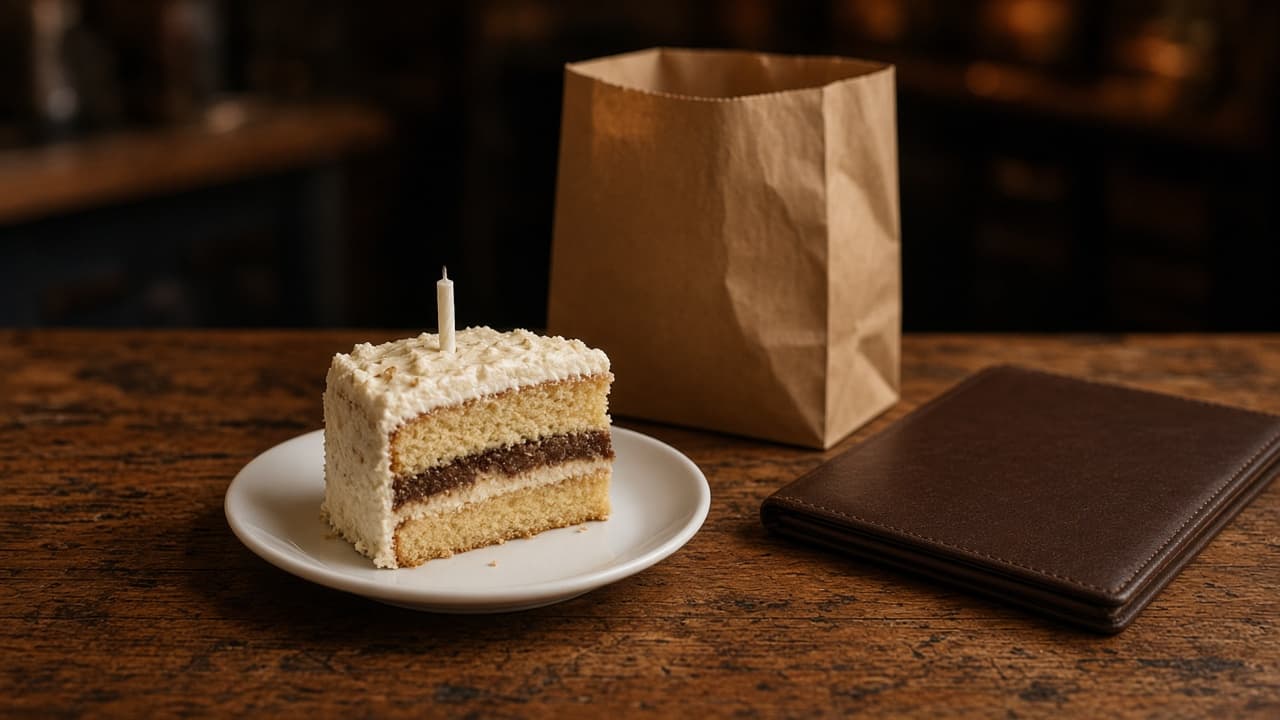
Restaurant birthday rewards are a reason for someone who already eats with you to come back during one specific week. The offer has to be food you can fire on a busy night, a date you wrote down, and a message you are allowed to send. A dessert nobody claims is a poster.
This page stays on the birthday. Points on ordinary orders are a different decision. What to keep from a paper card is restaurant loyalty card. What is worth copying from larger programs is best restaurant loyalty programs. A shared dining club versus rewards on your own orders is dining rewards programs. Use those for the year-round habit. Use this post for the birthday.
What restaurant birthday rewards have to do
The job is a visit you can see. The guest, and the cashier, should be able to say what they get, where they get it, and the last day it counts. Use a dessert, a side, a slice, or a pastry the line already makes. One item, one per guest. If you cannot name the cutoff, wait.
What to offer on a birthday week
Pick one offer and write it down. A free item you already sell is easy to explain. A set-price plate is easy for the cart to show. Skip a percent off the whole check. Staff will argue about alcohol, delivery, and tax, and the guest will not know the number until the receipt.
- One item the kitchen already makes, one per guest.
- A last day the closer can repeat.
- The month and the day, written before the next guest.
- A note only to people who gave you that date.
A free item the kitchen already makes
Dessert, garlic knots, a scoop for a child, or a morning pastry. Say the limit out loud: one per guest, in the room or on a pickup order from your site, through the date you chose. A pizzeria can leave the pie at full price and make the birthday item the side. That year-round habit is pizza loyalty programs. A cafe can add the pastry to the drink they already reorder. That morning rhythm is a cafe loyalty program. If the dessert runs out at 7, the reward is over for the night.
Post a price, or name the free item
If the guest will order online, put the birthday item on the menu at the price you mean. In restaurant admin you add a special, change a price, or take an item off, and the storefront updates. There is no birthday switch. You type the item, and you remove it when the week ends. If the free item is only for people in the room, do not put a zero-dollar button on the site. Say the rule at the counter.
Let ordinary points stay ordinary
Loyalty points and rewards are on every MicroSky Food plan, including Standard at $249 per month plus 5% of net sales. Guests create an account, save an order, and earn points on storefront purchases. You set what those points are worth. That is the habit between birthdays, not a birthday button.
The platform does not add bonus points because a date matches, and it does not apply a birthday reward by itself. Give the dessert. Let points accrue on the paid order the way they do any other day. Accounts, saved orders, and points are part of online ordering.
When to send the birthday offer
Send restaurant birthday rewards during the birthday week: a few days before the date, and stop on a day you named. The morning of the birthday is often too late to plan dinner. A month ahead is easy to forget.
Give the offer a last day
This week is a reason to come in. Whenever you want is a coupon in a drawer. Use a last day the staff can repeat, such as the Sunday after the birthday, then stop. A reward with no end gets claimed in November for a birthday in July.
Match the message to the plan you are on
Email a few days ahead, when the guest can still pick a night. Text when the decision is close, and only if SMS is on your plan. Email campaigns and SMS campaigns to your customer list are on Growth Plus, at $999 per month plus 10% of net sales, after 3 months on Standard. Standard is $249 per month plus 5% of net sales. Growth is $499 per month plus 7% of net sales, after those same 3 months, with a branded iOS app and push, not email or SMS. See pricing.
There is no automatic birthday send. You choose the people, write the note, and send it. A 30-day free trial does not skip the 3 months on Standard that Growth and Growth Plus require.
How to collect birthdays at checkout
Collect the birthday while the guest is paying you, at your counter. Ask for the month and the day. Skip the year. You need the week, not the age. Ask after the order is in, not while they are still choosing modifiers.
The website checkout does not ask
MicroSky Food checkout does not include a birthday field. Do not tell guests the site will remember the date. An account saves orders and earns points. It does not store a birthday, and nothing sends a note when that day arrives.
Keep a card file, a notebook, or a spreadsheet: name, month, day, and a mark if they asked you not to write. The order lives on the account. The birthday list sits beside it, where the counter can see this week's names.
Ask regulars, and ask once
Ask people who already come, when they pay or when they make an account at the counter. Say what it is for: a dessert or a set plate during their birthday week, here or on our site. If they say no, stop. Do not buy a list of birthdays. A line that fits the rush: "If you want a birthday dessert on us next time, tell me the month and the day. I will not ask the year."
Run the week from a Monday list
Once a week, read the next seven days. If the page is blank, you have not asked yet. Confirm you can cook the item, then send the note or leave the name for the closer.
On Growth Plus, email those people early in the week and text closer to the day. Do not blast the whole file for one birthday. Segmentation does not look up a birthday for you. If someone asks you to stop, stop. On Standard, say it at the counter or put it on the bag. On Growth, push reaches people who installed your iOS app, and you still choose the note.
Put the item where the guest can order it
A reward spoken only at the door misses the guest in the car. Read the item the way a first-timer would. The live demo shows how a price and a description sit on a storefront. Then check your own site, place one paid test order, and read the ticket.
Pickup and delivery still use the zones and hours you already run. A birthday does not add a delivery map or drivers. How it works covers the site, the hours, and the staff login. The counter needs a login that can see the order without your password.
A sample note, with your item and your link
One item, one end date, one link. Swap in your dessert and your URL.
Email, a few days before: "Your birthday week is here. A free dessert with any order on our site through Sunday. Your link." Text, only on Growth Plus: "Birthday dessert is on us through Sunday when you order on our site. Your link." On Standard, say it at the counter. Do not promise a text you cannot send.
What to leave off the birthday offer
Leave off a percent that changes at the register, and a reward you cannot cook on a Saturday. Leave off geofencing. A ping when a phone crosses a map line is not a birthday plan, and MicroSky Food does not offer it. Your list is people who ordered and told you the date.
Dispatching drivers is not this product. The order uses the delivery zone you already run. Leave the offer off DoorDash, Uber Eats, and Grubhub, which often charge 15 to 30% of the sale.
What it costs to run the visit on your site
Plans are $249, $499, or $999 per month plus 5%, 7%, or 10% of net sales. Growth and Growth Plus come after 3 months on Standard. Hardware is a $500 one-time package: a mini PC print server and a receipt printer. Skip it if the kitchen already trusts a printer. Every plan starts with a 30-day free trial, and there is no long-term contract. Cards run through Stripe, Authorize.net, or Electronic Payments.
Restaurants already on the platform are on the clients page. Questions go through contact. Start a 30-day free trial at food-onboard.microskyfood.com. Call (888) 960-1359.