
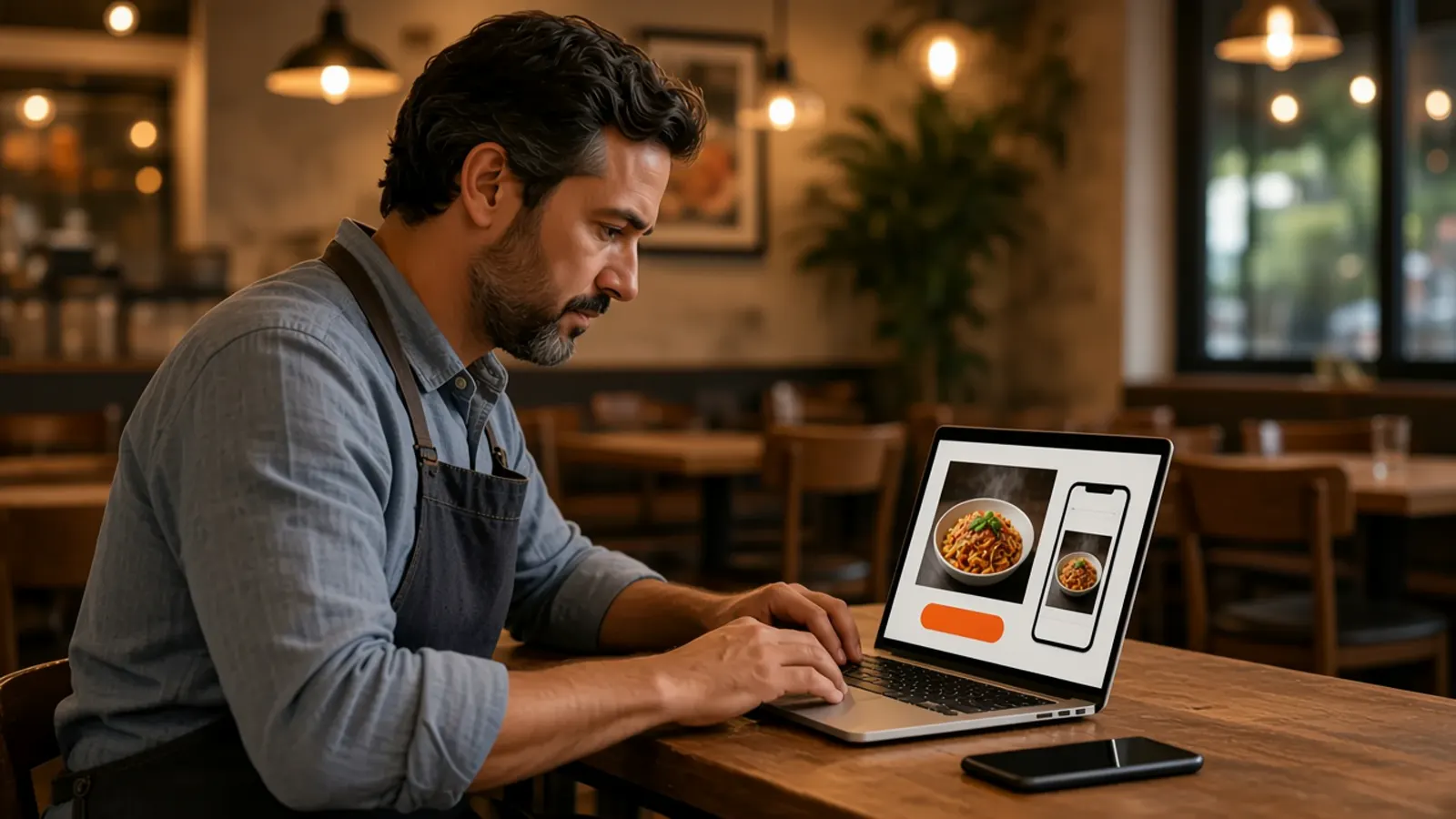
A restaurant website maker starts with the order
People who search for a restaurant website maker usually want to create the site themselves. They have a name, a menu, and a page that cannot take money, or no page at all. The thing to make is an ordering site: your name, your food, a cart, and a checkout on a domain you own.
What to demand before you trust a build tool is restaurant website builder. How the page should be arranged is restaurant website design. The phone checklist is restaurant mobile website. The parts a system should include are the online ordering system for restaurants. The admin buttons are restaurant ordering software. Stay here for making the ordering site, then taking pickup and delivery without a marketplace listing.
Enter the restaurant name and let the wizard scan
Start the 30-day free trial and open the onboarding wizard. You enter the restaurant name. If you already have a website, the wizard scans it, imports menu items, prices, modifiers, and images, configures the branded storefront, sets up the admin, and launches ordering on your own domain. The published import list includes WooCommerce, Slice, ChowNow, and 15 or more other platforms. That pass does not require a developer or a spreadsheet.
The wizard is aimed at about 10 minutes for the storefront and admin. The guided path still walks through your profile, menu, hours, delivery zones, and billing. Most restaurants finish that the same day. Photos you still want to reshoot take the afternoon. How it works is the short version. If there is no site to scan, type the dishes people already ask for. Choosing the name, including the trademark, domain, and social handle, is restaurant name ideas.
Read prices, modifiers, and images before you publish
The import is a first draft. Read every price, every modifier, and every photo before you share the link. A summer special or a photo that is not your food will go live if you let it. Remove what you do not sell. Use the words the kitchen already says.
A choice that changes the plate should be a modifier, with its own price when the price changes. Sizes belong on the item. Hide a category when its hours end so breakfast is not still for sale at dinner. You do this in restaurant admin, and the storefront updates.
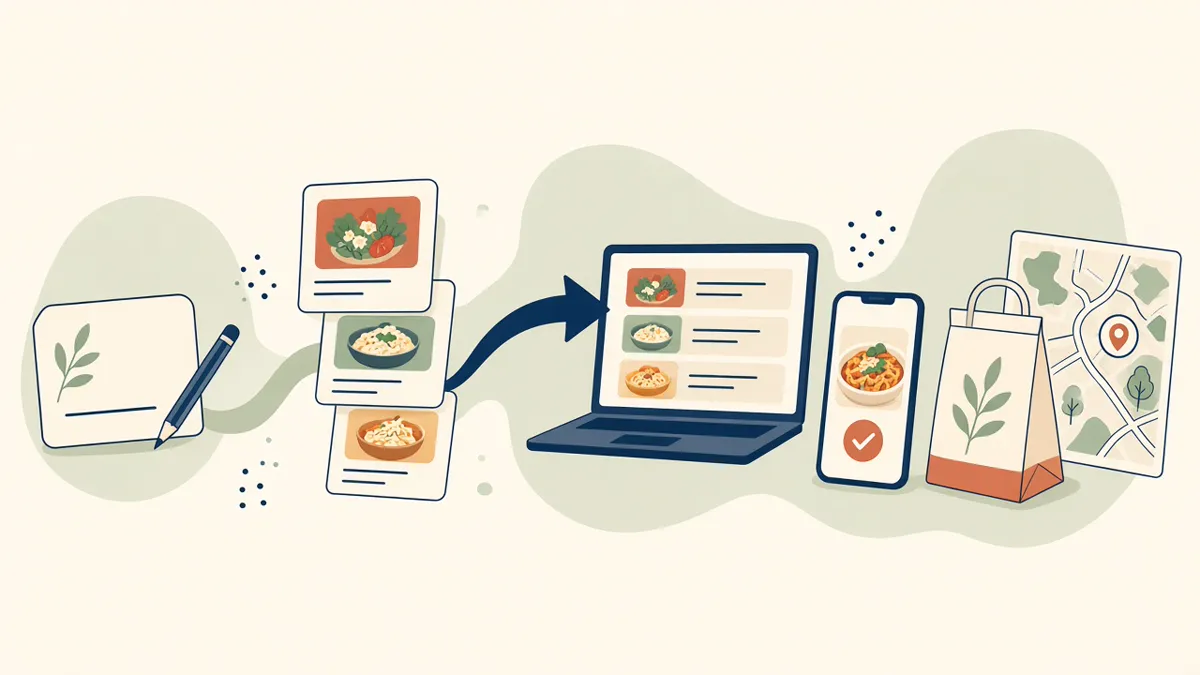
Put the branded storefront on your domain
The ordering site runs on your own domain, with your branding, your photos, and your menu. The restaurant name you entered is the name on that checkout. Guests order from you. A marketplace listing can still introduce strangers, and those apps often charge 15 to 30% of the sale. It should not be the only place your name can take an order.
The storefront is mobile-first on every plan. That is the restaurant website maker result on Standard. A branded native iOS app, with your name and logo, is on Growth and Growth Plus, after 3 months on Standard. There is no Android app. Guests who will not install anything still need this link. The storefront is online ordering.
During onboarding you bring Stripe, connect Authorize.net, or sign up with Electronic Payments. Apple Pay is on Growth and Growth Plus, through Authorize.net.
Turn on pickup and delivery you can actually serve
Turn pickup on and show a ready time before the guest pays. Leave delivery off until someone can drive it. When you deliver, set the zone, the radius, and the fee to streets you already serve. MicroSky Food does not dispatch drivers, run a fleet, track a driver, or draw a geofence.
Hours-aware ordering opens and closes the cart with the hours you posted. A shop that locks the door at nine should not take a midnight order. Place one paid test and read the ticket before you replace the old button on your Google listing. Standard includes that order link. It should open this storefront.
The ordering site and a main website redesign are different
Standard already includes the branded ordering website on your domain, at $249 per month plus 5% of net sales on online orders, or $499 per month flat. Only that flat Standard option leaves off the percentage. Growth, at $499 per month plus 7% of net sales on online orders, adds a main website redesign that is SEO optimized, a branded native iOS app, and monthly organic SEO for 5 keywords. Growth Plus, at $999 per month plus 10%, includes everything in Growth and raises that keyword work to 10. Both require 3 months on Standard. A 30-day free trial does not replace those 3 months.
Do not wait on the redesign to take the first order. The redesign is a later pass at the broader site, aimed at sending more guests to the storefront. The site you make in the wizard is the storefront. The plan list is on pricing.
What this restaurant website maker will not build
It will not run your register, a kiosk, or a dining-room floor map. Keep the drawer you use for the room. It will not dispatch drivers, track a truck, file a trademark, or buy the domain for you. You bring a name you can use and a domain you own. Orders can print on the receipt printer you already have. If you need a bridge, the hardware package is $500 once: a mini PC print server and a receipt printer. The admin runs in a browser on a computer you already own. The percentage applies to online orders. MicroSky Food takes no percentage of in-store sales. There is no long-term contract.
Make the first version, then take a paid order
On day one, enter the restaurant name and let the wizard scan, or type the dishes you actually sell. On day two, fix the prices and the modifiers and pay for one test order. On day three, point the Google order link at this site. If the ticket looks like something you would hand a new cook, share the link.
Click through a finished storefront in the live demo before you judge your draft. Restaurants already on the platform are on clients. Questions go through contact. Start 30 Day Free Trial. Call (888) 960-1359.