
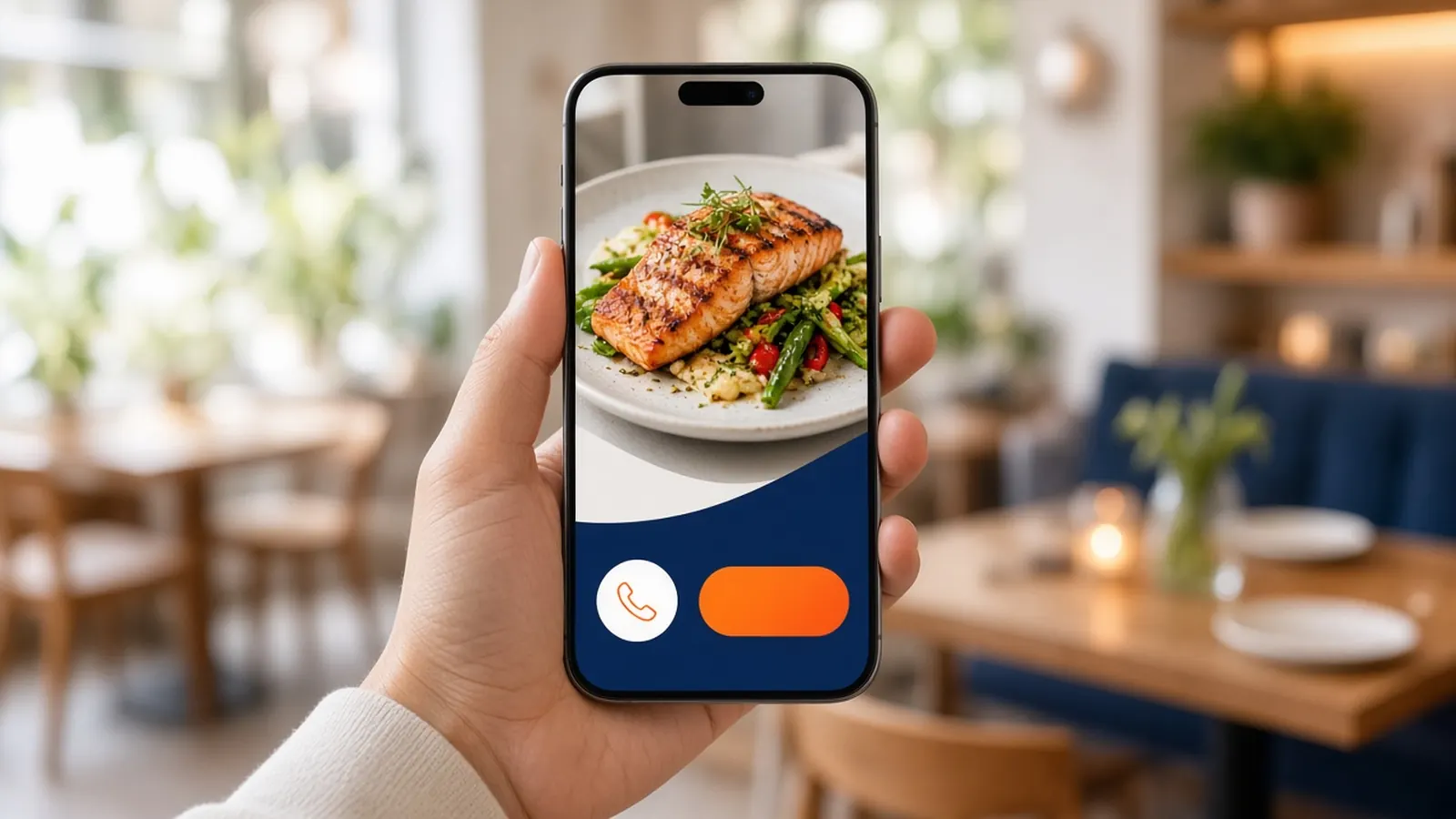
The guest is outside, on a phone
A restaurant mobile website is opened in a parking lot, on a bus, or at a desk when someone is already hungry. They will not read a manifesto. They will look for the meal, the hours, and a way to get it. If those three are below a giant slideshow, you designed a brochure. They will leave for a listing that lets them move.
Assume one hand and imperfect signal. Buttons need to be large. Text needs to be readable without zoom. Pop-ups that cover the order button are not clever. They are the bounce.
This is the whole brief. Everything else in the checklist serves that person. A restaurant mobile website that wins awards and loses the order is a failed site.
Speed is a menu issue
Heavy photos and a pile of scripts make the first view late. Late feels like closed. Compress the food photos. Do not autoplay a film. Do not load a reservation widget, a chatbot, and a marketplace pixel before the menu.
The storefront approach on MicroSky Food is static pages and modern image formats, which is the right bias. You should still not upload enormous camera originals and hope. Test on cellular, in the parking lot, because the office wifi will lie to you.
Speed also means fewer steps. A guest who wanted the usual plate should reach a cart without a tour. Saved orders exist for the return visit. The first visit still has to be short.
Tap to call, without hiding the order
Put the phone number where a thumb can hit it. Some guests will always call. A restaurant mobile website that displays the number as a picture is making them type. A real link is basic respect.
Calling and ordering online should not fight. The order button stays visible. The call is the other path, not a replacement that dumps them into a busy signal during the rush. If Sky AI is on, the call can become a paid ticket. If it is not, a person has to be able to answer or you have advertised a frustration.
Do not make tap-to-call the only action. You will recreate the phone problem this site was meant to lighten. Both doors, labeled like an adult menu.
The order button is the point
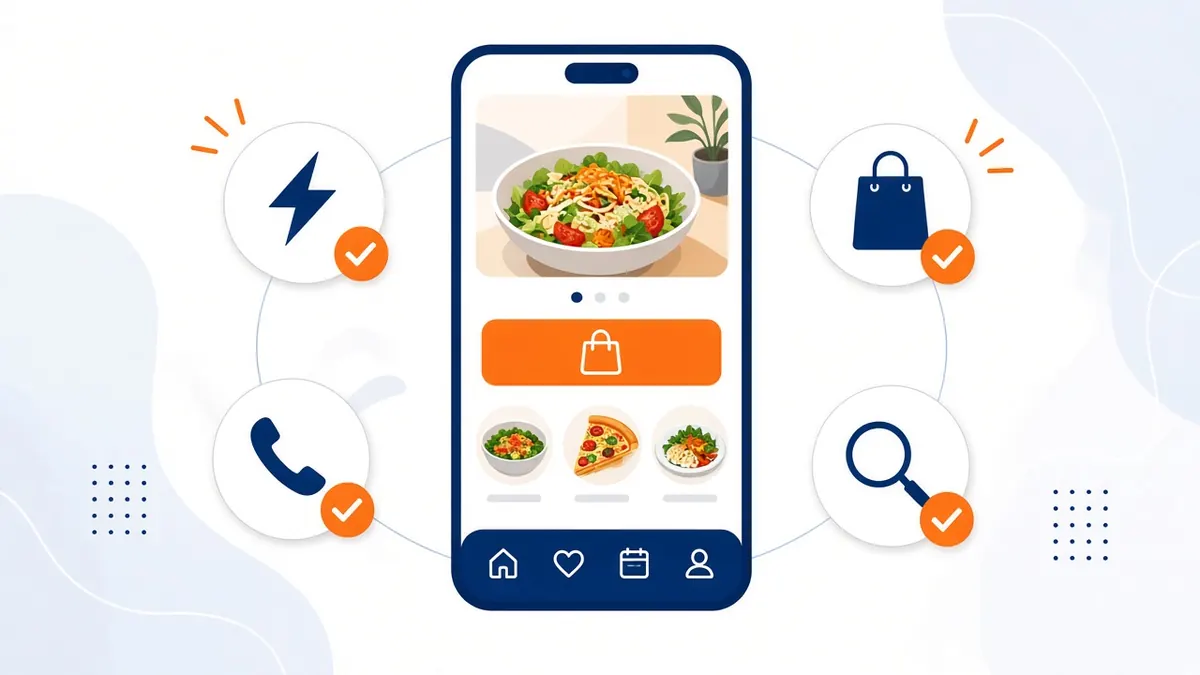
Above the fold, in the language you use out loud: order, menu, pickup. The button opens the real menu, not a PDF and not a marketplace. A restaurant mobile website that hands the tap to another brand has done marketing for them.
Modifiers must work on the phone. This is where many sites fail. Tiny checkboxes, notes boxes instead of choices, a cart you cannot see. Test the most annoying item you sell. If you miss the tap target, your guests will too.
Show a subtotal as they go. Hours should stop the order when you are closed, with a sentence that says when you open. A dead end with no explanation feels broken.
- Readable type, large buttons, no zoom required.
- Menu photo weight you have actually tested on cellular.
- Tap-to-call on the real number.
- Order button to your checkout, visible immediately.
- Modifiers you can hit with a thumb.
- Hours that close the cart when the kitchen is closed.
- A title, description, and headings that match the food.
Search basics on the same page
The restaurant mobile website is also what search engines read. One clear title. A description a human would click. Headings that name the meals, not only a slogan. Structured data so the name and the page type are explicit. A sitemap so new items are not a secret.
Write the neighborhood and the food in normal words. You do not need a blog post on every dish to deserve a visit. You need the dish to exist on a fast URL. Growth's monthly keywords are extra focus, not a substitute for this page being coherent.
Canonical URLs matter when the same menu could be reached three ways. Pick the real one. Duplicates split a weak signal into a weaker one.
App, site, and the mistake of choosing
Keep the restaurant mobile website even if you later ship an iOS app. The app is a home-screen habit for some guests. The site is the link you can put anywhere, including Google. Guests on phones that are not running your app still need a door.
Do not delay the site for a perfect app. The site is the Standard plan. The app waits for Growth and for 3 months of proof that the menu is right. A restaurant mobile website can be excellent for years with no app at all.
If you already have a clunky site and a salesperson says only apps convert, ask them to order on your current phone page. Fix that page. Then talk about icons.
Walk the checklist in the parking lot
Sit in the car. Open the page on cellular. Time your own annoyance. Order the complicated item. Call the tap target if you published one. Then walk in and read the ticket. How it works if you are standing up the storefront as that page.
Fix the first thing that made you sigh. Not the fifth design idea. A restaurant mobile website improves by removing sighs: a slow photo, a buried button, a modifier you could not tap, a closed kitchen that still took money.
When a first-timer can do it without you, the checklist is done. Repeat the parking-lot test after any big menu change. Mobile does not stay finished by itself.