
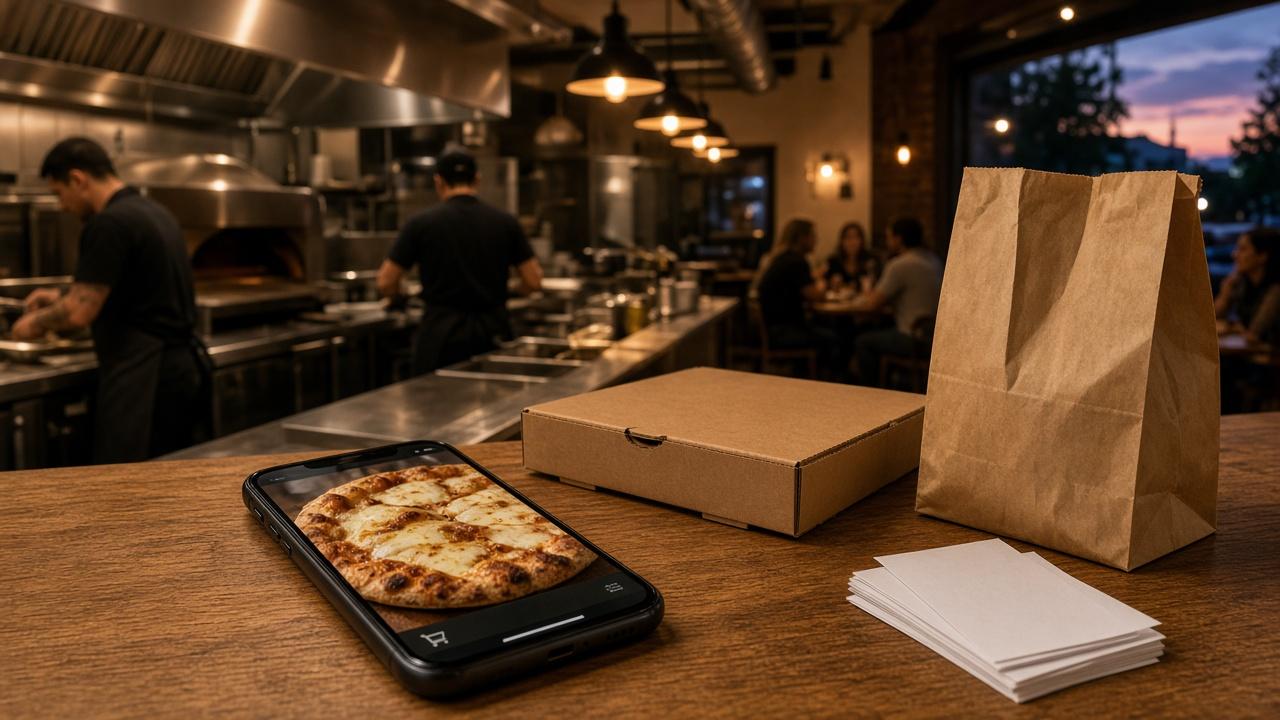
The MicroSky Food customer ordering experience is the path a guest takes on the restaurant's own site. They find the branded page, browse the menu, choose sizes and toppings, pay, and the paid order reaches the kitchen. The domain, the photos, and the menu belong to the restaurant.
Restaurant setup for that site, including the onboarding wizard, hours, and delivery zones, is MicroSky Food online ordering. This post stays with the guest. The feature list is on online ordering. Changes since go-live are on the release notes. Plan math is on pricing.
Who it helps
It helps a regular who already knows the restaurant's name, on the couch or outside in the car. The layout is mobile-first. On a phone, Add to cart sits under the quantity picker, and a live cart keeps the item count and a running subtotal in view. That phone page is mobile ordering. The website does not require an app download.
It helps a first visit that starts with a search. Standard includes an order link on the Google Business Profile, and that link should open this storefront. The tap is MicroSky Food Google Business Profile ordering. The same URL belongs on the box, the window, and the bio.
It helps a signed-in guest who wants the next meal to start from the last one. Accounts can save an order and place it again. Loyalty points accrue on storefront purchases, and the restaurant sets what they are worth. A guest who creates an account at checkout keeps the points from that order. Those points are MicroSky Food loyalty and rewards.
How it works for the guest
The guest opens a page on the restaurant's domain. Colors and the logo show as soon as the page opens, and the top of the page fits a phone screen. Items sit in categories the guest can browse or search, with a description under the category name. Each item can have a photo, a description, and a price. Items and categories are unlimited. A public page can exist for a single item, so a shared link can open that dish.
Sizes, toppings, and other modifiers can each carry a price. Required choices appear before optional ones. Add-ons that do not belong on an item can be turned off, and required modifiers stay when extra options are hidden. If the menu offers Sauce on the Side, the guest picks one of the sauces already on the menu. When an item has a per-order limit, the cart updates to that limit, including on a saved cart or a reorder, and the guest is told why.
The guest chooses pickup, delivery, or only the options the restaurant left on. Delivery can be turned off so the site is pickup only. Pickup includes a ready time. Delivery uses the radius, the zones, and the charge the restaurant set. A published example is no delivery charge inside 4 miles. That zone is a setting. A delivery minimum, when one is set, applies to delivery orders. The guest can type an address when search misses it. Ordering follows the posted hours. After close, the ordering button steps back so guests can see the restaurant is closed, and the menu stays readable. During extended hours, the site shows only the late-night menu, in search, in categories, and in suggested items. The banner can show the pre-order window.
If an item is marked catering, the guest cannot mix it with regular menu items. The restaurant can set a lead time, and the ticket prints CATERING above pickup or delivery. Order with AI is ready to listen when a guest opens it, and it links the guest back to the cart. The menu and the payment stay on the storefront.
Checkout, payment, and the kitchen ticket
Checkout is the short path from the cart to payment, and it checks the cart before the order is placed. Card payments are encrypted. The restaurant brings a Stripe token, an Authorize.net account, or a merchant account with Electronic Payments. Cash on delivery can cover orders while a merchant application is processing. A coupon shows once on the order and the receipt and can skip categories. Sales tax follows the food total after coupons and rewards. Rewards or a coupon can cover the whole order.
Signed-in guests can pay with a saved card, and saved cards keep their billing address. Restaurants can let guests save a card, and they can optionally turn on pay at pickup. Guests who already have an account can sign in during checkout. Who is still in checkout is live checkouts and saved cards. Apple Pay runs through Authorize.net on Growth and Growth Plus. Standard does not include Apple Pay. The Apple merchant certificate is uploaded in admin.
An approved card payment shows the confirmation page sooner. The receipt email, saving the card, and the kitchen printer finish in the background. The order shows in restaurant admin and moves from new to preparing to ready to delivered. It prints on the receipt printer the kitchen already uses. A classic receipt can show modifier prices. If the shop has no print path, the one-time $500 package is a mini PC print server and a receipt printer, covered in MicroSky Food printing hardware. A guest who calls can reach Sky AI, which prints a paid ticket with the web orders.
A Thursday order, then the next one
Thursday at a pizzeria. A guest searches the restaurant name, opens the listing, and taps Order. The page shows the restaurant's menu, logo, and colors. They pick a size, then the required toppings before the optional ones, and they choose pickup with a ready time. The cart shows the item count and the running subtotal. They pay on that site. The confirmation comes up, and the ticket prints at the pass with the size and the toppings as separate choices.
The next week, the same guest signs in and starts from the saved order. If a topping sold out, the restaurant can 86 it and the storefront updates before the guest pays again. The saved card keeps its billing address. If a points cost is set, a signed-in guest can redeem that item. A new account can receive a one-time welcome bonus from Settings, Points & Rewards, when the restaurant sets one. A friend who will not make an account can use the same link on the box.
Why guests order direct again
The next order starts on the restaurant's domain, from an account the restaurant keeps. Saved orders, loyalty points, and a saved card are on that site. The customer list stays with the restaurant. Reports can show where an online order came from, such as a Facebook ad, Google search, or an email. Those examples are in release notes version 1.10.0, dated 2026-11-12.
On Growth and Growth Plus, after 3 months on Standard, a branded iOS app can sit beside the site, with the same account, saved orders, and menu. There is no published Android app. Other phones use the website, which is on every plan. The app is the MicroSky Food branded iOS app. A guest who pays at the counter is an in-store sale. There is no commission on in-store sales.
What it costs, and how you start
On pricing, Standard is $249 per month plus 5% commission on net sales, or $499 per month with no commission. Only that $499 Standard option has no commission. Growth is $499 per month plus 7% commission on net sales, after 3 months on Standard. Growth Plus is $999 per month plus 10% commission on net sales, after those same 3 months. Commission applies to net online order sales through the storefront and app, after refunds and voids. Third-party marketplaces often charge 15 to 30% of the order. Hardware, if you need it, is $500 once.
There is no long-term contract. Every plan starts with a 30-day free trial. A 30-day free trial does not replace the 3 months on Standard before Growth or Growth Plus. Place one paid test, or open the live demo, and read the ticket before you share the link. Start 30 Day Free Trial. Call (888) 960-1359.