
A restaurant order printer for orders you already took
People who search for a restaurant order printer want paper in the kitchen when an online order or a phone order comes in. The job is a ticket the pass can read, on a printer the line will actually look at.
How a storefront order becomes that paper is MicroSky Food printing hardware. What the ticket should say, in the words the cooks already use, is restaurant order taking app. Where the staff screen sits is restaurant tablet ordering. The inbound call that should join the same paper is restaurant phone ordering system. Stay here if you are choosing the print path.
Start with the receipt printer you already have
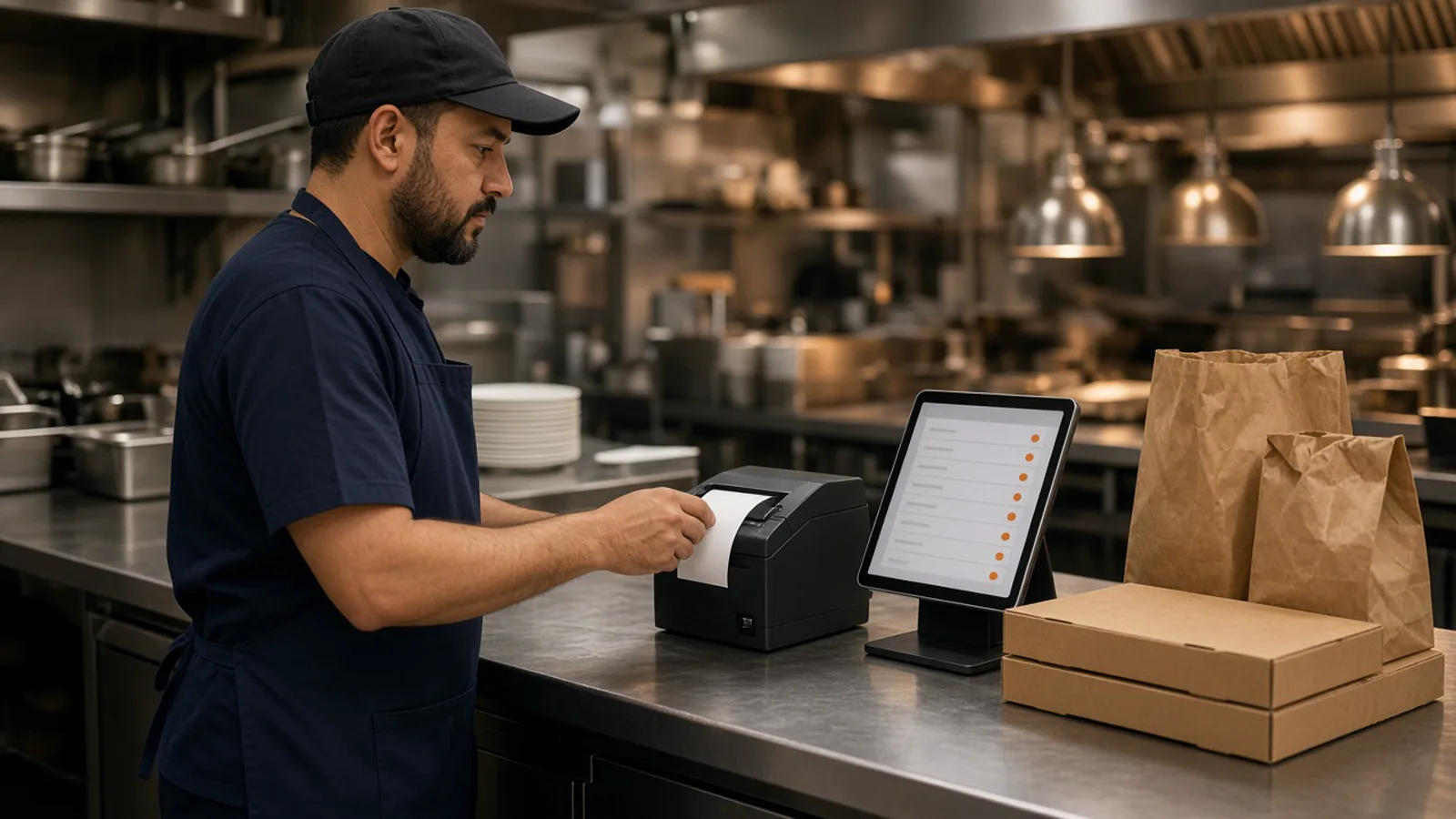
Printing to the receipt printer the restaurant already has is the default path. Many kitchens trust that printer more than another glowing rectangle. If the line already cooks from its tickets, try that printer before you buy a new one. You do not need a new point of sale to get paper for website orders.
Put it where the pass already looks. Place one paid test: a size, a modifier, and pickup or delivery. Read the slip cold. It should be the order, in the names the kitchen uses. If a new cook can plate it from that paper, the printer you own is the restaurant order printer for this job.
The same order shows in restaurant admin
Paper is not the only copy. Orders show in restaurant admin in real time, the moment they are placed. Track each one from new to preparing to ready to delivered, so the kitchen and the counter use the same words. The screen is also where you change a price, add a special, or 86 an item. The printer still prints the next ticket.
Restaurant admin runs in any web browser, on a tablet or a laptop you already own. A tablet can be provided if you need one. Guests are not handed that device. They order on the branded site, or by phone once Sky AI is on. Confirm a test ticket still prints if the screen locks, so a cook can work from the paper.
When the shop has no print path
Some kitchens can open a browser and still have nothing the line trusts for paper. That is the shop the hardware package is for. A one-time $500 package includes a mini PC print server and a receipt printer. It is the print path. It is not a replacement for a receipt printer the staff already uses, and it is not a new point of sale.
You do not pick a higher monthly plan to get that package. The $500 charge is once. After it is in place, run the same paid test you would run on a printer you already own, and read the ticket at the pass before you tell regulars the link is live.
What the package includes
The published package is a mini PC print server and a receipt printer. This site does not name a required brand, a model, or a connection type. The two facts to shop with are the ones already published: the default is the receipt printer you already have, and the package is for a shop with no print path.
Admin still runs in the browser on a tablet or laptop. The package is not a screen you must buy to see the order. A tablet can be provided if the pass does not have one.
Phone orders print on that same printer
Turn on Sky AI after website tickets already print in a form the kitchen trusts. Enable it after onboarding, in restaurant admin, under Integrations. Sky AI answers unlimited inbound calls with no per-minute fee. It takes the items and modifiers, asks pickup or delivery, and collects the card on a PCI-safe keypad. It does not hear the full card number.
Phone orders are paid before they print. The paid ticket shows in admin and prints on the same kitchen flow and the same receipt printer as a website order. If the first phone ticket looks different, fix the menu before you rely on the line. The call itself is how Sky AI phone ordering works.
What to confirm before you buy
Buy for the ticket, not for a spec sheet this site does not publish. The receipt printer you already have should print a paid website order, and that order should be visible in restaurant admin in real time. After Sky AI is on, a paid phone order should hit that same printer. If you have no printer, the $500 package is the mini PC print server and the receipt printer, and you still read a test ticket before you advertise.
A marketplace tablet is a different device. DoorDash, Uber Eats, and Grubhub often charge 15 to 30% of that sale. This restaurant order printer is for orders on your site and, once Sky AI is on, on your phone line. MicroSky Food does not dispatch drivers.
- One paid website order, printed, and read at the pass.
- The same order visible in restaurant admin in real time.
- A phone order that is paid before it prints, on the same printer.
What a restaurant order printer costs
On pricing, Standard is $249 per month plus 5% of net sales on online orders. Growth is $499 per month plus 7% of net sales on online orders. Growth Plus is $999 per month plus 10% of net sales on online orders, after 3 months on Standard. Printing does not require the higher plan. Hardware is $500 once if you need a mini PC print server and a receipt printer. If you already have a receipt printer, that printer is the default path and the package is optional.
A 30-day free trial does not replace the 3 months on Standard before Growth or Growth Plus. There is no long-term contract. Setup is how it works. Restaurants on the platform are on clients. Questions go through contact. Open a storefront in the live demo. Start a 30-day free trial. Call (888) 960-1359.