
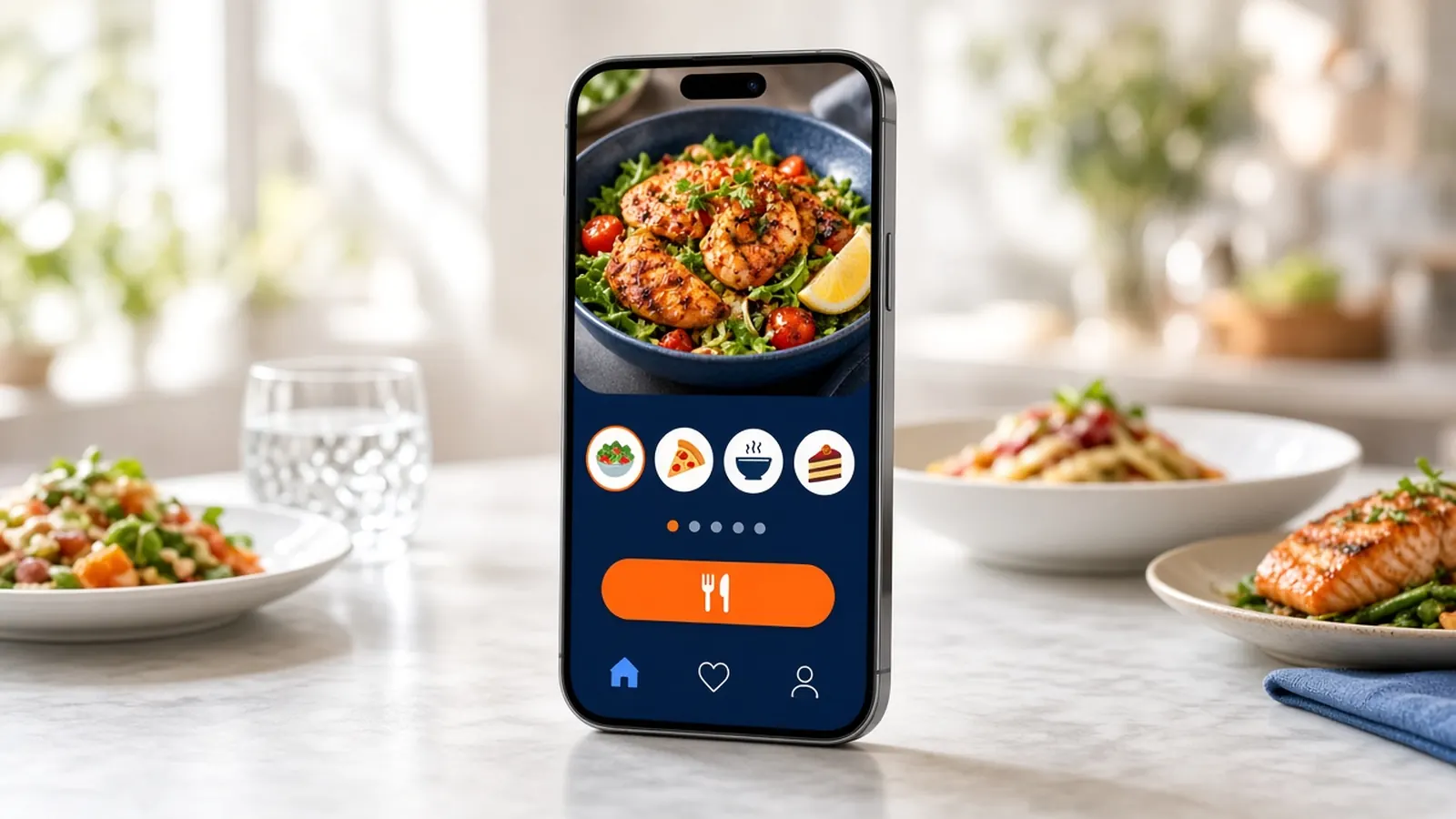
White label means the guest sees you
A white label restaurant app is an ordering app that wears the restaurant, not the vendor's consumer brand. The icon, the photos, and the checkout are yours. The vendor can still run the machinery. The guest should not have to learn the vendor's name to get a meal.
That is different from a marketplace app with your logo dropped on a tile. A tile is a listing. An app is a door you asked them to install. If they install it and land in a mall, you paid for the wrong metaphor.
It is also different from a mobile website, which can be fully branded and needs no install. The website is the default. The app is a commitment from the guest. Do not skip the default because the app demo looked polished.
What belongs in the app
The menu you actually sell, including sizes and toppings, not a simplified twin. Accounts and saved orders, because the install is pointless if the second order is slower than the website. Payment on a path you trust. Loyalty that matches the website, so points are not a different currency in the icon.
Push notifications for a real note: a special you can cook, a closure, a Friday you planned. Push is on the Growth iOS app. It is not a reason to message people daily. A white label restaurant app that buzzes every afternoon will be deleted, and deletes are quiet.
The kitchen ticket has to match the website's ticket. If the app is a second language at the pass, staff will resent the guests who use it. Menu sync and the same printer are the standard to insist on.
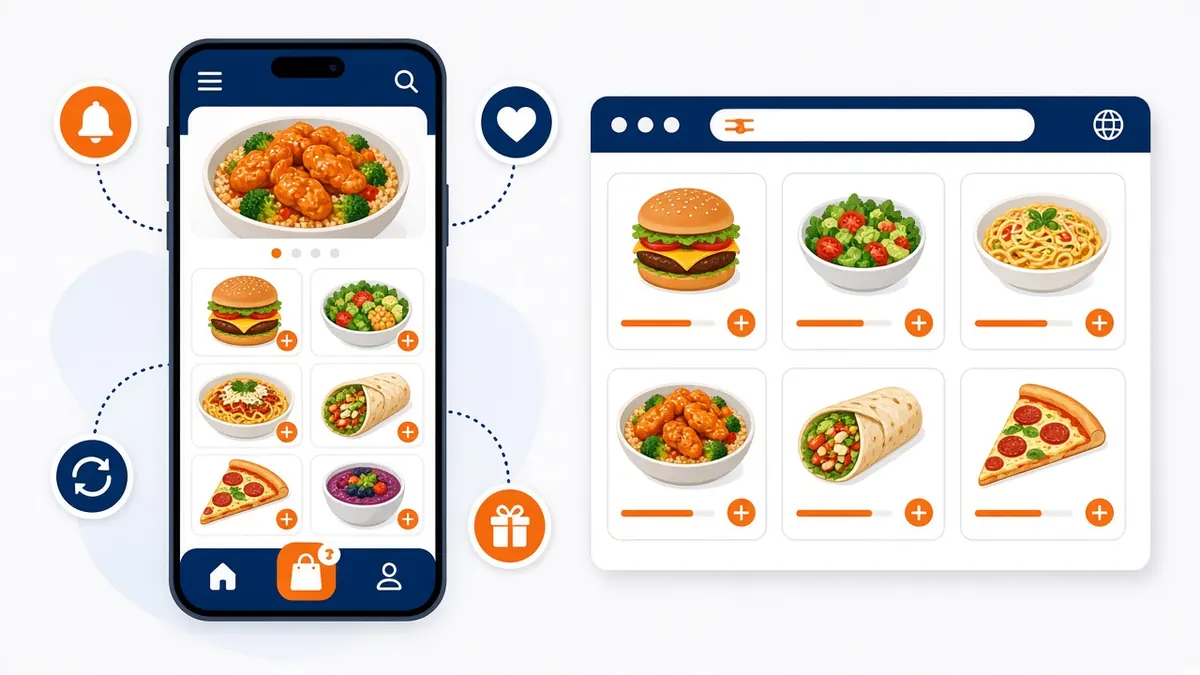
When you need more than the mobile site
You might need the app when regulars are on iPhones, they already reorder, and you have something worth a notification a few times a month. You might need it when you want the icon on the home screen because that is how your guests think. Those are practical reasons.
You do not need it to look modern. A fast mobile site with a visible order button is modern. You do not need it because a salesperson said websites are over. Phones open websites all day.
Wait until the site's tickets are boring, in the good way. A white label restaurant app amplifies the menu you have. If the menu is wrong, the app ships the wrong menu to a place guests expect to be polished.
- Your logo and your menu, with the real modifiers.
- Reorder and loyalty that match the website.
- Push used rarely and specifically.
- The same printer as web orders.
- A mobile site that still works for everyone else.
What to ask before you brand an icon
Whose name is on the store listing? How do updates ship when the phone vendor changes the rules? Can a guest order if they refuse the install? What happens to accounts if you leave? If the vendor cannot answer, the white label is a sticker on a product you do not control.
On MicroSky Food the answers we publish are specific: native iOS, your logo, App Store submission and maintenance included on Growth, website ordering included on every plan, qualifier of 3 months on Standard. Ask anything beyond that before you advertise it. Do not invent a feature in the app store description.
Compare the fee to the website plan, not to a fantasy agency. You may already be paying for the site. The app is the upgrade, not a second company.
Roll it out after the site has regulars
Spend the Standard months getting the link onto the box, the Google listing, and the counter script. How it works is the start. When Growth is available and the menu is calm, turn on the app for the guests who want it. Tell them it is the same menu, plus a home-screen icon.
Do not turn off the website. A white label restaurant app that replaces the link in your bio will strand every guest on a different phone. Keep both doors branded as you.
Judge it by reorders and by whether the kitchen notices a new ticket style. If the kitchen notices, stop and fix the ticket. The icon can wait.