
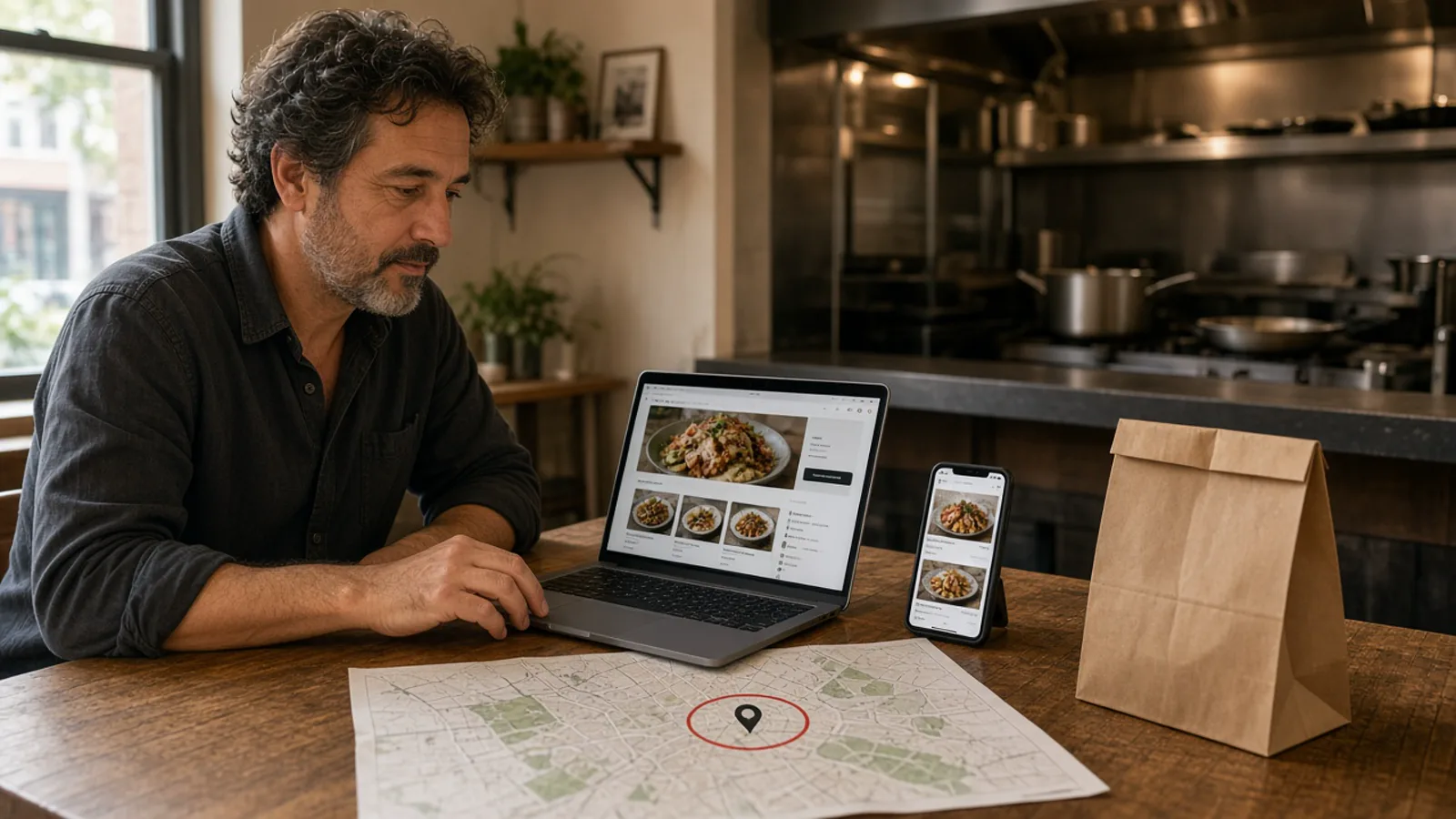
What an online food ordering and delivery platform has to do
Owners who search for an online food ordering and delivery platform want the next meal without handing the guest to someone else's app. A person on a phone should see your name, choose pickup or delivery, pay, and produce a ticket the kitchen will cook. A PDF, or a button that hops to a marketplace, is not that job.
Restaurant-owned means the checkout address is yours: your domain, your photos, your prices, and an account that reorders from you. How the wizard scans and builds the site is restaurant website builder. Stay here for pickup, delivery, and whose checkout it is. The live cart and printed ticket are on demand food delivery platform. If a platform cannot sell a pie with half and half toppings and close the cart when you lock the door, it is the wrong one.
Marketplace apps keep the guest
DoorDash, Uber Eats, and Grubhub can introduce a stranger. They also list you beside other kitchens, and they often charge 15 to 30% of the sale. The app keeps the habit. You keep the bag. You do not have to delete those apps on day one. Give the reorder a door you own once a test ticket looks right, and leave the apps for people who will only order there.
Points accrue on storefront purchases on every plan, and you set what they are worth. A marketplace receipt does not build that list. Accounts and the cart are part of online ordering.
ChowNow-style services, compared without a fake fee table
ChowNow is widely sold as first-party ordering. The guest checks out under the restaurant's identity, not inside a marketplace. That is the same job as this page. Do not invent its prices. Ask ChowNow for a dated quote, then read it next to a published plan.
Compare launch time, whether you keep your card processor, whether the ticket prints on the printer you trust, and whether the monthly is public. The longer scorecard is ChowNow alternative. MicroSky Food's wizard is aimed at about 10 minutes. Bring Stripe, Authorize.net, or Electronic Payments. Apple Pay is available on Growth and Growth Plus plans, through Authorize.net. Admin runs in a browser, and orders print to the printer you have or to the optional $500 hardware package. Keep the old site up until the new ticket is boring.
Pickup and delivery without a fleet
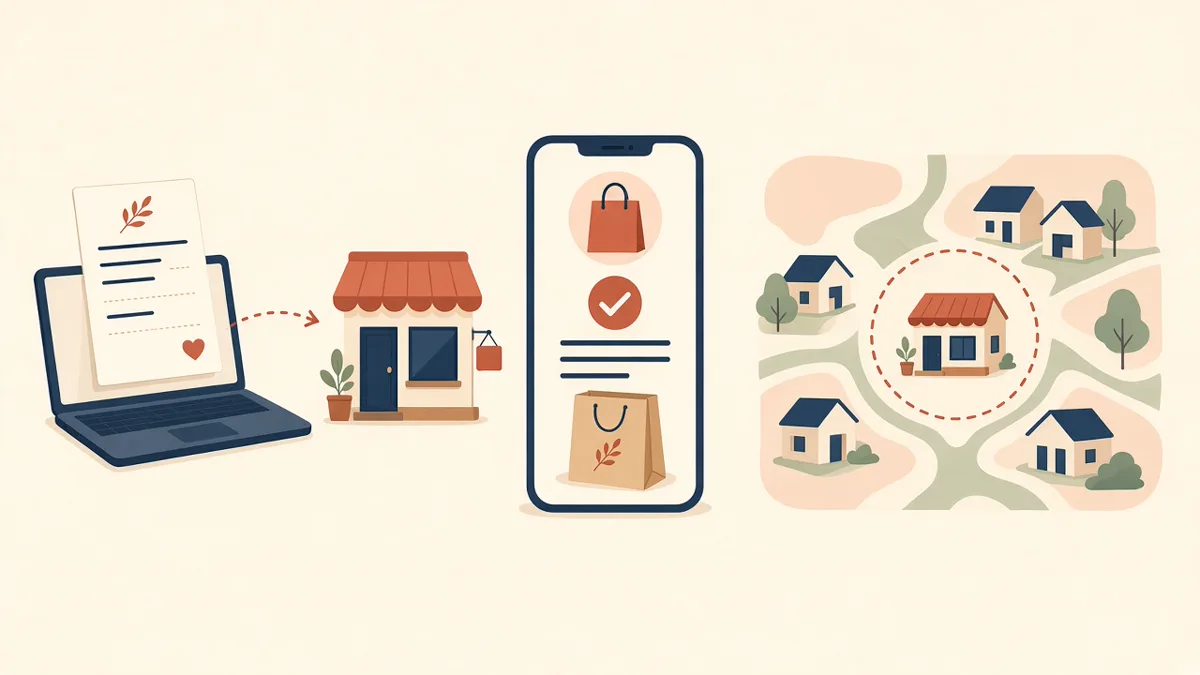
Delivery means the guest can choose it, see a zone you defined, and pay a fee you set. MicroSky Food does not dispatch drivers, run a fleet, or offer geofencing. A vendor who leads with cars is selling a different product.
Zones, radius, and the fee
You define where you deliver, down to the mile, and what it costs. Radius and zones cover the usual case, for example free delivery within 4 miles and a fee past that, or no delivery past a road you will not cross. The guest should see the limit before they pay.
Pickup stays obvious for the regular already in the car. If a dish will not survive the ride, leave it off the menu you publish. Pickup and delivery share that menu. How many items to publish is small restaurant menu.
Hours that close the cart
Ordering opens and closes with the hours you posted. A shop that locks the door at nine should not take a midnight delivery. Update the hours for a holiday. The same hours apply to pickup and delivery. Staff see the order in restaurant admin with the other live tickets. Someone on the shift needs a login that is not the owner's password. If the ticket does not print, fix the printer before you advertise the zone.
Menu import, your domain, and the branded storefront
The wizard can scan an existing website and import menu items, prices, modifiers, and images, then put the branded storefront on your own domain. WooCommerce, Slice, ChowNow, and 15 or more other platforms are on the published import list. Read every item. A scan is not a blessing.
Profile, menu, hours, delivery zones, and billing are the guided path. Most restaurants finish that the same day, often in under an hour. Photos and odd modifiers take the afternoon. How it works is the short version. Categories and the cart are online ordering menu. The site is mobile-first on every plan. A branded iOS app is not required for pickup and delivery. The app is on Growth and Growth Plus, after 3 months on Standard. Do not wait for an install before a guest can use a link.
What to put next to the quote
On Standard, choose $249 per month plus 5% of net sales, or $499 per month with no commission. Growth is $499 per month plus 7% of net sales. Growth Plus is $999 per month plus 10% of net sales. There is no long-term contract. The $500 hardware package is optional. Run last month's online sales through the percentage you would pick, and set it beside the 15 to 30% marketplace band and beside any ChowNow quote you asked for.
Ask whose domain the guest sees, whether the line can remove a sold-out item, and whether the order prints. An online food ordering and delivery platform that leaves the ticket in an inbox will not survive a Friday.
- A scan or import you then read item by item.
- Your domain on the checkout.
- Pickup, plus a delivery zone with a radius and a fee.
- Hours that close the cart when the kitchen is closed.
- A test order you pay, print, and can refund.
How to use the first week
On day one, start the trial and let the wizard scan. Draw the delivery zone to match the area you already serve, and turn pickup on. On day two, photograph the top sellers and place one paid pickup order and one inside the zone. On day three, fix the modifier that printed as a riddle.
Restaurants already on the platform are on the clients page. Questions go through contact. See a storefront in the live demo. Start 30 Day Free Trial. Call (888) 960-1359.