
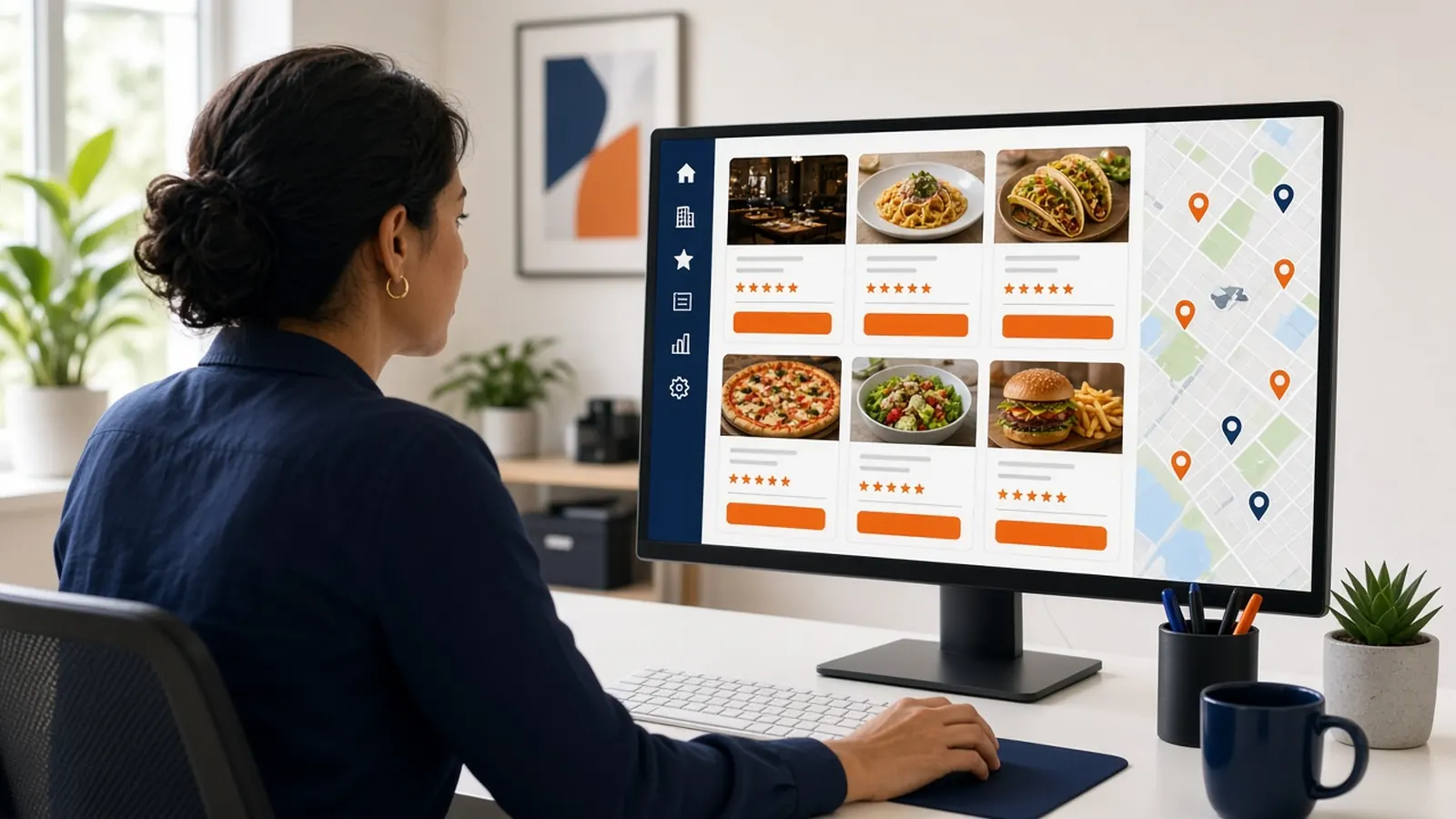
Consistency is not copy-paste
Google business profile optimization for restaurant groups starts with a rule: guests should recognize the brand and still reach the correct door. The name, the way you describe the food, and the fact that ordering happens on your site can match. The hours, the phone, the photos of that dining room, and the holiday closure cannot be cloned from a sister shop.
Copy-paste is how a Tuesday closure at one address shows up at another, and how a guest is sent across town. Optimization here means a checklist someone can run per location, not a single heroic profile.
Write the brand pattern down. For example, the name format, the primary category, and the sentence that explains ordering. Then write the fields that must be local. If it is not on the list, it will be improvised.
A checklist you can run per address
For each location: the public name, the category, the address pin, the local phone, the hours including holidays, photos from that kitchen's food, the description, and the order link. Open the guest view. Tap order. Confirm the menu is that shop.
Categories should be specific enough to be true. A pizza shop and a full dining room in the same group may not wear the same category. Google business profile optimization for restaurant groups is not a demand that every concept pretend to be the flagship.
Reviews stay with the location. Answer them from that shop. A headquarters voice that has never seen the complaint will sound like it. Give the local manager a boundary: be kind, be brief, do not argue, and fix the hours if the review is really about a wrong clock.
- Name and category pattern.
- Local phone and hours.
- Photos from that location.
- Order link to that location's storefront.
- A logged-out tap test.
- A named person who can edit, and a second person who checks.
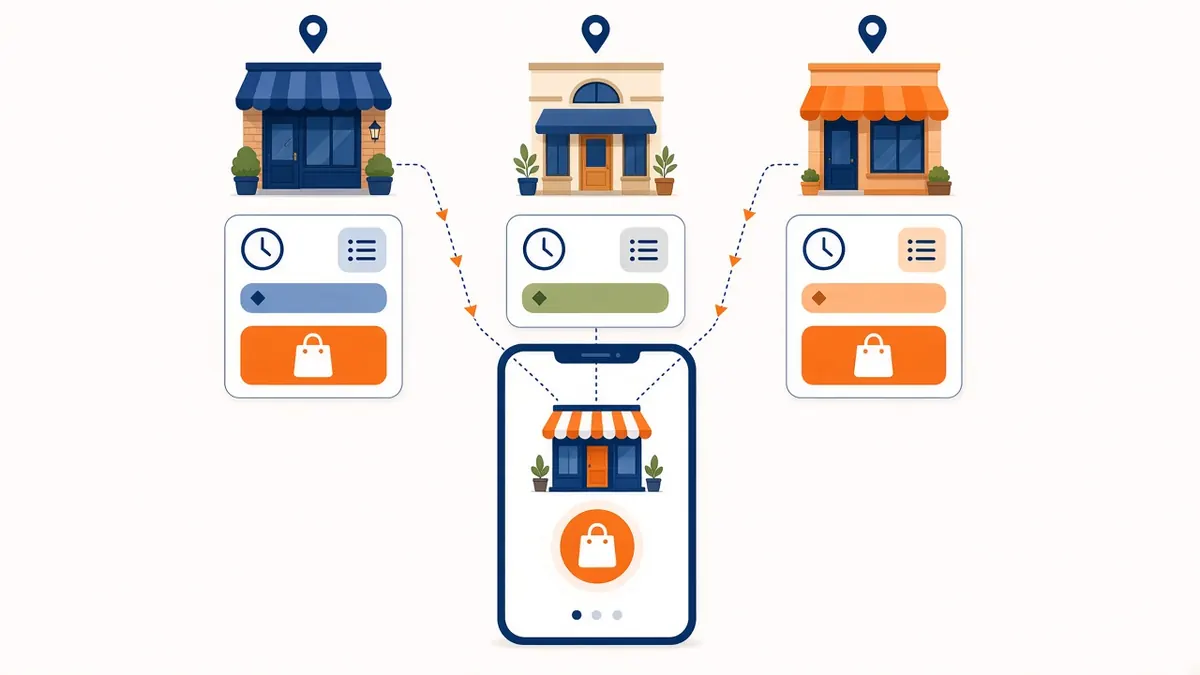
The order button is the group risk
One wrong button scales. If a vendor sets every location to the same marketplace, you have optimized nothing. You have leased the brand's intent. Point each button at the storefront for that kitchen once that storefront prints a clean ticket.
MicroSky Food's piece is the order link on the listing, not a promise that we log into every group's Google account and babysit it. Someone on your side still owns the profiles. The monthly tap test is yours.
When a shop closes for a private event, change that listing the same day. Group optimization is mostly speed of correction. The brand standard is what you correct toward.
Menus and hours across the set
Shared recipes do not mean shared availability. A special at one shop should not appear as if every address can cook it tonight. Keep each storefront honest, and keep each listing pointed at it. A PDF that represents the whole group will be wrong somewhere.
Hours are the field guests punish. Google business profile optimization for restaurant groups should include a holiday calendar with an owner. Do not rely on each manager to remember the corporate New Year plan.
If two shops share a kitchen, say so in the way the ticket is routed, not with a confused map pin. The pin should be where the guest is told to pick up.
A quarterly pass
Once a quarter, someone who does not run the location taps every listing. They record where the order button goes. They compare hours to the site. They note a broken photo or an old vendor logo. That pass is the optimization. The rest is maintenance when a manager changes something.
Do not add a tool layer you will not open. A spreadsheet with the URL of each listing and the date of the last tap is enough until the group is large. How it works is how each storefront gets stood up. The group problem is the list of storefronts.
Google business profile optimization for restaurant groups is finished for the month when a stranger in each neighborhood gets the right kitchen. That is a higher bar than a matching font, and it is the one that matters.