
A restaurant social media calendar is a week you can cook
A restaurant social media calendar is the next seven days, with a post only when the kitchen can back it up, and a link that opens the restaurant's own ordering site. This page is the weekly cadence, the post types, a slow day, and a holiday. What release notes version 1.3.0 records is how the Social Media Calendar works. The broader hire is restaurant marketing services. The do-it-yourself path is how to market a restaurant online.
Plan every post around the ordering site
Checkout should be on your domain, with your menu and your prices. DoorDash, Uber Eats, and Grubhub often charge 15 to 30% of that sale. The link in the bio, on the bag, and in the post should be the branded storefront. The storefront is on every plan. Standard includes an order link on the Google listing. Point it here after one paid test. The guest side is online ordering. A phone-friendly page is mobile marketing for restaurants. The listing and a partner on the block are how to market your restaurant locally.
A weekly cadence you can keep
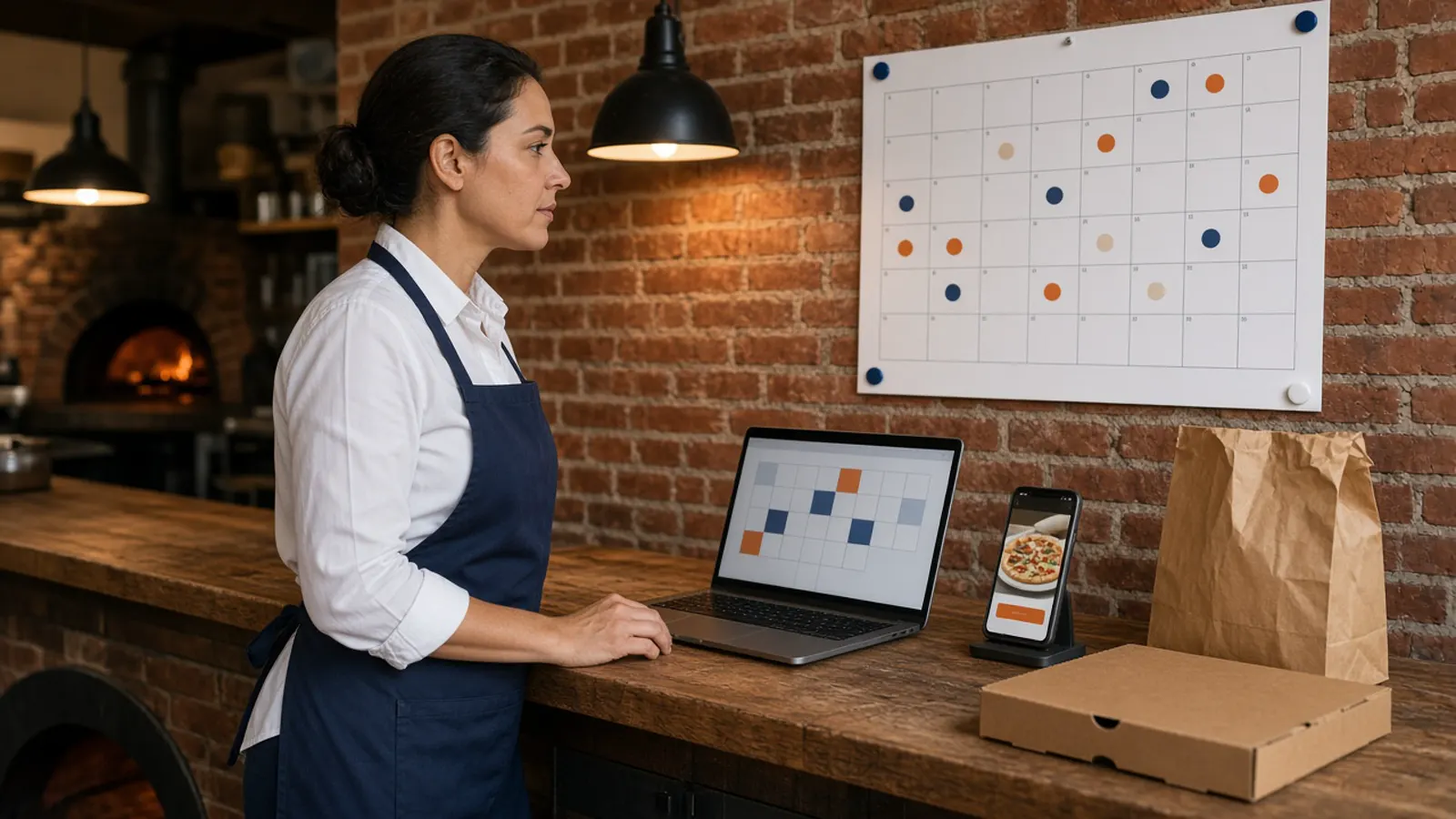
Three posts in a week is a cadence a small kitchen can keep. One shows a dish you can fire today. One names a slow period and a specific offer. One reminds people how to order, with the link. Add a fourth only for a close, a new item, or a holiday you already cook for. If Tuesday's photo is not shot, do not promise Tuesday's post. How to shoot the plate is restaurant food photography tips.
- Dish: one plate, one price, the order link.
- Slow day: a named weekday and an item the line can spare.
- How to order: the domain, pickup or delivery, and today's hours.
- Change: a close, a sell-out, or a holiday, only when it is true.
Post types that earn a square
A dish post needs the item on the menu that day. If you 86 it at 7, the post should not still be selling it at 8. Price changes and sold-out items belong in restaurant admin, where the storefront updates. The calendar plans the post. It does not put the item on the menu. An hours post names the date and whether online ordering is open. Spend the three squares on something a guest can order, or on a fact that keeps them from arriving to a dark door.
Slow-day promos
Pick the quiet period from your own tickets. The post names the weekday, the item, and the last time to order. A discount you cannot afford is not a promo. A plate the prep list already covers is. Put it on the calendar the week before, with the storefront link. Plate ideas by daypart are restaurant specials ideas. This page does not repeat that list.
Holidays on the same calendar
A holiday post is a date, a plate you already know how to fire, and a note on hours, including whether pickup and delivery are open. Write it early enough to prep. A photo that hides a closure fills a room you cannot serve. Month lists live on November food holidays. Drop the date onto this week, then go back to three posts.
How done-for-you marketing handles the calendar
On Growth Plus, social media marketing is included and built around this calendar. Planned posts sit in restaurant admin, the same login as live orders and the menu. Email and text to guests who ordered on your site are on that same plan. The calendar does not send those campaigns. Google SEO is on both Growth and Growth Plus: 5 keywords a month on Growth, 10 on Growth Plus, after 3 months on Standard. The work is keyword research, on-page optimization, content recommendations, and performance tracking. Growth does not include social media marketing. Push to branded iOS app customers is on Growth and Growth Plus. There is no published Android app. Marketing campaign analytics are on Growth Plus for the campaigns on that plan. The release notes do not say those reports score one planned post.
The same posts can fill seats
Done-for-you marketing also drives in-store traffic, not only online orders. A guest who sees the dish or the hours can walk in. MicroSky Food takes no percentage of in-store sales. The percentage applies to net online sales through the storefront and the app. The restaurant keeps those in-store sales in full. A walk-in plan you run yourself is how to increase foot traffic in a restaurant.
What this calendar will not do
MicroSky Food does not geofence a block, dispatch a driver, or sync with a dining-room register. The release notes do not describe a post that publishes itself to a named network. A 30-day free trial stands up the storefront. It does not replace the 3 months on Standard, and it does not start social, email, or text.
What the plans cost
On pricing, Standard is $249 per month plus 5% of net sales on online orders, or $499 per month flat. Only that flat Standard option leaves off the percentage. Growth is $499 per month plus 7% of net sales on online orders. Growth Plus is $999 per month plus 10% of net sales on online orders, after 3 months on Standard. There is no long-term contract. Hardware, if you need a mini PC print server and a receipt printer, is $500 one-time. The service list, with social on Growth Plus only, is marketing.
Write one week, then point the link
Start the 30-day free trial and stand up the storefront before you schedule a month of posts. The wizard covers your profile, menu, hours, and billing, and a storefront can be up in about 10 minutes. Place one paid test. Then write three posts that use that link.
Setup is how it works. Restaurants on the platform are on clients. Questions go through contact. The guest side you can click first is the live demo. Start 30 Day Free Trial. Call (888) 960-1359.