
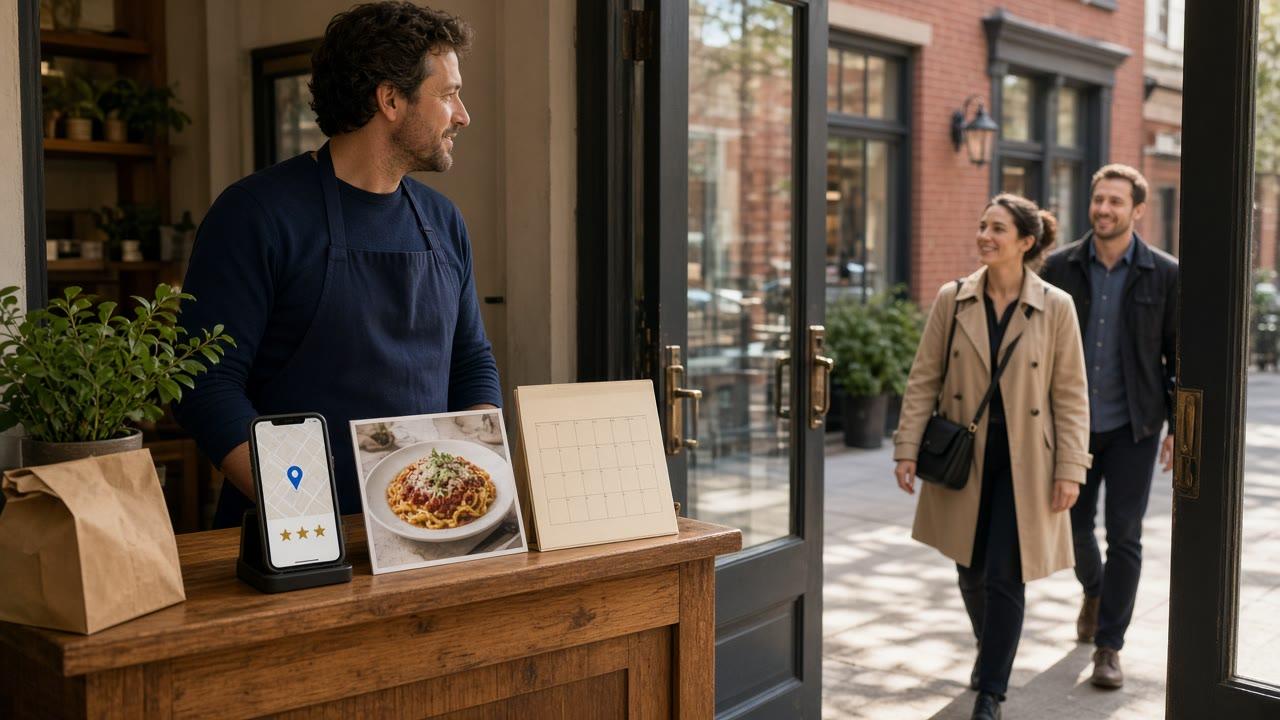
How to increase foot traffic in restaurant dining rooms is a door problem. A walk-in is a person who sits down, orders from a server, and pays the restaurant. That visit is not the same job as raising online sales, and it is not the same job as a marketplace order that never sees the dining room.
The wider neighborhood plan, partners on the block and a sign-up at the counter, is how to market your restaurant locally. Channels you run yourself all year are how to market a restaurant online. Stay here for the listing tools that make someone walk in: a Google Business Profile post, a photo of the room and the plate, a review about the visit, and a local event the block can see.
A Full Dining Room Is Not an Online Sales Chart
Foot traffic is the guest who chooses your door. A higher delivery total can happen on a night the dining room is empty. Treat those as two numbers. This page is about the chair, not a general plan to increase restaurant sales.
Nobody honest can promise a percent lift in walk-ins. What you can do this week is make the listing tell the truth about a visit, then give nearby people one reason to come in. If the reason is a dish, the kitchen has to fire it. If it is a night, the floor has to seat it.
If you run more than one shop, each listing needs the hours, the photos, and the event for that room. A headquarters login does not fix a west-side door. The location checklist is Google Business Profile optimization for restaurant groups.
Start With a Listing a Stranger Can Trust
Most walk-ins meet the Google Business Profile before they meet the host stand. Name, category, address, phone, and hours have to match the door. Wrong hours invite someone to a locked entrance.
Open the listing on a phone that is not logged into the account you edit with. If the order action opens a marketplace, that button sends people away from your door. Where it should go is MicroSky Food Google Business Profile ordering.
Standard includes Google Business Profile order links. The link should open your branded storefront: the menu, the cart, and the hours. It is not a second checkout inside the listing. Set it after a paid test ticket looks right. The site it should open is online ordering. When a dish is gone, 86 it in restaurant admin so the page the listing opens does not sell a plate you cannot fire.
Hours on the Glass and Hours on the Map
Change the door and the map the same day you close for a private event or a holiday. A guest who walks over because the map said open will leave.
The phone on the listing has to be answered during the hours you publish. A busy signal already told that caller you were closed.
Posts That Name a Reason to Come In This Week
A Google Business Profile post is an update you publish on the listing. Use it for a visit, not a slogan. A lunch plate you can serve at a table, or a dish that is only on the menu through Sunday. One post, one photo of that plate or that room, and a last day the floor can honor.
Write it the way the host would say it. Thursday lunch is the roast chicken, in the dining room, while it lasts. Skip a post that only makes sense inside an app. Say whether they should walk in or call for a table.
MicroSky Food does not publish those Google posts for you. The post is your update on the listing. What the product does include is the order link on that listing, on every plan, and monthly organic SEO on Growth and Growth Plus. The buyer page for that done-for-you work is restaurant marketing services.
Keep the Offer Inside What the Floor Can Do
If the post promises a table and the book is full, say so or take the post down. If the special runs out, stop pointing people at it.
A coupon on your checkout can discount an online order. It does not seat anyone. Do not make the Google post a code that only works inside a marketplace app.
Photos of the Room, the Plate, and the Door
People decide whether to walk in from pictures. Shoot the dining room in the light guests will see, the plate as it leaves the pass, and the entrance so they can find the door. A stock platter of food you do not cook teaches the wrong visit.
A phone photo of tonight's plate beats a perfect photo of a dish from last year. Replace a photo when the room changes or that plate leaves the menu. How to shoot the food is restaurant food photography tips. The site the order link opens should show the same room.
Reviews That Talk About the Visit
Ask a person who just ate in the room. A short request is enough: if the visit was good, the listing is where other people decide. Do not script a star count, and do not buy reviews.
Reply like a person, about the thing they mentioned. A fight in public is a reason to pick the place next door.
MicroSky Food does not post those replies. The reply is yours. MicroSky Food takes no percentage of in-store sales. The percentage on a plan applies to net online sales.
Local Events That Fit the Room
A local event gives people who are not regulars a reason to pick your door on a known night. A neighborhood supper, a holiday the block already celebrates, or lunch for the office next door. It has to fit the seats and the kitchen.
Put the date, the hours, and whether they should call on the listing, not only in a group chat. Put the same line on the window. People who do not follow you still search the map.
A code inside a delivery app does not fill a chair. If the night also has a pickup special, the order link should open your site. DoorDash, Uber Eats, and Grubhub often charge 15 to 30% of the sale. The walk-in check stays yours in full.
Done-for-You Marketing Can Point People at the Door
The listing work above is yours on every plan. Growth and Growth Plus add done-for-you marketing that also drives in-store traffic. Google SEO is on Growth and Growth Plus. Social, email, and text marketing are on Growth Plus only. Details are on marketing and pricing.
Growth is $499 per month plus 7% of net online sales, after 3 months on Standard. Monthly organic SEO there is 5 keywords: keyword research, on-page optimization, content recommendations, and performance tracking in your dashboard. Growth Plus is $999 per month plus 10% of net online sales, after those same 3 months, with 10 keywords plus email, text, and social media marketing.
Social media marketing uses the Social Media Calendar in restaurant admin, where planned posts sit on a calendar you can see. Release notes do not say a planned post publishes itself to a network. That calendar is not a substitute for the Google post about tonight's table.
Standard is $249 per month plus 5% of net online sales, or $499 per month flat. Only that flat option leaves off the percentage. It includes the branded site and Google Business Profile order links, not the monthly keyword work, social, email, or text. A 30-day free trial does not replace the 3 months before Growth. MicroSky Food takes no percentage of in-store sales. A guest who walks in is revenue you keep in full.
What This Will Not Do
It will not seat a guest your room cannot hold, and it will not ping a phone because someone walked past. MicroSky Food does not offer geofencing, driver dispatch, kiosks, gift cards, or table ordering. It also does not guarantee a map rank. Growth can show page rankings, organic traffic, and Core Web Vitals scores. Those are readings, not a promised position.
One Week of Walk-In Work
This week, read the listing logged out and fix any hour that disagrees with the door. Add one photo of the dining room and one plate you serve at a table. Publish one post with a last day the floor can keep. Reply to reviews that mention a visit. If you have a real event, put the date on the listing and the window.
Then point the order link at your own site and place one paid test. Restaurants already on the platform are on clients. Setup is how it works. Questions go through contact. The guest side you can click first is the live demo.
Hardware, if you need a mini PC print server and a receipt printer, is $500 one-time. There is no long-term contract. Start 30 Day Free Trial. Call (888) 960-1359.