
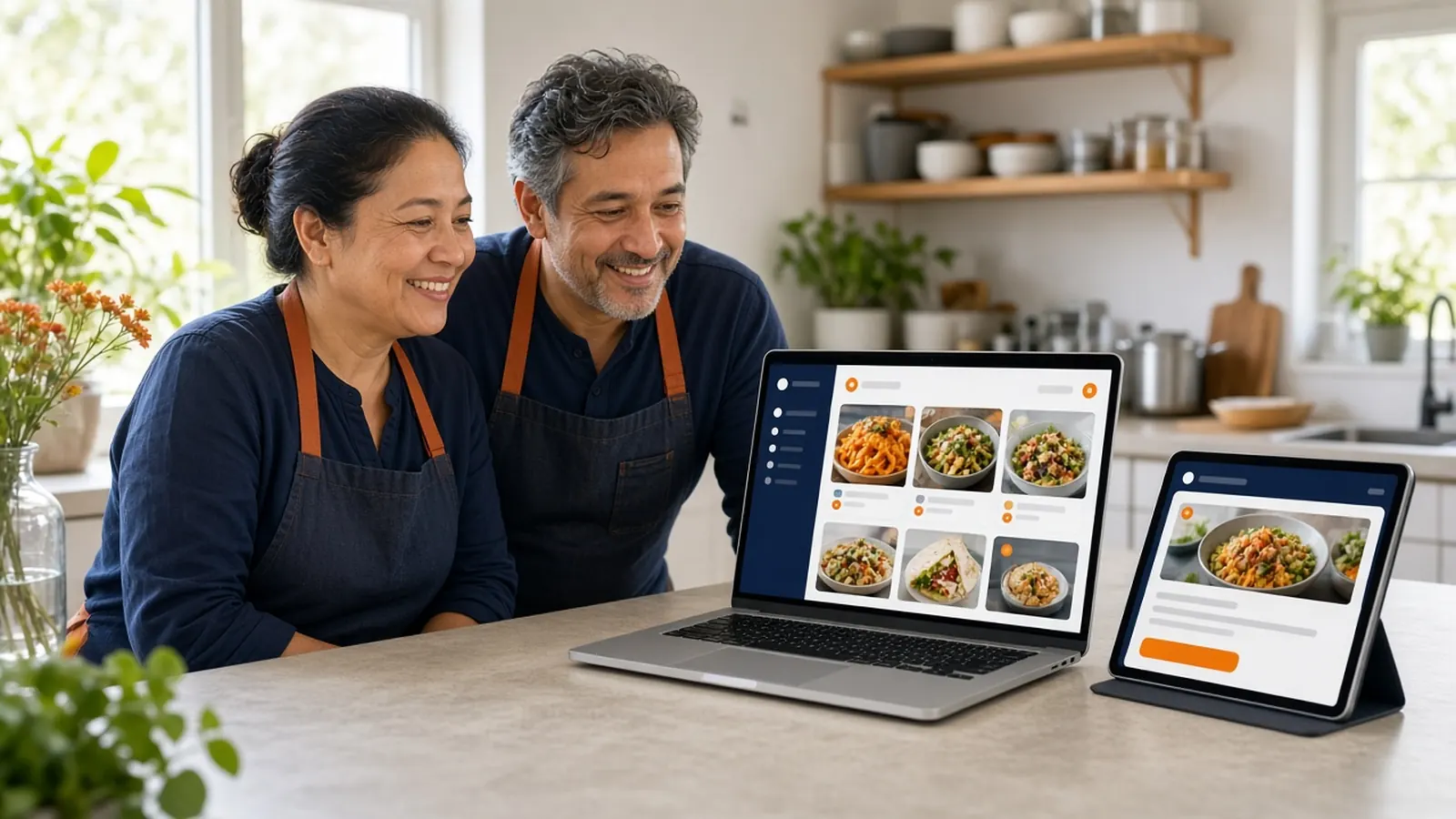
Restaurant first, small business second
Search results for an online ordering system for small business often show tools built for any counter that sells anything. A restaurant is pickier. You sell modifiers, you close at a real hour, you deliver inside a distance you can drive, and the kitchen needs a ticket instead of an email. If the system cannot do those, it is not small. It is incomplete.
You also do not need an enterprise suite because you are independent. You need the order to land, the money to be yours, and the guest to be able to come back without a marketplace in the middle. That is a short list. Guard it.
Keep the decision on food service. Retail shipping rules, appointment books, and generic coupon plugins will waste a week. If a feature does not help a guest get a meal, it can wait.
What day one actually requires
A menu of the items you sell this week, with the choices that change the plate. Hours that match the door. Pickup, and delivery only if you can define where you go. A card path: your Stripe account, Authorize.net, or Electronic Payments. A printer the line already trusts, or a plan to buy the $500 package.
A test order from your own phone, paid with a method you can refund. Read the ticket at the pass. If you would hand that ticket to a new cook, you are live. If you would not, you are still setting up, even if the website looks finished.
Accounts and loyalty can be on from the start because they are part of the storefront, but you do not have to advertise them on day one. Get one clean ticket first. Then tell a regular.
Setup time, without the fantasy
The onboarding wizard walks through the restaurant profile, the menu, hours, delivery zones, and billing. It can scan an existing website and import items and prices. Plan on the wizard being the short part. Plan on the afternoon for photos, the weird modifiers, and the argument about whether that special is really available on Sundays.
Most restaurants are in a position to take an order the same day. That is not the same as every photo being art. Ship the accurate menu. Improve the pictures after the first real orders, when you know what people tap.
Staff need ten minutes, not a training retreat. Where the order appears. How to 86 an item. Who can refund. Write those three on a card next to the printer. An online ordering system for small business that needs a consultant to take Tuesday lunch is the wrong size.
- Menu, hours, pickup or delivery zone.
- A processor you recognize on the statement.
- One printer, one test ticket.
- Three staff notes: where, 86, refund.
- The public link only after the test looks right.
Fees a small restaurant should compare
Compare the monthly plan, the percentage, the hardware, and the contract. MicroSky Food is $249, $499, or $999 per month plus 5%, 7%, or 10% of net sales. The higher plans add an iOS app, SEO work, and on Growth Plus email, SMS, and push. They require 3 months on Standard. There is no long-term contract.
Set that beside marketplace fees, often 15 to 30%, and beside any other system that quotes you a blended rate. Ask what net sales means. On this platform it is storefront orders after refunds and voids. A small check makes a high percentage hurt faster, which is why regulars belong on your site.
Ignore a price that is only free until you want your domain, your guest list, or a printer. Cheap on the slide and rented in the terms is still expensive. Read the cancellation line before you import the menu.
The first week after day one
Tell the guests you already know. Put the link on the Google Business Profile and on the bag. Leave other channels up for strangers. How it works is the setup story. Your job in week one is a handful of real orders that the kitchen did not hate.
Fix the menu from those tickets, not from a brainstorming session. The missing modifier will introduce itself. Add it. The item nobody orders can leave the homepage of the menu even if it stays in the back.
At the end of the week, decide whether the phone still needs help. Sky AI can answer inbound calls later, from Admin, under Integrations. You do not have to turn on every feature to say you have an online ordering system for small business. You have it when a guest can pay you on your site and the food comes out.