
What geofencing for restaurants is
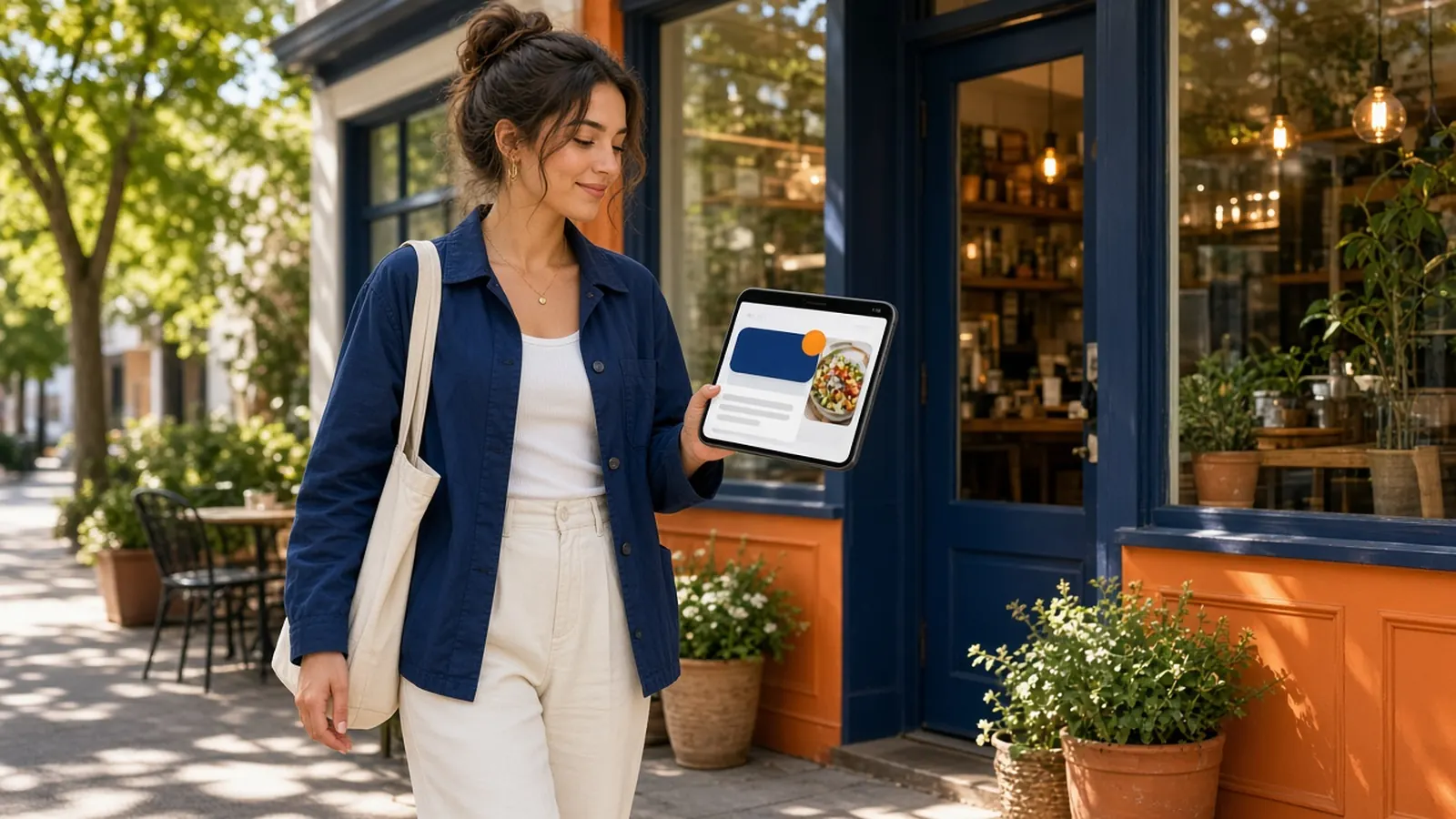
Geofencing for restaurants draws a boundary on a map. When a phone that has opted into the right app crosses it, the guest can get a notification. The idea is a nudge at the moment of proximity: you are close, come in. It sounds like a bell over a door, extended down the block.
The dependencies are heavy. The guest needs the app. The guest needs location permission, which people increasingly refuse. You need enough of those guests walking through the fence to justify the setup. A national brand can borrow an app people already installed. A single dining room usually cannot.
There is also a courtesy problem. A ping because someone drove past on the way to something else feels like surveillance, even when it is legal. Regulars who like you may still dislike being tracked for a coupon.
Why the fence is a weak fit for one shop
Your best guests are not a mystery wandering the radius. They are the Friday family, the weekday lunch, the office that orders trays. You do not need to detect them. You need to be easy to reorder and worth a message when you have something real to say.
Geofencing for restaurants also ignores the kitchen. A blast because the map is busy at noon can fill a line you cannot plate. A message you send on purpose, to a list, at a time you chose, is a service decision. A fence is a sensor.
If a vendor bundles geofencing inside a large marketing suite, ask what remains after you decline that feature. Do not buy a platform for a fence you will not have the installs to feed.
The list you can actually use
Every storefront order can create an account. That account is someone who already paid you. Loyalty points give them a reason to use it again. This is the list. It is not everyone in a mile. It is everyone who raised their hand by ordering.
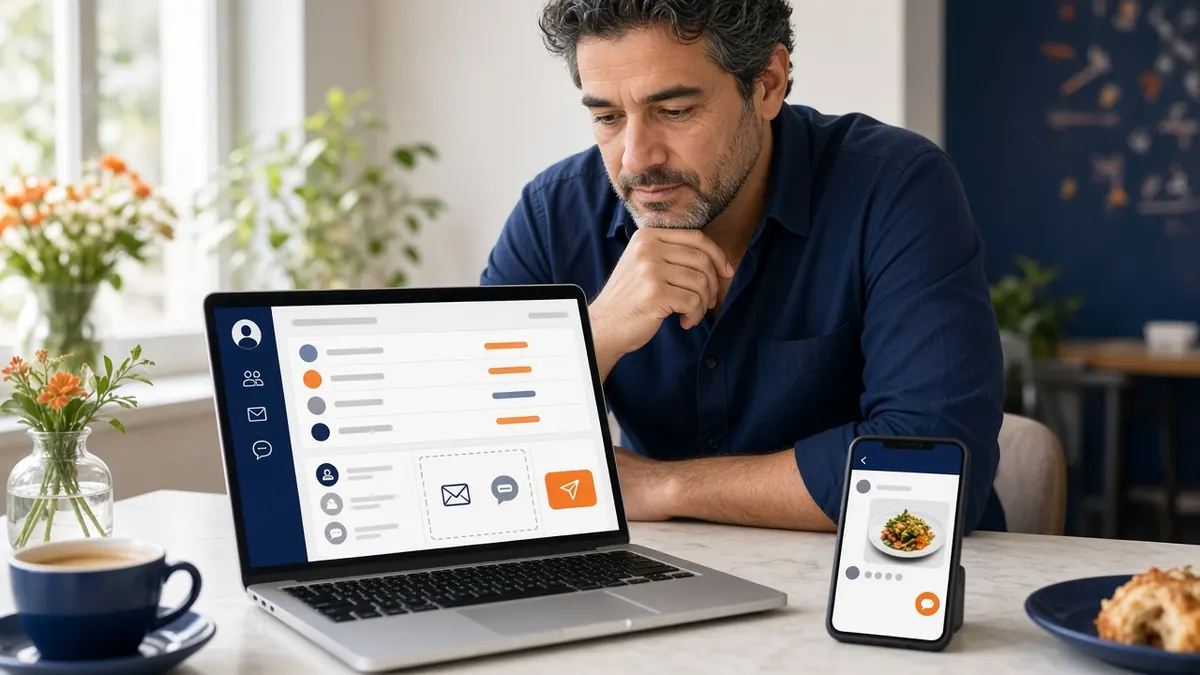
On Growth Plus you can email or text that list, segment it, and see campaign results. Use it like a sandwich board you control: a special you can cook, a closure, a Friday you planned. Rare and specific beats a ping every time they are geographically convenient.
Until you are on that plan, you still have the accounts, the Google order link, the box, and the counter sentence. Geofencing for restaurants is not the missing piece in month one. A visible link is.
- MicroSky Food does not offer geofencing.
- Accounts come from orders on your site.
- SMS and email campaigns are Growth Plus.
- iOS push is Growth, after 3 months on Standard.
- Send fewer messages, about real food.
A message that respects the guest
Write as the shop, not as a billboard. One item, one day, one way to order. Include the link to your site so the order does not detour through a marketplace. If you cannot say why today, do not send.
Honor quiet. A list that gets three texts a week will shrink, and the people who leave are often the regulars you wanted. Geofencing for restaurants has the same risk, faster, because the trigger is someone else's movement.
Keep marketplace apps out of the message. You are spending the message to bring them to your door. Do not hand them back to a grid.
Decide with a simple test
Ask whether you have an app install base that already shares location. If the answer is no, geofencing for restaurants is a brochure feature. Build the site, the reorder, and the list. How it works is the site. Growth Plus is the campaigns, later.
If you already bought a fence somewhere else, judge it by orders you can trace, not by pings sent. Pings are not meals. If you cannot see the meals, turn it off and spend the attention on the list.
The alternative is less magical and more edible. People who have ordered, hearing from you on purpose, ordering again on your URL.